Smartphone Platform Guide
Android vs. iOS: Key Differences and How to Choose
Android offers multiple manufacturers and a wide range of hardware options; iOS is Apple’s software experience for the iPhone. The more appropriate platform depends on the specific phone, required applications, existing equipment, budget and long-term support needs, rather than a one-size-fits-all answer.

Quick Reference
Let’s compare these key points first
| priorities | Need to compare |
|---|---|
| Hardware and budget | Specific model, capacity, maintenance and remaining support for the same price range. |
| personalization | Desktop, notifications, default apps and vendor differences. |
| Software updates | System upgrades, security patches and feature qualifications for exact models. |
| Privacy and security | Permissions, updates, account recovery, application sources and usage habits. |
| Existing equipment and services | Computers, watches, headphones, cars, cloud and must-have applications. |
| switching cost | Data, paid apps, subscriptions, accessories and learning costs. |
Overview
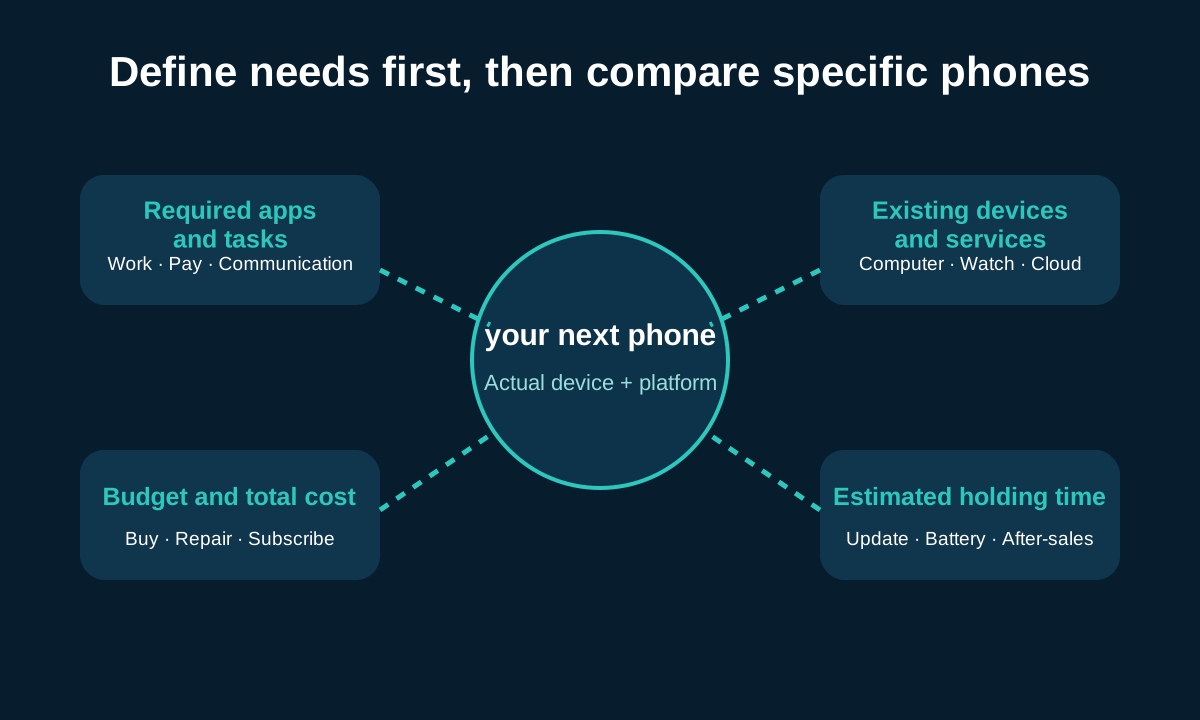
Determine your needs first, then compare mobile phones
- What applications and daily tasks must be supported?
- What devices and services are you already using?
- How long do you plan to use this phone?
First shortlist actual models with the same price, same capacity and similar condition, and then compare cameras, batteries and performance. Otherwise, one high-end model versus another platform’s entry-level model says nothing about the overall quality of the operating system.
Android
Operating system platform used by multiple manufacturers.
iOS
Apple’s operating system for the iPhone.
ecology
Devices, apps, accounts and services that work together.
Preferring a certain interface is a valid preference, but familiarity and personal aesthetics cannot be described as universal ease-of-use facts.
01 · Overall Difference
Android vs. iOS quick comparison
| factors | Android | iOS | Should be checked |
|---|---|---|---|
| Manufacturers and Hardware | Multiple manufacturers, wide range of price points and formats | iPhone series designed by Apple | Specific models, regional versions and capacities |
| Interface consistency | The basics are similar, but the manufacturer interface can be significantly different. | The experience is more consistent with iPhones of the same generation | Hands-on on candidate devices |
| personalization | Usually there are more choices, depending on the manufacturer | Support components, lock screen and some default applications | Specific items that must be modified |
| Application | Mainly widely used, functions may vary | Mainly widely used, functions may vary | Required applications, regions and purchase methods |
| Update support | Varies due to manufacturer and model | Determined by Apple’s supported devices | Remaining support and feature eligibility |
| Cross-device functionality | Provided by Google, vendors, Microsoft, or third parties | Integration between Apple devices is relatively centralized | Existing computers, watches and services |
| privacy control | Provides permissions and security tools, configurations vary from manufacturer to manufacturer | Provide system permissions and tracking control | App, cloud and account policies |
| Data migration | Receiving equipment and application determine scope | Supported transfer tools available | Initial settings, accounts and chat history |
The platform affects the overall experience; but cameras, battery life, cooling, maintenance, and many features are still determined by the specific device and service. Features exclusive to one Pixel or Samsung aren’t representative of all Android.
02 · Long-term value
Hardware options, pricing and long-term costs

Android’s multi-manufacturer structure brings a wider range of screen sizes, prices, foldable form factors, camera options and dedicated features. iPhone choices vary by model, capacity, generation and new, used or refurbished status.
total cost list
- Purchase price and storage capacity
- Required accessories and compatibility with existing accessories
- Cloud storage and ongoing subscriptions
- Battery replacement and repair costs
- Warranty and local service availability
- Remaining software support
- Actual market exchange or resale value
Resale value needs to be checked in conjunction with the exact model, device condition, market and ownership period, and cannot be inferred based on brand alone. A cheaper purchase price doesn’t necessarily translate into lower multi-year costs, either: insufficient storage, shorter remaining support, or difficulty repairing could trigger a replacement sooner.
03 · Daily operations
Ease of use, personalization and common controls
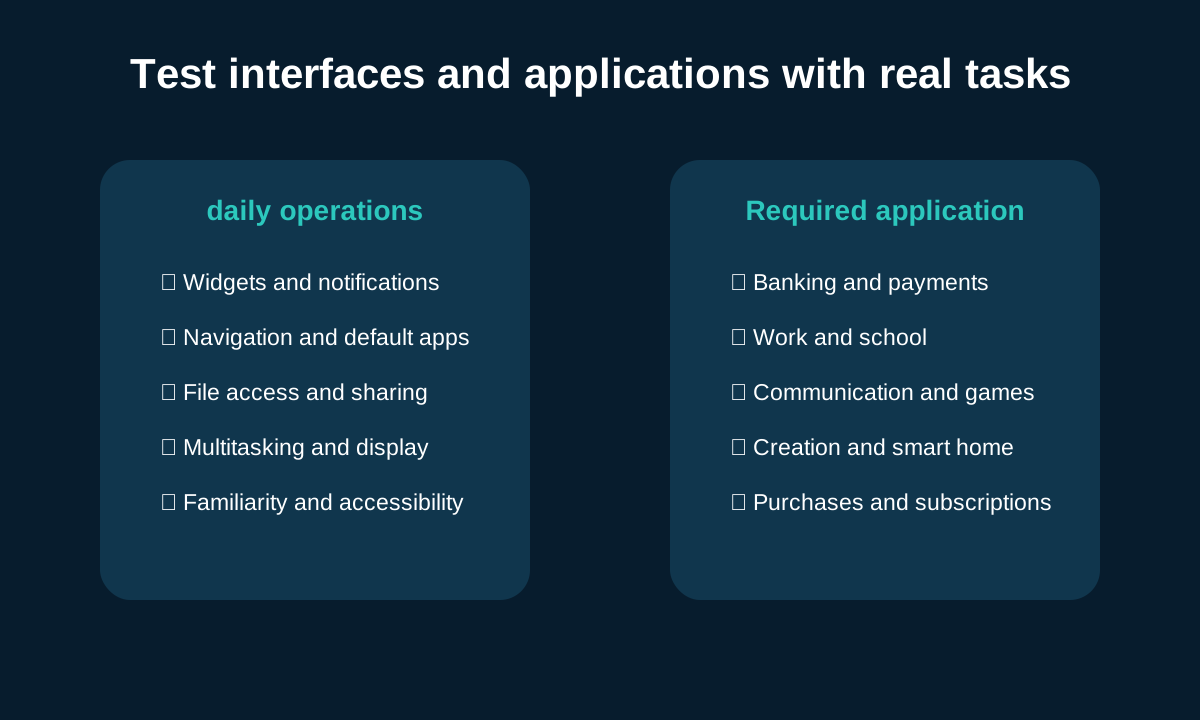
| Task | Android | iOS |
|---|---|---|
| Home screen and components | There are usually many layout and launcher choices, but they vary by manufacturer. | Supports components, libraries and lock screen personalization |
| Notification | Classification and manufacturer control may be more detailed | The system centrally manages display and summary behavior |
| Navigation | Gesture or key selection depends on device | Focus on system gestures and application structure |
| Default application | Often more categories can be changed | Supported default categories expand with system versions |
| Files and sharing | File access and sharing portals vary by manufacturer and application | Expand via Files app, share menu, and services |
| multitasking | Split screen and window capabilities depend on device form | iPhone focuses on fast switching, and its functions change with the device |
Personalization in Android is often influenced by manufacturer interface, launcher, and system version; iOS also already offers home screen components, lock screen, and supported default app selections. Familiar actions tend to feel simpler, so it’s best to test them: find settings, respond to notifications, share files, resize text, and open your most used apps.
04 · Software availability
Apps, app stores and essential services
Many mainstream apps serve both platforms, but availability, functionality, release cadence, purchase terms, and device requirements may differ. Google Play and Apple App Store are the main channels, and other distribution methods are affected by platform rules, region, system version and device configuration.
| Application category | Confirm before selecting |
|---|---|
| Banking and payments | Region, bank support, NFC and authentication requirements |
| work or school | Device Management, VPN, Certificates and Organizational Policies |
| Communication | Contacts, chat history, backup and multi-device support |
| game | Editions, Archives, Controllers and Cross-Platform Purchases |
| Creation tools | Project formats, plug-ins, cloud sync and export |
| Smart Home and Accessories | Models, firmware and advanced features |
App store purchases and in-app purchases generally do not automatically transfer across stores; subscriptions tied to separate service accounts may continue after logging in, but individual confirmation is required.
05 · Service life
Software updates and how long your phone lasts
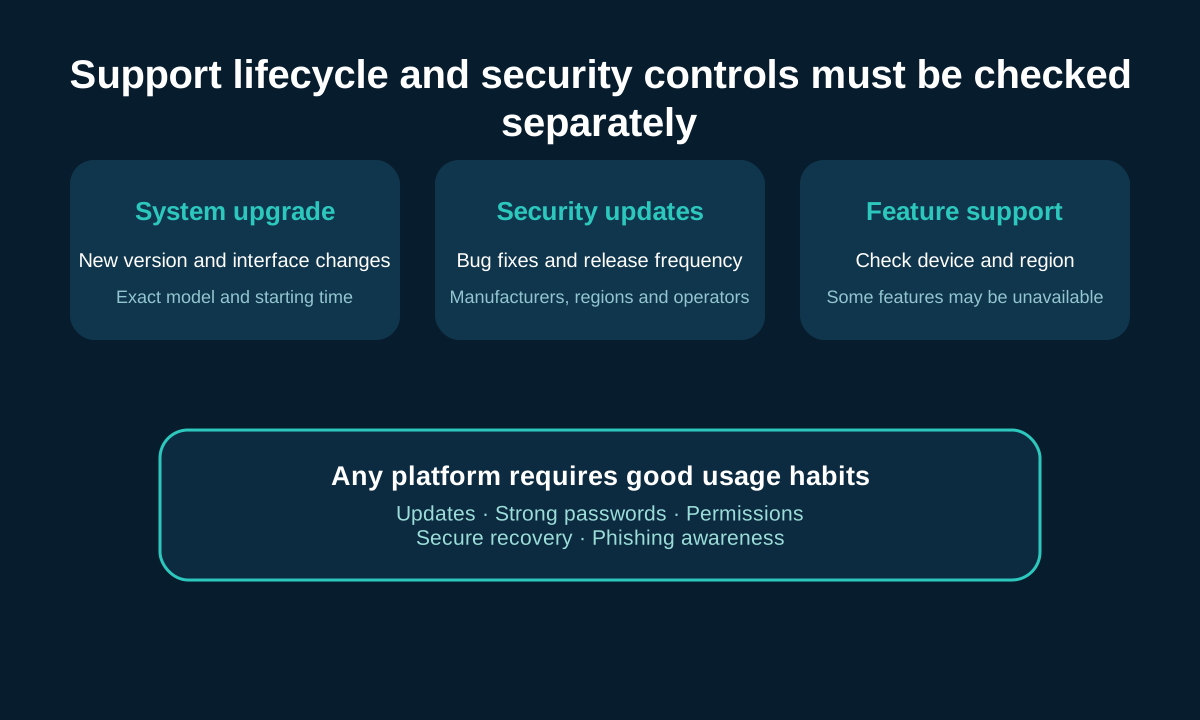
Update support consists of at least three issues: major operating system upgrades, security updates, and new feature eligibility. Getting a new system version does not mean that the hardware can run every feature of that version.
| support questions | important reasons | Query location |
|---|---|---|
| Exact model remaining support | Determine the risk during the holding period of the plan | Manufacturer’s official support policy |
| When does the support period start? | Different results for release day, sale day or activation day | Policy details |
| Security update frequency | Impact on vulnerability remediation speed | Official announcement and device settings |
| Regional or carrier differences | Release times may vary | Instructions from local manufacturers and operators |
| Hardware feature limitations | New features may require specific chips | Feature compatible device list |
Android support periods vary by manufacturer and model, and you can’t continue to use the outdated generalization that ”Android only has updates for two years.” Apple illustrates eligibility through a list of supported devices for each iOS version, nor should the number of years of support for a past model be considered a fixed guarantee for all future iPhones. Battery health, parts and repair access also affect usable life.
06 · Protect borders
Privacy vs. security: Comparing protections, not slogans
safeis to protect devices, accounts and information from unauthorized access;Privacyis to control how information is collected, used and shared. Operating system protection, application behavior, and cloud service policies must be reviewed separately.
system level
- App permissions and camera, microphone, location controls
- Device lock and biometrics
- App Review and Harmful App Detection
- Lost device, backup and account recovery
Any platform should implement
- Install available security updates
- Use strong device passwords
- Check permissions regularly
- Protect your master account and restore it
- Be wary of unusual links and login requests
Google Play Protect official descriptionIntroducing pre-app installation checks and device scans;Apple’s App Tracking Control InstructionsShows how users can review tracking permissions. Store filtering can reduce risk, but cannot guarantee that every app is absolutely safe. A permanent ”most secure” winner should not be declared without a clear threat model and evidence of current equipment.
07 · Equipment performance
Performance, camera, battery life and gaming
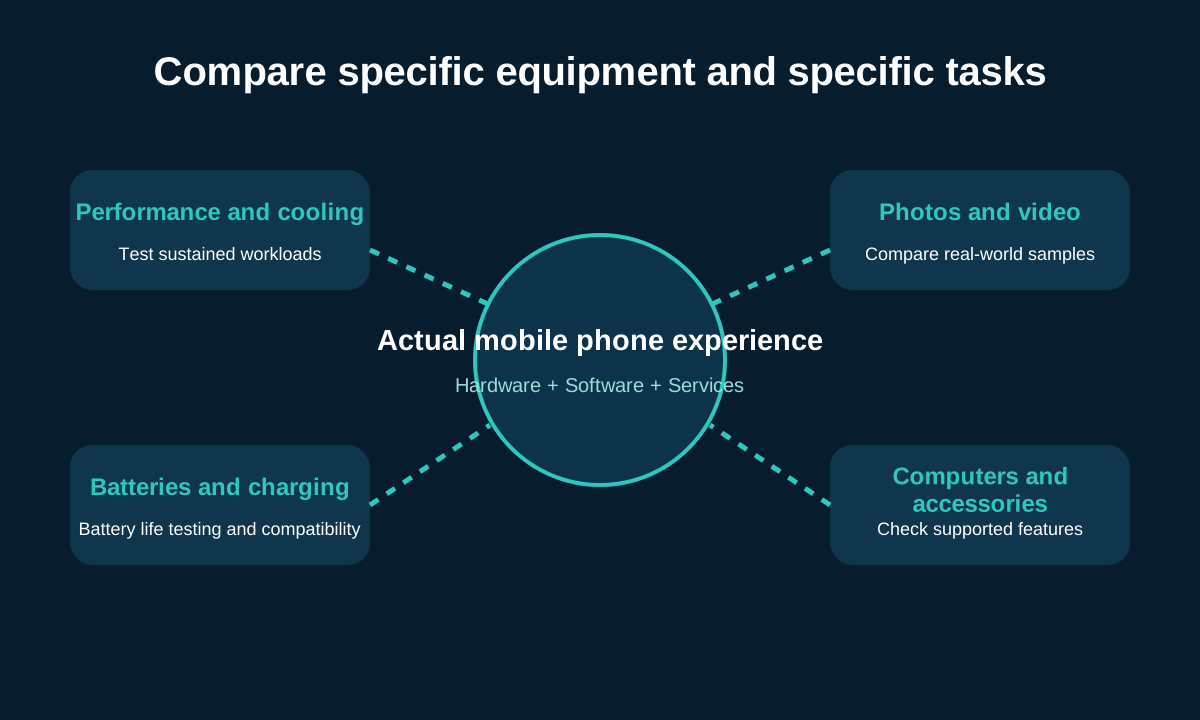
| Category | should be evaluated | don’t assume |
|---|---|---|
| daily response | Launch, roll, switch, and performance over the years | A single chip name represents the entire experience |
| Keep playing | Stable frame rate, heat dissipation, brightness and power consumption | Short-term peaks equal long-term performance |
| Photos & Videos | Low light, motion, zoom, skin tone and stabilization | The higher the pixels, the better |
| Battery life | Unify task, network and display conditions | Capacity figures are directly comparable |
| charging | Protocols, Power, Temperature and Required Accessories | The nominal peak value is maintained throughout the process |
| Storage | Available space, cloud, and ways to scale | All nominal capacity is available to users |
The processor, cooling, application optimization, screen, camera hardware and computational photography all come together to determine the outcome. Performance conclusions should respond to specific tasks and test conditions, rather than looking at RAM, pixels, or battery capacity as the complete answer.
08 · Cross-device collaboration
How to connect Android and iOS to other devices
| Existing equipment or services | Need to check | Possible switching costs |
|---|---|---|
| Computers and tablets | Files, Clipboard, Calls, and Notifications Collaboration | Workflows and dedicated apps |
| smart watch | Supports cell phone, health data and cellular plans | Watch may need to be replaced |
| Headphones | Basic Bluetooth and advanced pairing capabilities | Spatial audio, switching and setup capabilities |
| car | Model, year, cable and wireless support | Adapter or feature changes |
| smart home | Applications, protocols, and family member access | Automated reconfiguration |
| Cloud photos and files | Original format, sharing, export and capacity | Migration time and subscriptions |
Apple’s Continuity features primarily revolve around Apple devices; Android’s cross-device capabilities may come from Google, the manufacturer, Microsoft, or a third party and therefore won’t be completely consistent on every Android phone. Basic Bluetooth connectivity doesn’t mean all advanced features are available either.
Cross-platform messaging is available via SMS, third-party apps, and RCS where supported; device, system, operator, and participant combinations affect media, receipts, groups, and encryption behavior.
09·Personal needs
AI capabilities, accessibility and personal priorities
AI feature list
- What specific tasks are solved?
- Equipment and system qualifications
- Language and region availability
- Whether to rely on the cloud
- Account or subscription requirements
- Released, in beta or only announced
Accessibility Checklist
- screen reading
- Text and display adjustments
- Hearing support and subtitles
- Speech or alternative input
- Assistive device compatibility
AI applications that can be installed on both platforms are not equivalent to the deep integration of a certain mobile phone system. AI capabilities change quickly, and permanent winners should not be determined based on temporary release sequences. Accessibility choices should also validate specific features, devices, and assistive device combinations rather than assuming one platform will fit all users.
10 · Implementation of machine replacement
Migrate between Android and iOS and choose your next phone
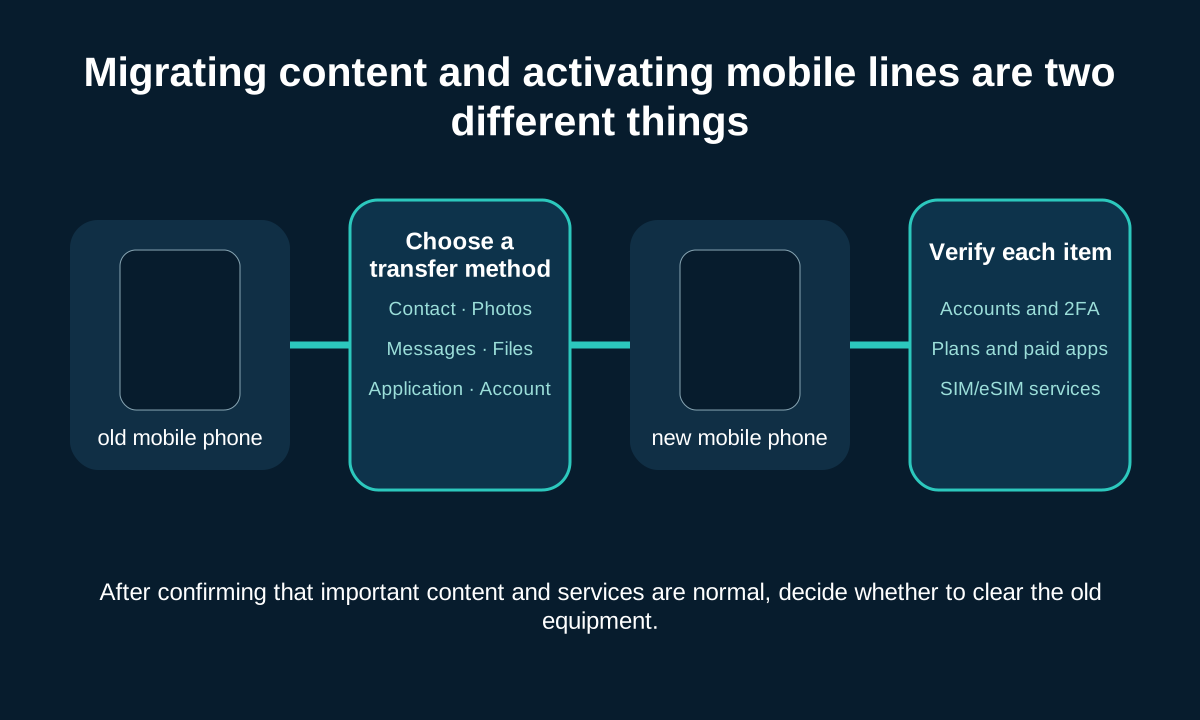
Android to iPhone can use Apple’s currently supported Move to iOS process; iPhone to Android should follow the receiving device’s Android Switch or manufacturer support method. Some options must be run during initial setup, so don’t clear your configured phone without backing it up and verifying it.
- Back up important content.
- Confirm migration method and initial setup requirements.
- Reconcile contacts, photos, calendars, messages and files.
- Confirm whether the relevant application supports chat history migration.
- Prepare account login, authenticator recovery and password access.
- Review subscriptions and purchased apps.
- Transfer or reactivate mobile lines as needed.
- Verify important services before disposing of your old phone.
Apple’s Android to iPhone GuideandGoogle’s iPhone to Android GuideAll emphasize selecting content according to the new device setup process. Mobile content migration is a separate task from SIM/eSIM line activation.
| main priority | worth considering | Need to verify |
|---|---|---|
| Device selection and personalization | Multiple Android models | Manufacturer interface, updates and after-sales |
| Relies on Apple-proprietary synergy | iPhone | Functionality actually required by existing equipment |
| long term support | Long-term support models for both platforms | Exact model remaining life |
| camera or battery | Specific equipment in the same price range | Independent testing that matches the purpose |
| Professional application or accessibility | A platform that meets the necessary tools | Features, accessories and regional support |

FAQ
Android and iOS FAQ
Get quick answers to common questions about platforms, apps, updates, security, and migration.
What are the main differences between Android and iOS?
Android is an operating system platform used by multiple manufacturers for a variety of phones, so the hardware, interface, and additional features vary widely; iOS is the operating system provided by Apple for the iPhone. The actual choice should still come down to the specific device, application, budget and service.
Is an iPhone necessarily easier to use than an Android phone?
uncertain. Familiarity, manufacturer-specific interfaces, text and display settings, accessibility features, and daily tasks all affect ease of use. It is best to use the candidate phone to actually complete notification reply, file sharing, setting search and commonly used application operations.
Which platform’s software takes longer to update?
The exact model number and its remaining support need to be compared, not just the platform name. Android promises vary by manufacturer and model; Apple releases iOS versions through a list of supported devices, but doesn’t guarantee that every iPhone will get the same number of years or all new features.
Is iOS necessarily more secure than Android?
Absolute answers cannot be given apart from device support status, update speed, application sources, account protection and threat models. Both have permissions, lock screen, lost device and application security mechanisms, and it is equally important for users to keep them updated and prevent phishing.
Can I use Google apps with my iPhone?
Many Google services provide access to iOS apps or web pages, but system integration, default apps, background behavior, and specific functionality may vary. The required Google services and their accounts, files and subscriptions should be reviewed individually.
Can Android phones and iPhones send messages to each other?
Can use SMS, MMS, third-party messaging apps, and RCS with supported devices, software, and carriers. Receipts, HD media, encryption, and group behavior may vary based on service and participant combinations.
Will paid apps and subscriptions be automatically transferred after changing platforms?
App store purchases generally don’t automatically transfer across stores. If the subscription is directly bound to an independent service account, you may continue to use it after logging in to the same account, but you should still check the platform support, billing channels and recovery purchase methods.
Which platform is better for taking pictures, gaming or battery life?
These performances depend heavily on the specific phone. Compare models in the same price range and look at tests that match real-world usage, such as sustained gaming, low light, portrait, zoom, video stabilization, screen brightness, and real-world battery life.
Can I keep my phone number when switching to Android or iPhone?
Usually changing the phone itself will not change the number, but the physical SIM or eSIM needs to be transferred or reactivated correctly. If you change operators at the same time, it also involves independent number portability procedures and qualification verification.
Is it difficult to migrate between Android and iOS?
There are supported migration tools on both sides, but what can be transferred depends on the device, system, connection method, and application. Certain processes must be run during the initial setup of a new machine, so accounts and authenticators should be backed up and confirmed before verifying the results.
Summary
Choose a mobile phone suitable for daily life
- Compare operating systems as well as actual phones.
- Start with essential apps and tasks.
- Check remaining support for exact model.
- Calculate existing equipment and switching costs.
- Choose based on personal priorities and not rely on unified platform scores.
The safest approach is to make a list of similarly priced candidates and test the most common operations yourself. Both Android and iOS may be the right choice, the key is whether the evidence is consistent with your device, market and usage.
Reader questions
Still have questions about Android or iOS?
Please describe the specific mobile phone model, regional version, and any questions about platform differences, compatibility, replacement, or the content of this article. This form is for general information communication. Please do not submit passwords, verification codes or other sensitive account information.

Related Reading
Check out more smartphone guides
Access links are set only for published articles; unpublished topics are reserved for content planning.

How do mobile phones work?
Explain how mobile phone hardware, wireless signals, and carrier networks provide calls, messages, and the Internet.
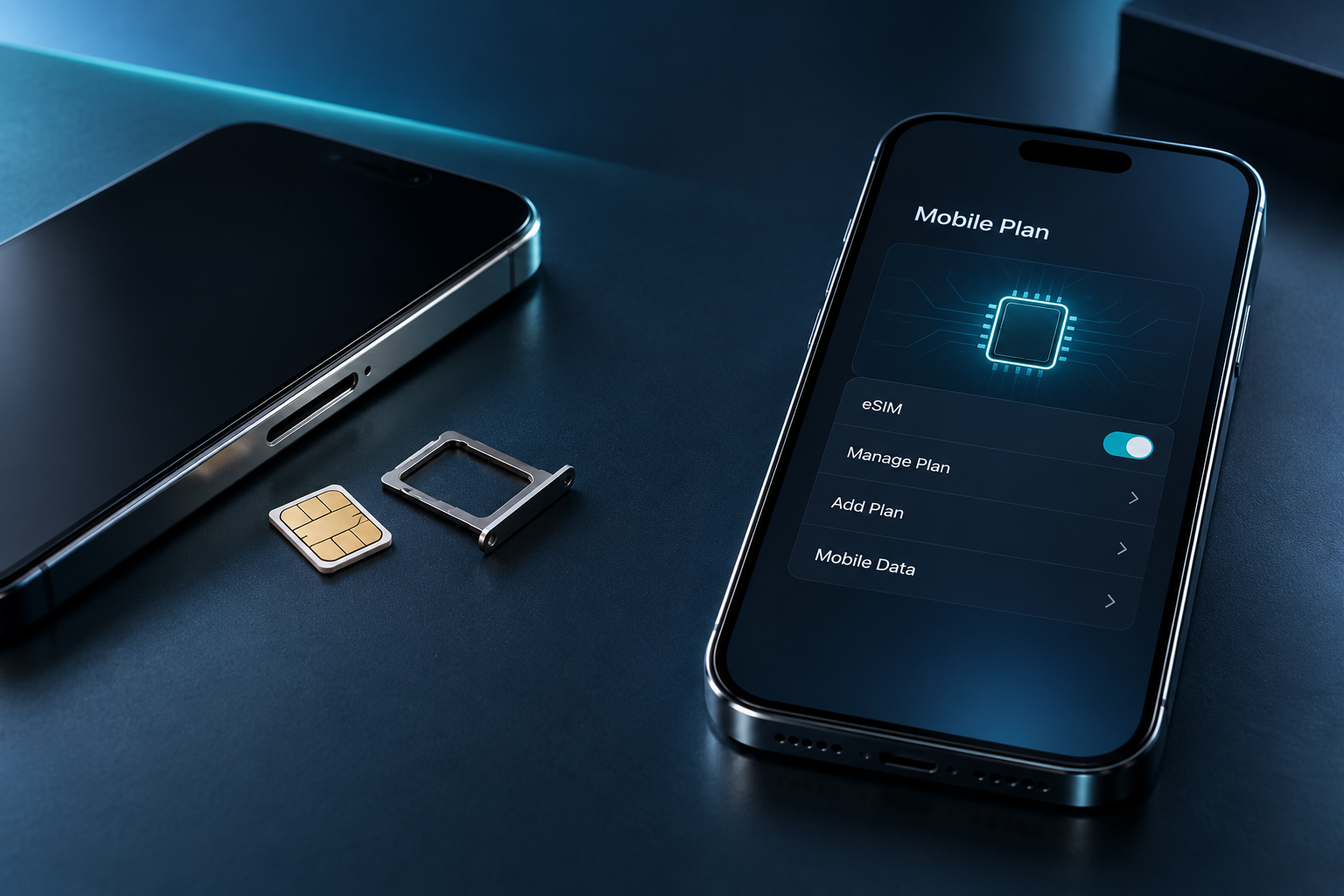
SIM card vs. eSIM: Differences and how to choose
Compare activation, compatibility, device replacement, travel, dual SIM and safe recovery.
How to transfer data to new phone?
Prepare accounts, back up content, choose a migration method, and verify results before clearing old machines.