
Second-hand iPhone Guide
Used iPhone Buying Guide: What to Check
Whether a second-hand iPhone is worth buying depends on more than just its appearance and price. What really affects availability and subsequent costs is the exact model, capacity and regional version, activation lock, carrier lock, IMEI status, battery, repair history, functional testing, and the seller’s return liability.
This guide provides a non-destructive verification sequence suitable for use by buyers, repairers, wholesalers and project purchasers. It helps you build a chain of evidence but does not replace final confirmation provided by Apple, your carrier, or local regulations.

Quick Reference
Six quick checks
| Check items | Minimum requirements |
|---|---|
| identity | The complete model, capacity, color and regional version are consistent |
| control | No predecessor account activation lock or organizational management hindrance |
| Network | Carrier lock, SIM/eSIM and IMEI status verifiable |
| health | Battery, service history and important functions documented |
| transaction | Seller, invoice, return and warranty terms clearly written |
| handover | Erase in person and complete setup from the welcome screen |

Overview
Confirm identity first, then check functions
The safest order is to first confirm ”what device this is and who can control it”, and then judge ”how it performs now.” Otherwise, a phone that looks perfect may still be unusable due to locking, inappropriate versions, or lack of after-sales support.
| stage | target | stop signal |
|---|---|---|
| identity | Check model, capacity, region and serial information | Setup, packaging, tickets conflict with each other |
| control | Confirm that the original account and management can be legally removed | Requesting predecessor account or organization credentials |
| Network | Check carrier lock, IMEI, SIM/eSIM | Unknown status, test rejected |
| health | Check battery, parts, appearance and function | Bulging, abnormal heat, and failure of important functions |
| transaction | Record descriptions, prices, warranties and returns | Only take verbal promises |
01 · Product identity
Used, Seller Refurbished, and Apple Certified Refurbished
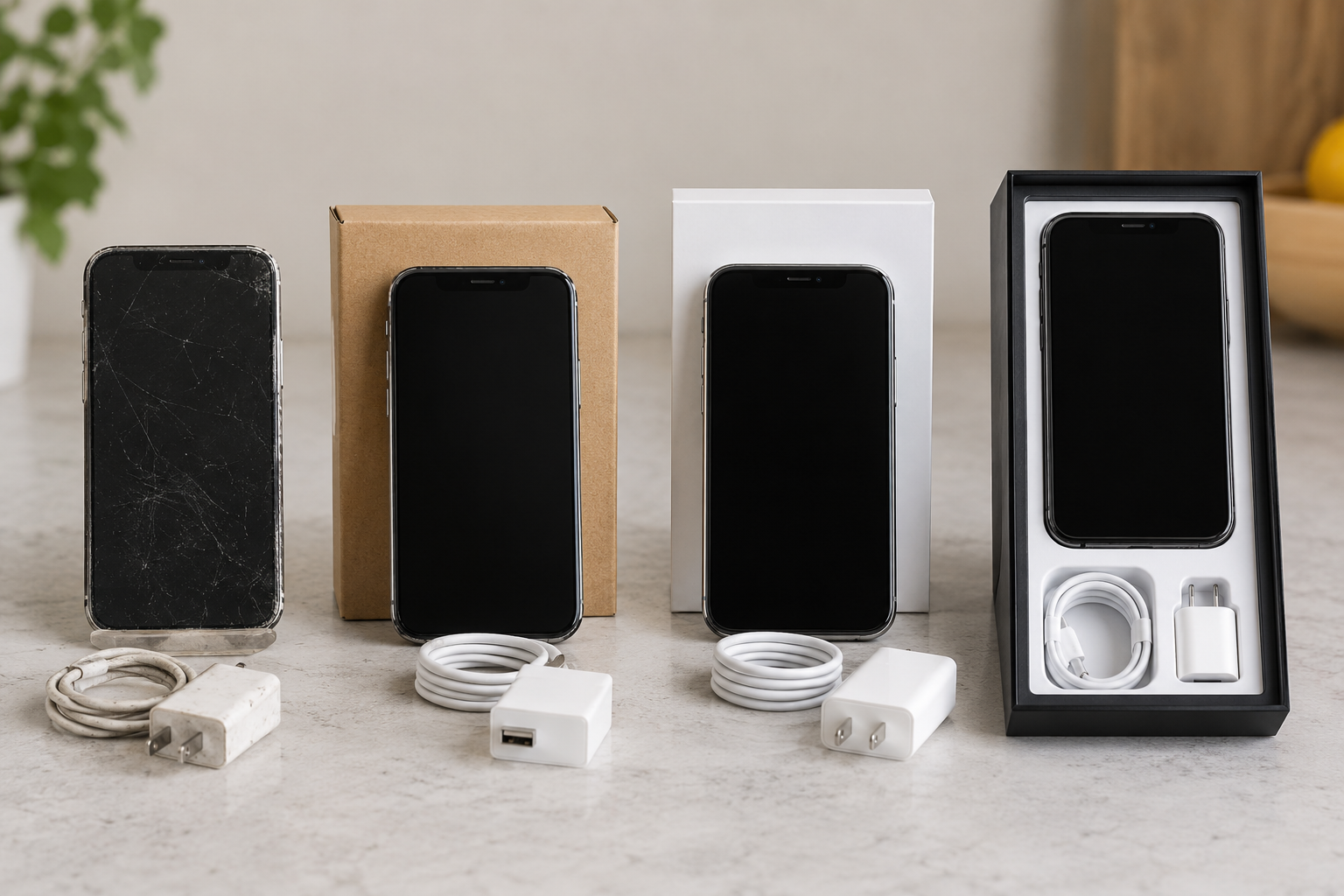
”Pre-owned” means the device has been owned or used; ”Refurbished” means it has been inspected, cleaned, repaired, or repackaged, but the word itself does not indicate a standard; and Apple Certified Refurbished is a product sold by Apple through its own official channels under a public process. The value of the three cannot be judged solely by their names.
| Type | Who defines the standards? | Important points when purchasing |
|---|---|---|
| Ordinary second-hand | Seller or platform | Status, Test Scope, Lockdown, Returns |
| Seller renovates | Refurbisher or Seller | What was replaced, source of parts, warranty subject |
| Platform certification | Specific platform plans | Access, testing, warranty and claims boundaries |
| Apple Certified Refurbished | Apple | Official sales range, warranty and regional conditions |
- A, B, C or “90% new” are not uniform industry standards and must require observable grading definitions.
- Descriptions such as ”unrepaired”, ”original” and ”official replacement” should have verifiable evidence and should not rely solely on labels.
- For bulk purchases, allowable scratches, dents, screen defects, battery status and functional failures are defined.
02 · Model selection
Exact model, capacity and regional version
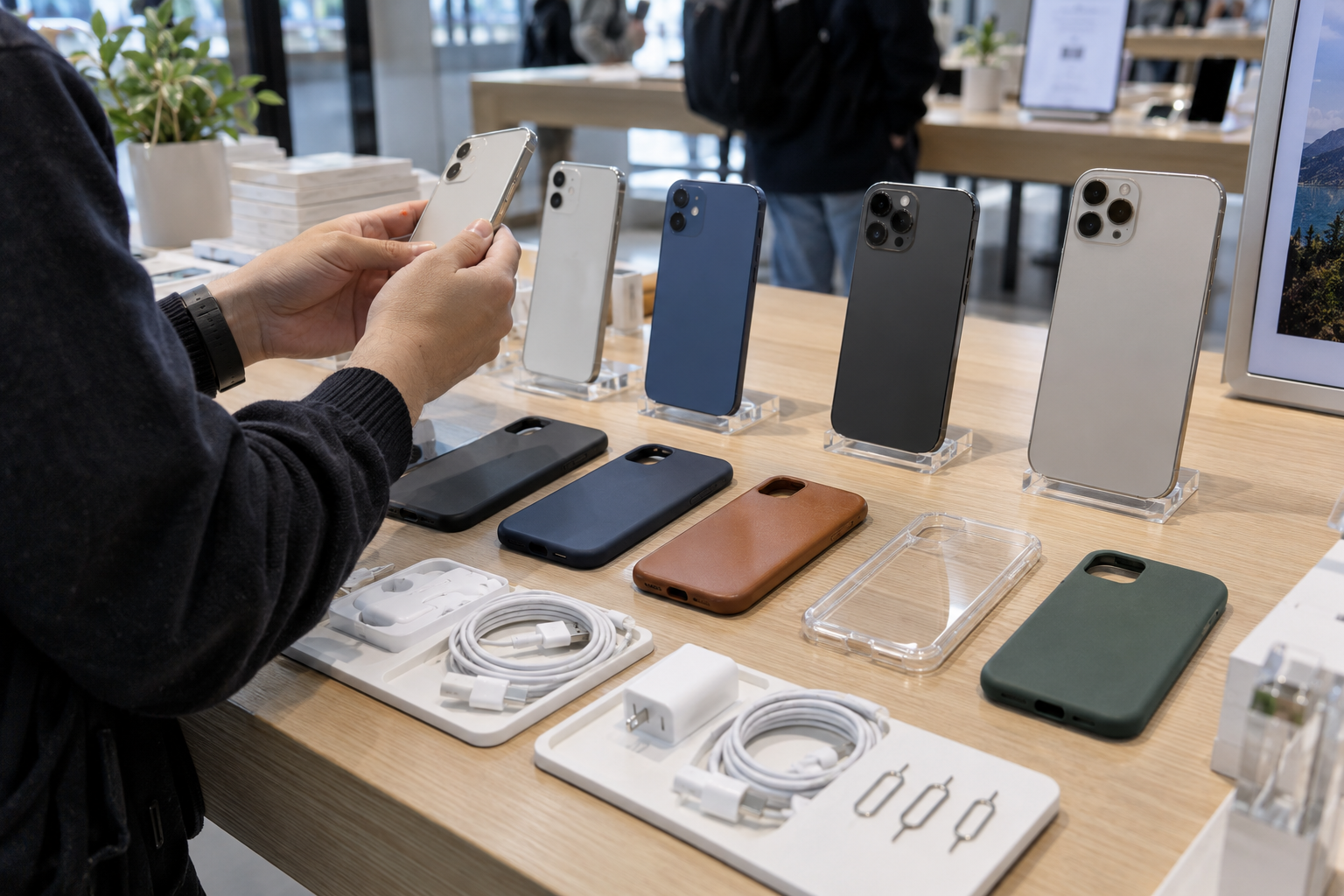
The series name is just the starting point. Use the Apple iPhone catalog to shortlist the relevant series before recording each regional SKU. The same generation of iPhone may have standard, Plus, Pro, Pro Max, mini or SE positioning; the capacity, color, regional hardware and SIM method may also be different. The purchase order should state the complete model number, not just “iPhone 14.”
| Project | Check location | business impact |
|---|---|---|
| Model name and model number | Settings, body information, and Apple data | Screen, camera, network and accessory compatibility |
| storage capacity | Device information in settings | Available space and resale value |
| Regional Version | Model suffix and official specifications | SIM form factors, frequency bands and feature availability |
| System version | Settings and updates interface | App compatibility, security updates and testing |
| Interfaces and accessories | Body and packaging list | Charging cables, adapters and peripherals in stock |
Don’t guess the model based on the exterior color or number of cameras. Also confirm the cellular frequency bands, eSIM services and regulatory requirements in the target country; the ”international version” is not a unified technical specification.
03 · Control
Activation Lock, Password and Organization Management
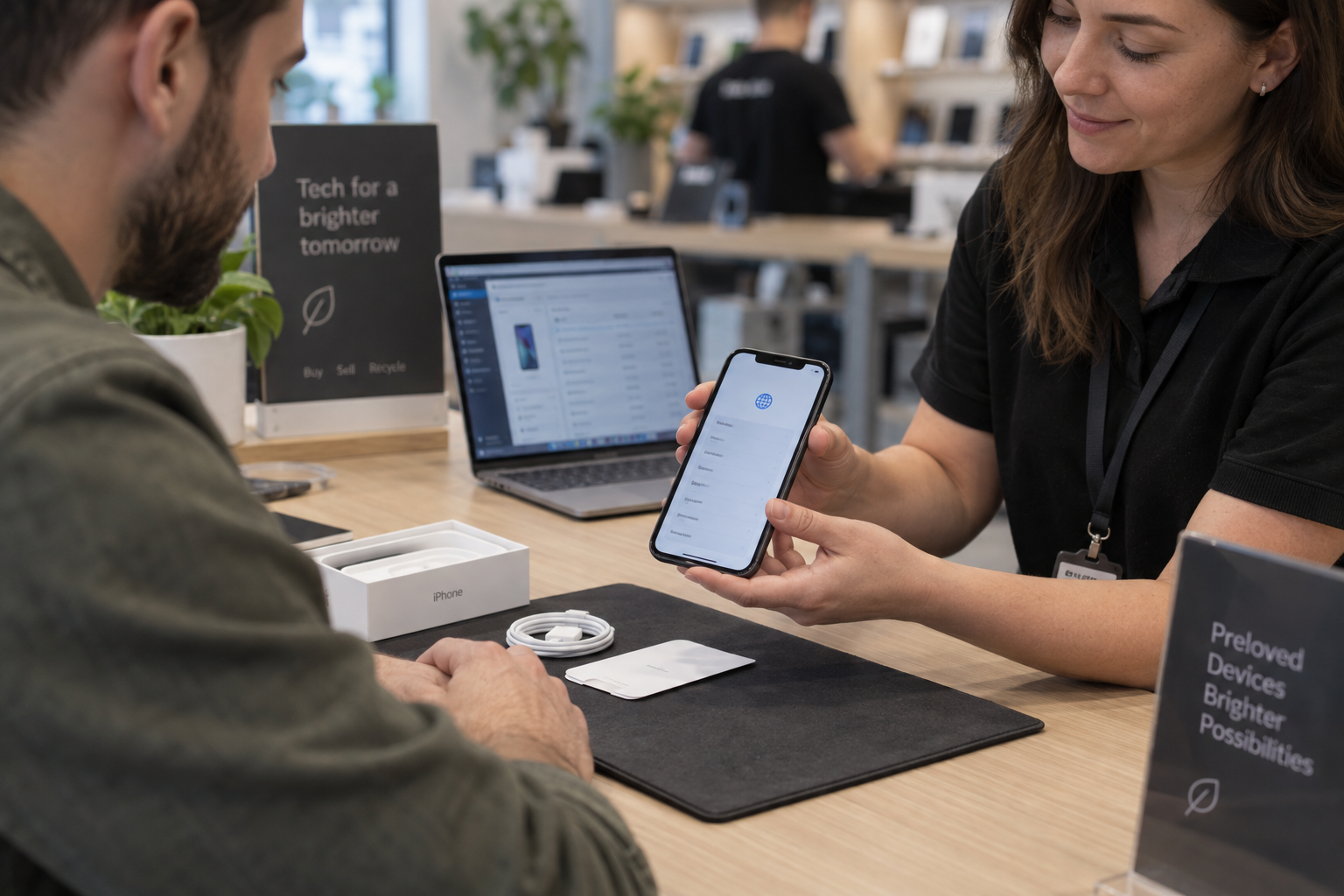
Apple’s guide to used iPhones explicitly advises against purchasing a device protected by Activation Lock. The correct verification is not to ask the seller to tell you the password, but to have the seller log out of the account, turn off Find and erase the device, and then have the buyer continue setup from the welcome screen.
| Condition | performance | Process |
|---|---|---|
| screen password | Can only enter existing systems | Unlocked by seller and completed formal exit and wipe |
| activation lock | Require ex Apple account during setup | Previous owner removes; trading ceases if not removed |
| Remote management | The organization management page appears during setup | Release confirmed by an authorized organization |
| Content restrictions | Some settings or functions are limited | Check if it comes from personal or organizational configuration |
- Don’t buy a device that promises to work by ”bypassing” the lock.
- Do not ask for, photograph, or save sellers’ account passwords and private data.
- Batch equipment should be verified one by one, and one screenshot cannot be used to represent the entire batch.
- When the seller is unable to complete the handover on site, enforceable return conditions should be agreed upon before payment is made.
04 · Network status
Carrier lock, IMEI, SIM and eSIM

Carrier Lock, Activation Lock, IMEI Blacklist and Organization Management are four different issues. The normality of one item does not prove the normality of other items. Settings that says ”No SIM restrictions” usually just answers the carrier lock issue.
| Check | Answered questions | cannot prove |
|---|---|---|
| carrier lock | Can I use other carriers? | Account ownership and IMEI status |
| IMEI query | Database current record | Future condition, legal ownership or complete repair history |
| Physical SIM testing | Card slot, card reader and current network connection | Compatible in all countries, frequency bands and operators |
| eSIM test | Is the device and operator process available? | The same service is available in all regions |
Use a trusted carrier or authorized channel to verify the IMEI and record the time and scope of the query. IMEI is device identification information, and most numbers should be obscured in public screenshots, and access to internal records should be restricted.
05 · Battery status
Correctly understand maximum capacity and peak performance
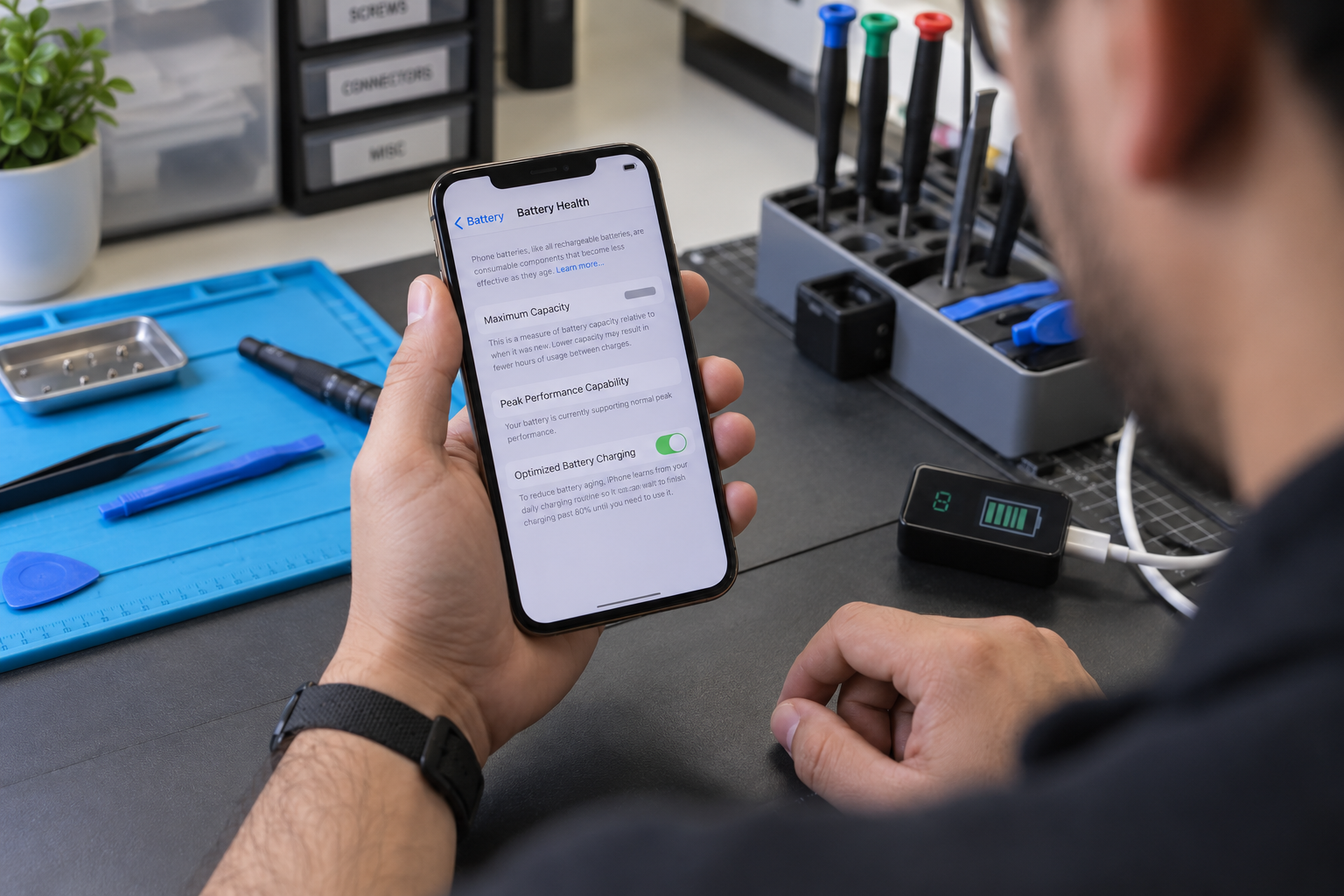
The current battery percentage indicates how much power is left at the moment; the maximum capacity indicates the estimated capacity of a new battery; and the peak performance information is related to whether the device can normally provide the required power. These indicators are related, but not the same concept.
| evidence | tell you what | Things to note |
|---|---|---|
| maximum capacity | Estimated relative capacity of the system | It is not a unified purchasing qualification line. |
| peak performance | Performance management related status | Combine shutdown and fever records to understand |
| Part history | Battery repair information on supported models | Display range depends on model and system |
| Charging test | Are the interface, wireless charging and power stable? | Use appropriate cables and adapters |
| Appearance and temperature | Risks such as bulging, deformation, and abnormal heating | If any abnormality is found, charging and use should be stopped. |
”100%” does not equal a new battery, nor does it prove originality. Whether to accept a certain capacity should also consider expected usage time, workload, model price and reliable battery replacement costs. You can set your own tiering rules for bulk purchases, but the testing methods must be written into the contract.
06 · Maintenance records
How to read parts and repair history
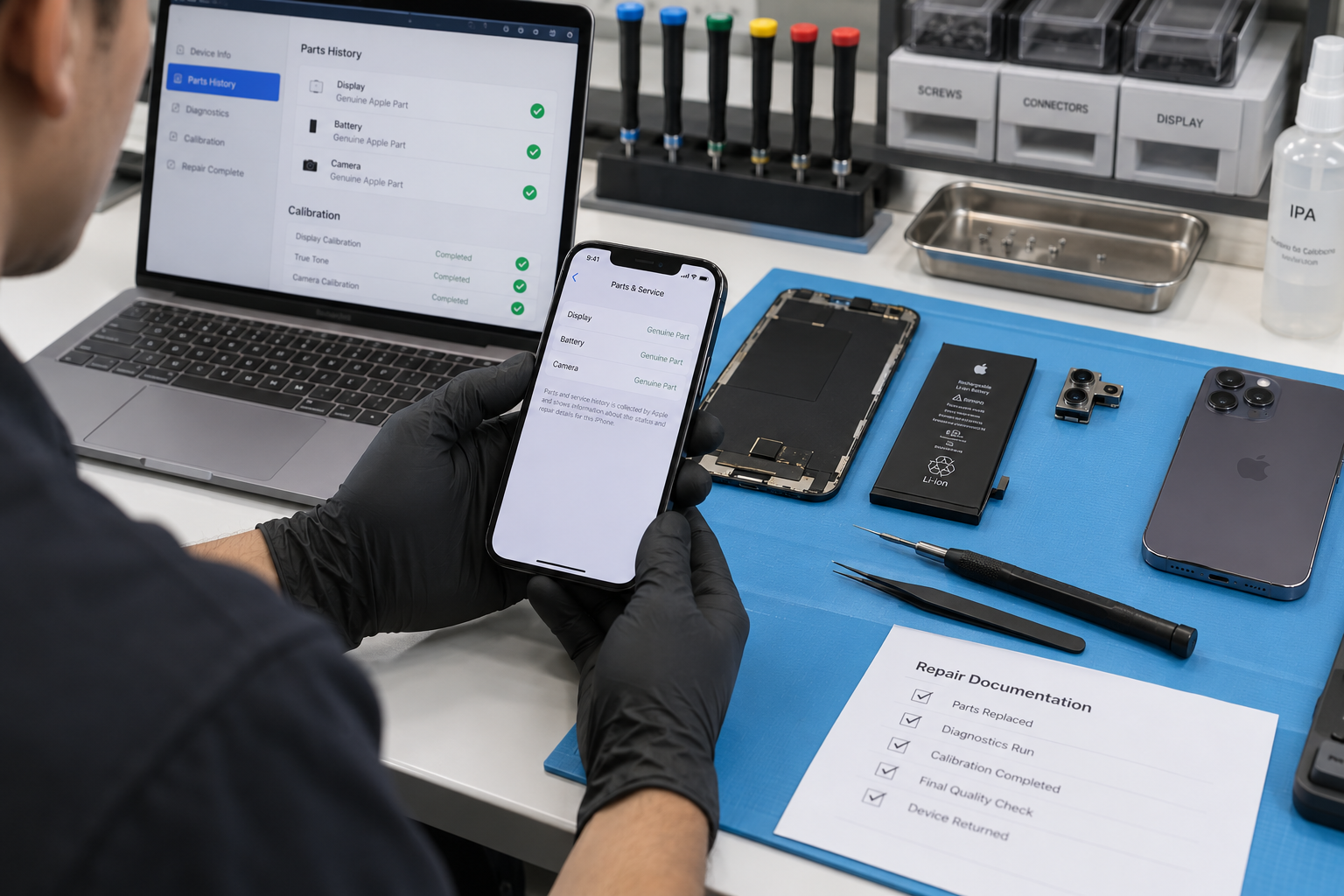
On supported models and system versions, ”Parts and Repair History” may display battery, screen, camera and other component information. Apple’s current documentation uses statuses such as Genuine, Used, Unknown, or Unverified, but visible items, wording, and historical scope vary by model and system.
- Genuine:The system recognizes repair information that is completed using original Apple parts and processes.
- Used:On applicable models, the part was used or installed on another iPhone.
- Unknown / Unverified:It may be non-original, cannot be verified, has abnormal functions or incomplete installation; further diagnosis is required.
- No column:”Never repaired” cannot be automatically inferred. It should be checked based on the model support range, system version, appearance and function.
| Parts that may be involved | Field test |
|---|---|
| display component | Brightness, touch, color, dead pixels and biometrics related performance |
| Battery | Health information, charging, battery life, temperature and shutdown |
| Camera | Front and rear lenses, focus, video, flash and switching |
| Case or back cover | Gap, distortion, lens protection and wireless charging |
07 · On-site device inspection
Non-destructive testing of appearance and functionality

Observe first, then test; do not disassemble the machine yourself just to test it. Use known-good charging cables, test SIM, Wi-Fi, Bluetooth devices, and recording environments, and record the results on the same checklist.
Body and screen
- Whether the frame, back panel and lens are cracked, bent or have abnormal gaps
- Screen brightness, touch edge, color cast, screen burn-in or dead pixels
- Whether the interface is loose, corroded or foreign matter accumulates
Input and biometrics
- Power key, volume key, mute or action button
- Normal setup and recognition of Face ID or Touch ID
- Sensor performance such as distance, ambient light and direction
sound and image
- Earpiece, speaker, microphone and vibration
- Front and rear cameras, focus, video and flash
- Are there any noises or interruptions in calls and recordings?
Connect and charge
- Cellular, Wi-Fi, Bluetooth and location
- Wired charging vs. wireless charging when supported
- SIM card slot, eSIM and hotspot functionality
Water resistance changes over time, drops and repairs, and ordinary field testing cannot re-certify factory waterproofing ratings. Do not test the machine by immersing it in water.
08 · Trading conditions
Sellers, Returns, Warranty & Documentation
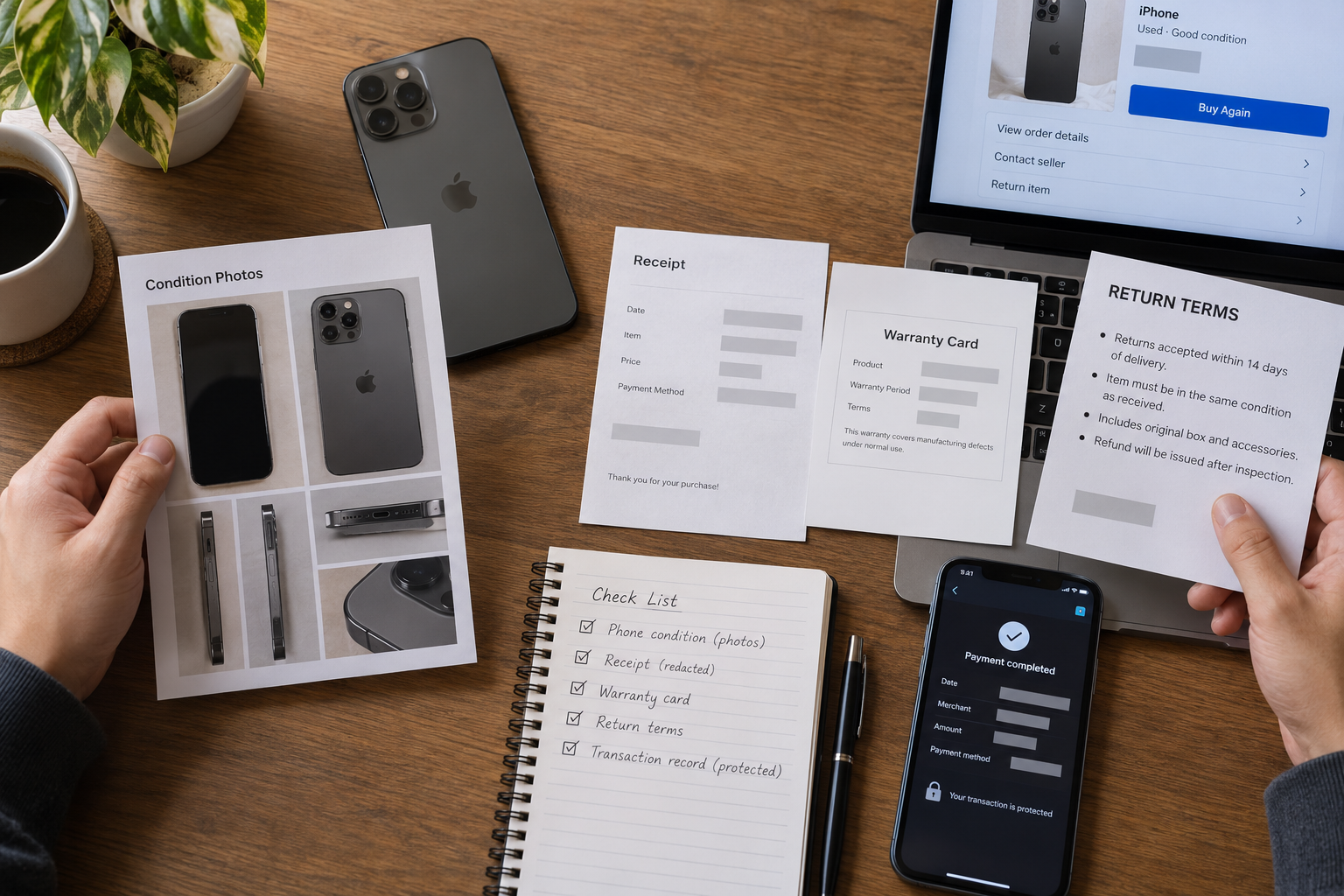
The seller’s traceability and written responsibility are part of the price of used equipment. A good product page should include actual photos, exact model numbers, grading standards, battery information, repair disclosures, accessories, return deadlines, and warranty coverage.
| documents or terms | should be written clearly |
|---|---|
| Invoice or purchasing voucher | Seller, date, model, quantity, amount and equipment identification recording method |
| Product description | Genuine cosmetic condition, functional defects, repairs and accessories |
| Return terms | Deadline, allowed reasons, shipping costs, inspection and refund procedures |
| Warranty terms | Duration, Covered Parts, Exceptions, Repair or Exchange Methods |
| Batch acceptance | Sampling inspection ratio, item by unit, failure threshold and disposal |
- Save product pages, serialized lists, communication records, and evidence of unboxing upon receipt.
- Define ”lock”, ”battery”, ”maintenance”, ”function” and ”appearance” separately to avoid the vague ”all good”.
- Cross-border purchases also require confirmation of taxes, transportation, dangerous goods battery rules and destination after-sales enforceability.
09 · Price Judgment
Use total cost of ownership to compare, not just low prices
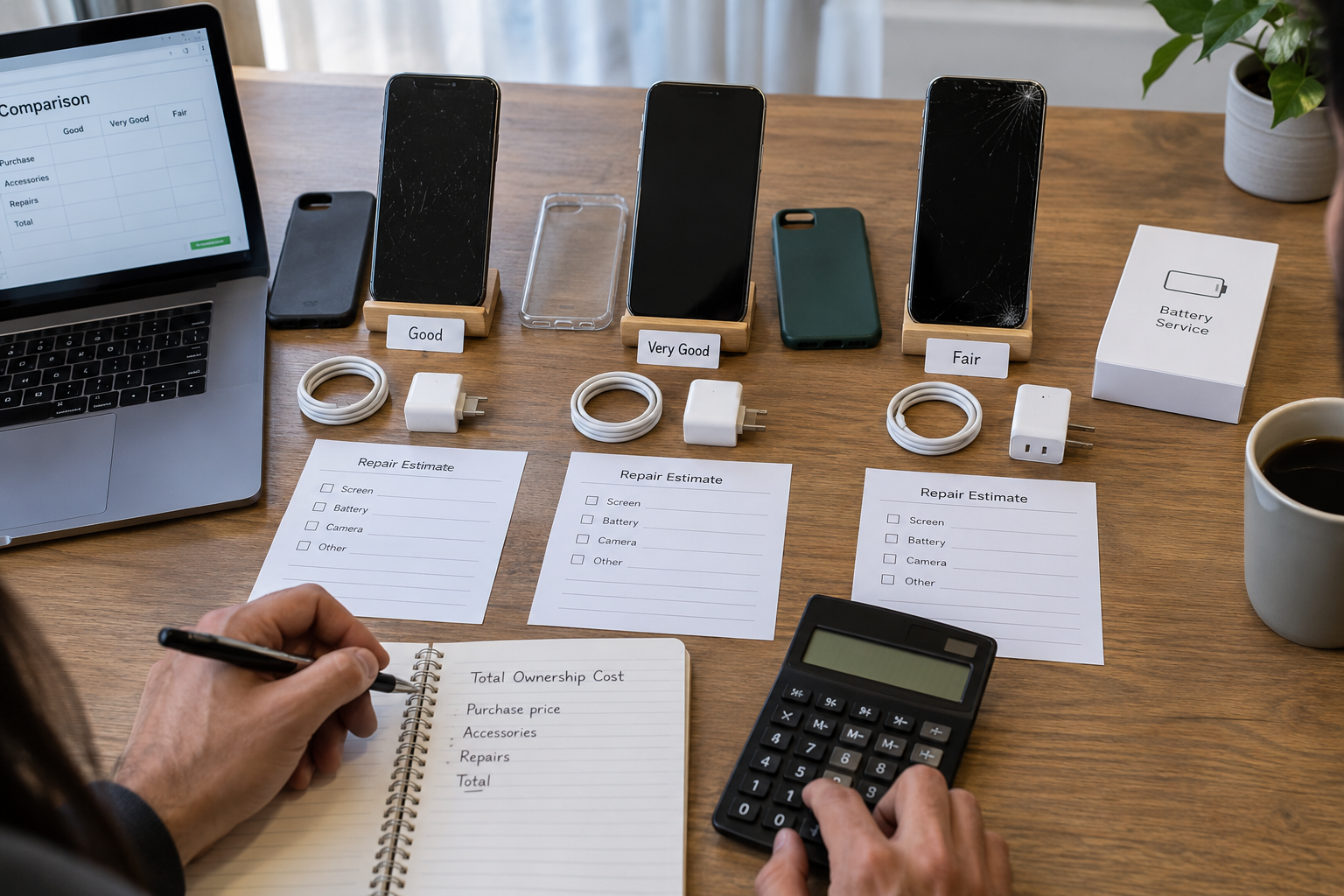
Quotation differences often come from capacity, region, cosmetic condition, battery, maintenance, accessories and risk exposure. A device that costs less but has an upcoming battery replacement, no returns, or an inappropriate version may end up costing more.
| Cost item | need to be taken into account |
|---|---|
| purchase price | Equipment, taxes, payments and exchange rate costs |
| Inspection and Grading | Labor, test tools, data recording, and defective products |
| prepare | Batteries, screens, cleaning, packaging and accessories |
| Logistics | Shipping, insurance, battery compliance and return costs |
| After-sales risk | Returns, Warranties, Exchanges and Inventory Consumption |
| residual value | System support, market demand and resaleability |
Don’t use a fixed trade-in ratio to cover all models. A more reliable method is to set acceptance criteria first and then compare quotes under the same configuration, status and after-sales conditions.
10 · Safe handover
Correct handover process before and after payment
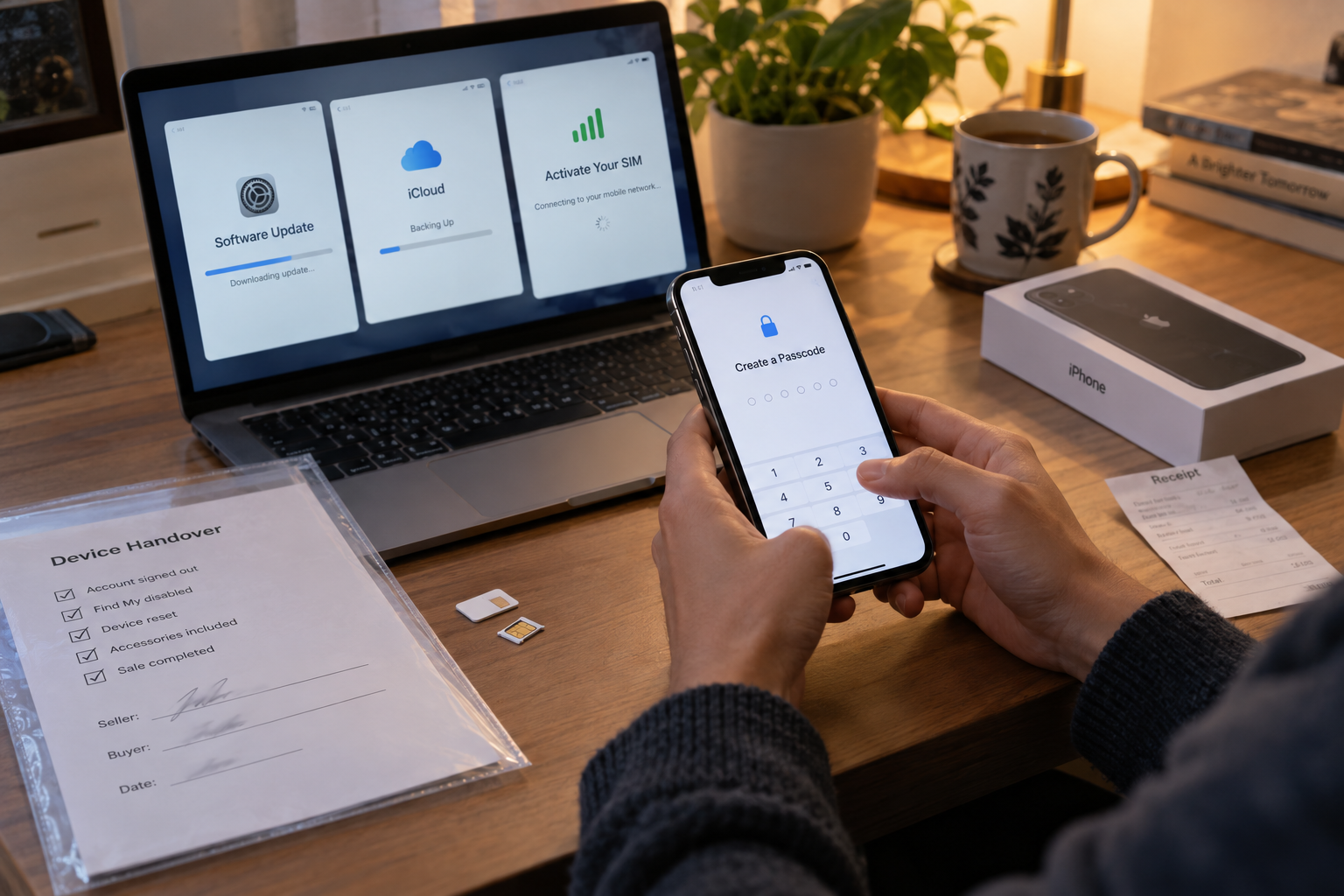
- Sellers back up the data they need and log out of their Apple account from the device.
- The seller closes Find and performs an Erase of all content and settings.
- The buyer confirms the device and is returned to the welcome screen, which does not require the predecessor’s account or organization management credentials.
- Buyer completes necessary testing using their own account, network and SIM/eSIM.
- Both parties confirm the equipment identification, invoice, accessories, price, warranty and return period.
- Bulk purchases write unit-by-unit results to a serialized inventory and restrict access to identification data.
Once set up, promptly install applicable system updates, recheck calls and networks, and establish assets, backups, passwords, and retirement processes for enterprise devices.
FAQ
Used iPhone FAQ
Each answer should be understood in conjunction with the exact model, region, seller terms, and field testing.
What is the difference between a used iPhone, a refurbished iPhone, and an Apple Certified Refurbished iPhone?
Used is typically resold as-is; the inspection, repair, and grading standards for seller refurbishing are defined by the seller; and Apple Certified Refurbished devices are sold by Apple according to its public process. Don’t just look at the word “refurbished”, check who refurbished it, what was done, and who is responsible for the warranty and returns.
How low is the health of the battery before I can’t buy it?
There is no one-size-fits-all number that applies to all buyers. The maximum capacity is just an input, and must be judged based on peak performance prompts, cycle and usage performance, model, price, and the cost and channels of battery replacement. Battery bulges, abnormal heat or unexpected shutdown should be dealt with first.
Does the IMEI query showing normal results mean there is no risk?
No. IMEI status is a snapshot of a specific database at a specific time and is not a substitute for checking Activation Lock, Carrier Lock, Organizational Management, Ownership, Repair Records, and Seller Identity.
How to check if iPhone has activation lock?
Have the seller log out of their Apple account and erase the device before entering the initial setup process in front of you. If the device asks for the previous owner’s Apple account credentials or displays “iPhone Locked to Owner,” do not proceed with the purchase. Do not ask for or record the seller’s password.
What does ”No SIM card restrictions” mean?
Seeing ”No SIM card restrictions” in the carrier lock information in settings usually means that the device does not have a carrier lock; it does not mean that there are no activation locks, IMEI risks, regional differences, or organizational management.
Does 100% battery health equal a new battery?
Not equal to. 100% is only the current reported maximum capacity status of the system and does not alone prove that the battery is new, original, or recently replaced. Also check parts and repair history, peak performance tips, charging and range performance.
Does the absence of ”parts and repair history” mean it has never been repaired?
uncertain. What information can be displayed in this column depends on the model, system version and repairs that have occurred; no column or record cannot independently prove that it has never been repaired.
Do I have to erase my second-hand iPhone on the spot?
A reliable handover usually involves the seller backing up, logging out of the account, turning off ”Find” and erasing the device, and then the buyer completes his or her settings from the welcome screen. This simultaneously verifies control and avoids access to the seller’s private data.
Can the price be determined based solely on the cosmetic condition level?
Not recommended. There is no unified industry definition of A/B/C grades, and the same grade may have different meanings from different sellers. The exact model, capacity, regional version, lock status, battery, repairs, functional testing, warranty and returns should be compared simultaneously.
What records should be kept when purchasing used iPhones in bulk?
It is recommended to keep controlled records of model, capacity, color, IMEI or serial number, lock status, battery health, repair history, appearance grade, test results, accessories, seller, purchase date and return period by device, with privacy and access rights in mind.
Summary
Good second-hand purchasing relies on the chain of evidence
- First confirm the model and legal control rights, and then judge the appearance and performance.
- Check activation lock, carrier lock, IMEI and organization management separately.
- Make your decision based on battery, repair, features, seller responsibility, and total cost.
A single screenshot, a single rating or a sentence of ”all original” are not enough to complete the acceptance. The best purchase is not the absolute lowest price, but rather the device’s identity is clear, its status is verifiable, its terms are enforceable, and it continues to be used as intended.
Procurement consultation
Submit a used iPhone purchase request
Please provide the target model, capacity, regional version, quantity, acceptable cosmetic condition, battery standard and delivery location. Do not submit full IMEI, account password, or other sensitive information in the public description. For a batch quotation, send the agreed specifications to the KRLINK purchasing team.
Related Reading
Continue to learn about iPhone procurement and inspection
Supplement purchasing judgment from the four directions of model, logo, repair parts and SIM compatibility.
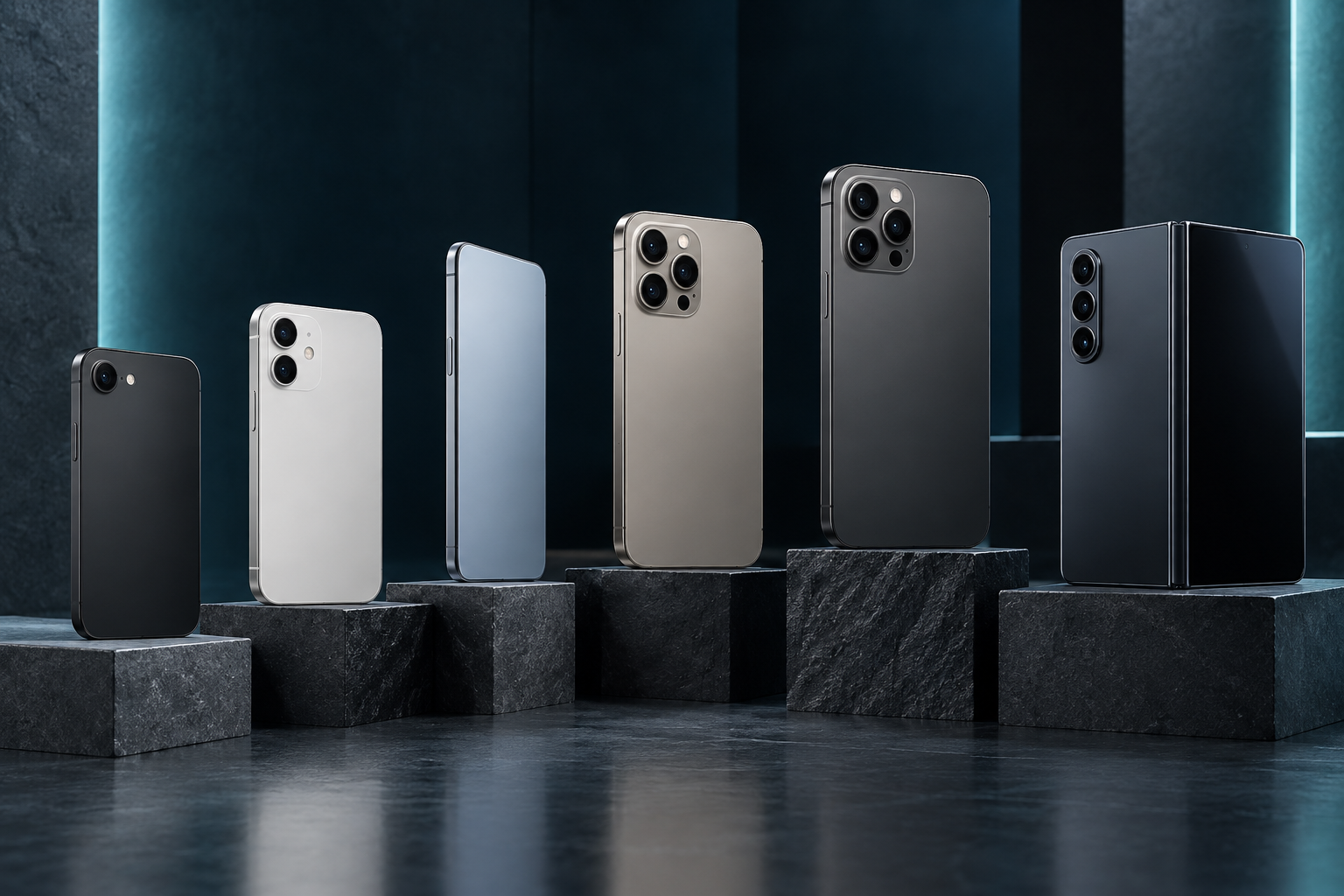
Detailed explanation of Apple iPhone models
Understand model positioning such as digital, Pro, Plus, mini and SE.

What is IMEI?
Understand the structure, purpose, query boundaries, and privacy of IMEI.
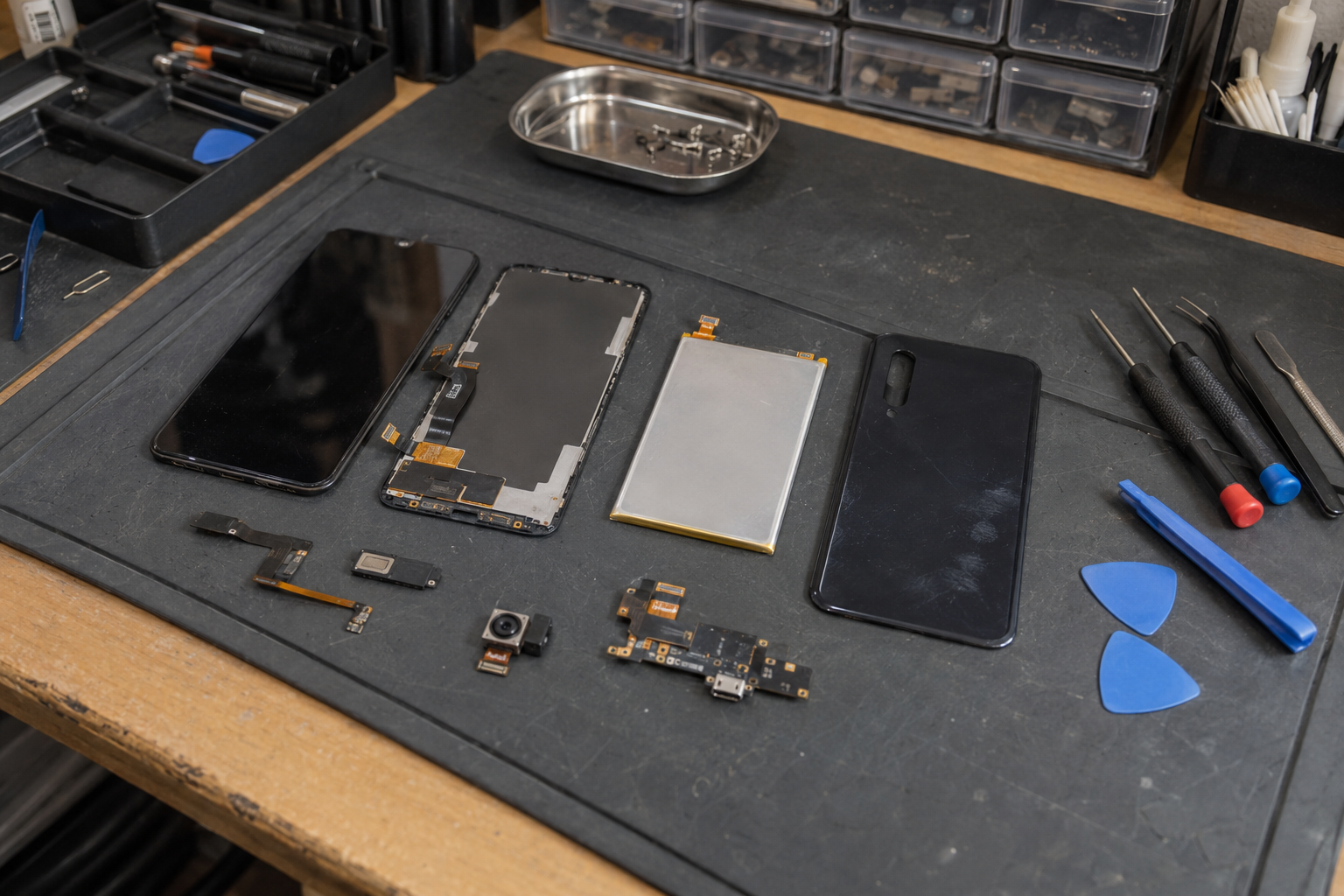
Mobile Phone Repair Accessories Guide
Learn about quality checks for screens, batteries, cameras, and widgets.
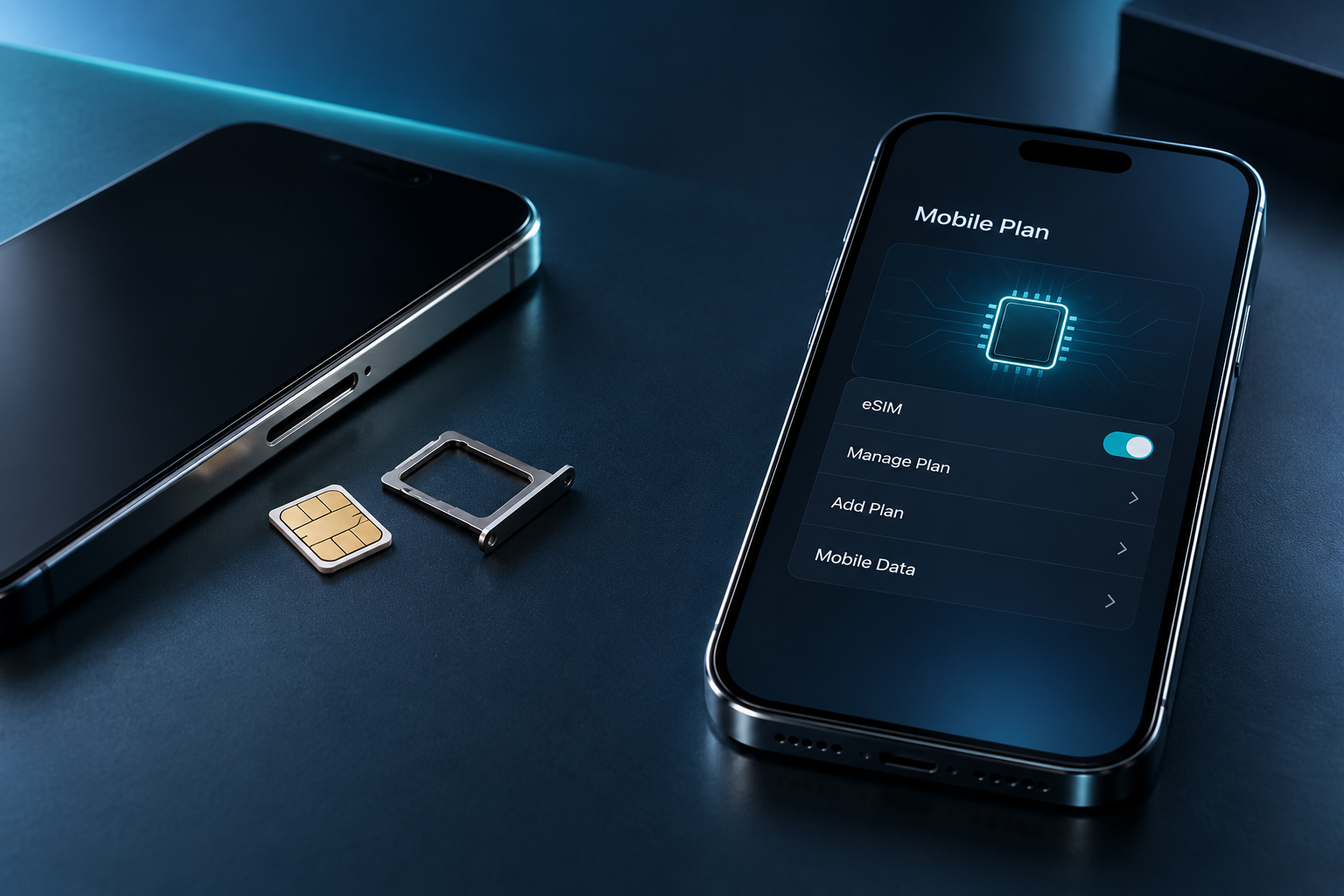
SIM card vs. eSIM
Compare activation, transfer, travel and device compatibility requirements.