
Apple Phone Selection Guide
Apple iPhone Models Explained: A Practical Buyer’s Guide
The iPhone name usually expresses both product generation and positioning, but the exact functionality still needs to be verified on a model-by-model basis. Digital, Pro, Pro Max, Plus, mini, SE, e, Air and Duo do not appear simultaneously in every generation and are not a direct substitute for specific spec comparisons.
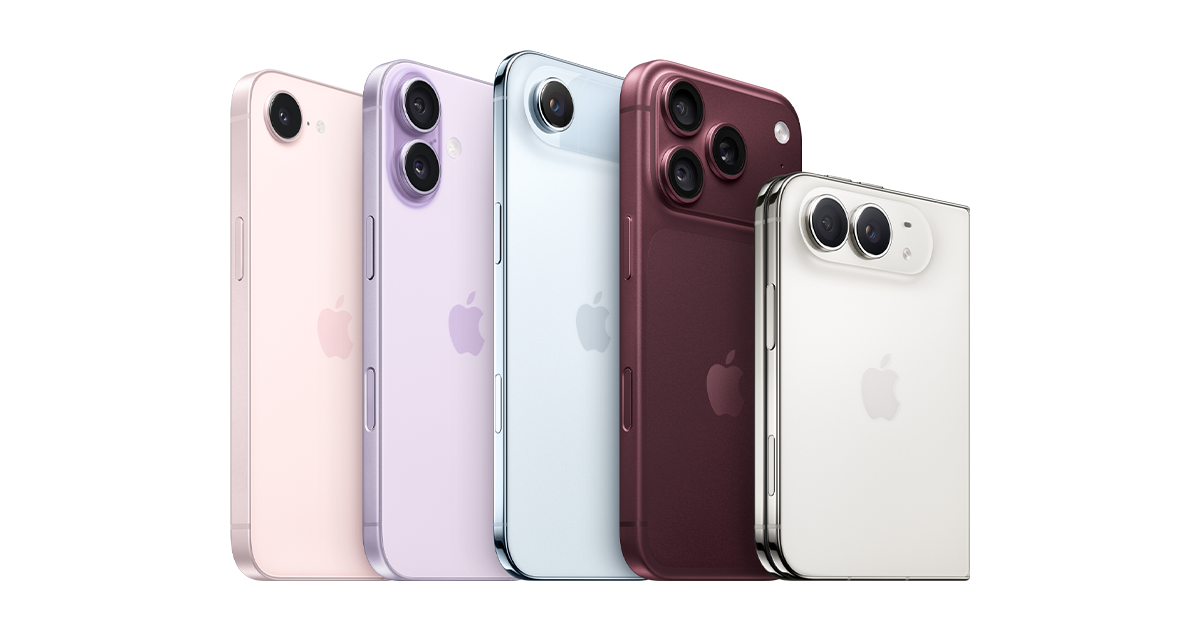
Quick Reference
iPhone model label quick reference
| label | general meaning | Important qualification |
|---|---|---|
| Digital Standard Edition | Mainstream models of this generation | Not every generation has the same functionality |
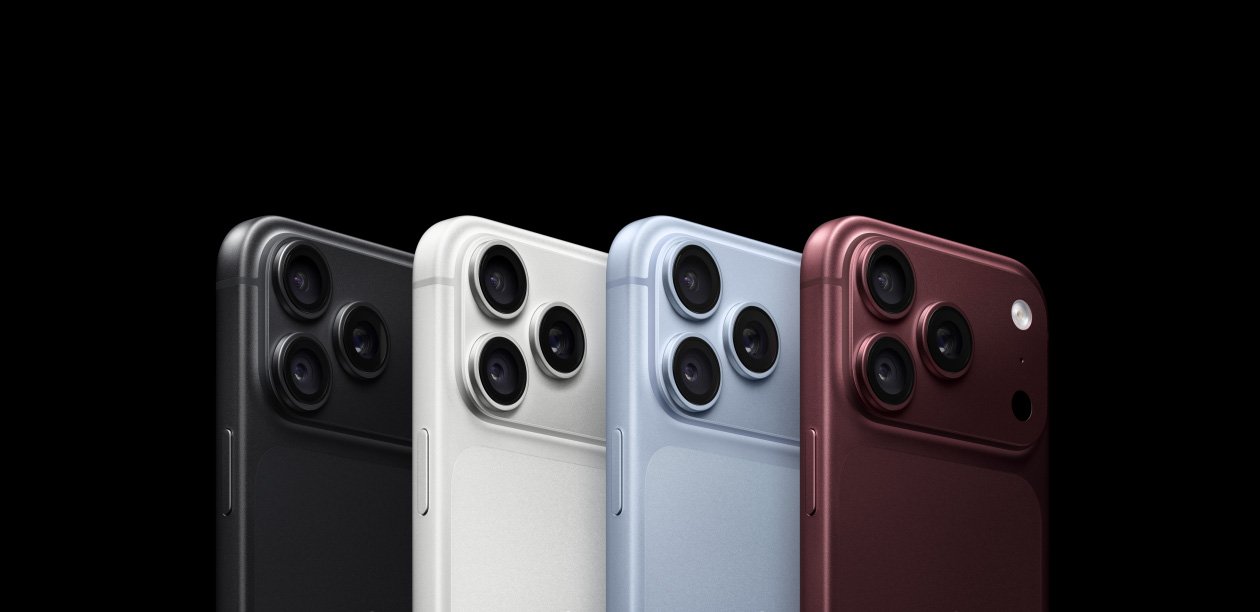
| Pro / Pro Max | High-end; Pro Max is often larger | Camera differences confirmed by generation |
| Plus / mini | Larger Standard/Historical Compact Options | Not every generation has it |
| SE / e | Two different product categories | They cannot be lumped into one category, nor can they be expanded to e |
| Air | Thin and light oriented released family | Camera and battery life are checked by model |
| Duo | Officially released folded form | Local sales and configuration need to be confirmed |
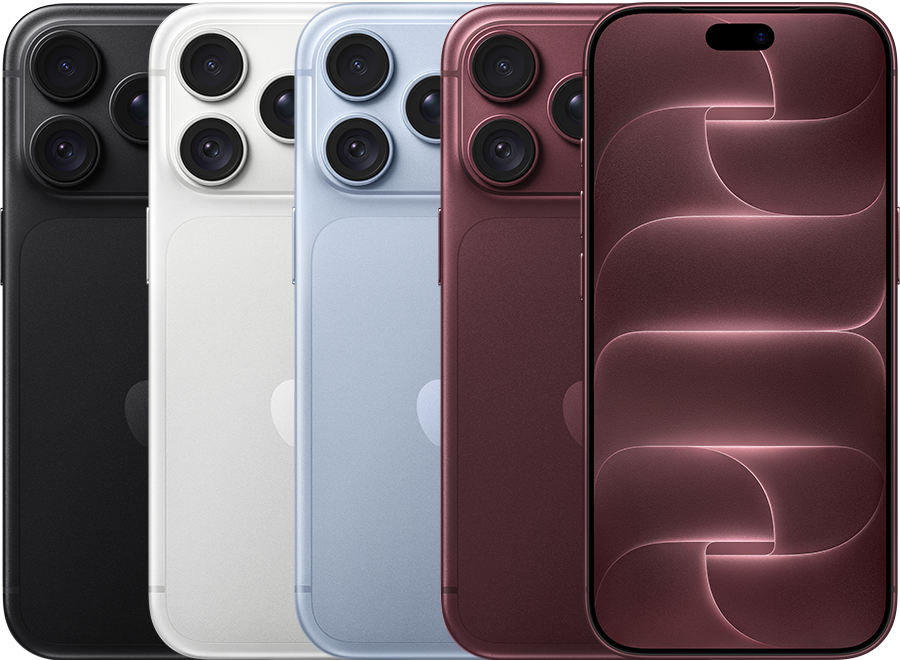
Overview
How to understand the iPhone product range
There are three levels to an iPhone purchase: generation indicates when it was introduced; product family indicates rough priorities; and configuration includes storage capacity and regional hardware versions.
| sample element | Description |
|---|---|
| iPhone 18 | digital generation |
| Pro | High-end product family in this generation |
| 256GB | Sell storage configurations, not model generations |
| Number starting with A | Hardware model identifier, used to confirm regional version |
- First understand the family name.
- Check the current lineup for your country.
- Compare the functions that will actually be used.
- Confirm device identity before purchasing.
01 · Naming rules
What do the iPhone names and numbers mean?
Numbers often represent product generations, but Apple’s naming isn’t a perfectly sequential formula. Pro and Pro Max represent the high-end positioning of this generation; Plus and mini have been used in different sizes; SE is a historical family spanning multiple generations; e, Air and Duo are different official categories.
| name element | Usually stated | not guaranteed |
|---|---|---|
| Numbers such as 17 and 18 | release generation | Every feature beats the old Pro |
| Pro | Contemporary high-end features | Cameras are exactly the same across generations |
| Pro Max | Larger Pro version | Must have an exclusive lens |
| Plus / mini | size-oriented specific history families | exists in every generation |
| SE / e | two separate categories | Specifications or design logic are the same |
| Air | Thin and portable guide | Cameras or battery life of models with the same price |
| Duo | folded morphology family | On sale in all markets at the same time |
A higher number doesn’t mean every feature is better than the old Pro; nor does a larger body automatically mean a higher camera grade. The iPhone generation number is not the iOS version number, and the two need to be checked separately.
02 · Current lineup
What iPhones does Apple currently offer?

The following is based on the official US Apple iPhone page on October 1, 2026. The page shows iPhone Duo, iPhone 18 Pro, iPhone Air, iPhone 17, iPhone 17e and iPhone 16; the lineup, SIM configuration and sale time in other countries may be different.
| exact name | product family | Main reasons to consider | Condition |
|---|---|---|---|
| iPhone Duo | folded form | Large screen, multi-posture use | Officially marked as new products and providing price entry; local purchase status needs to be confirmed |
| iPhone 18 Pro | Current Pro Family | High-end cameras and professional features | Apple US page provides purchase entrance |
| iPhone Air | Frivolous family | Portable and thin body | Apple US page provides purchase entrance |
| iPhone 17 | Digital Standard Edition | Mainstream daily experience | Apple US page provides purchase entrance |
| iPhone 17e | e family | Balance of functionality and price | Apple US page provides purchase entrance |
| iPhone 16 | preserved old generation | Lower entry costs and proven components | Still sold by Apple US page |
Apple maintains multiple generations at the same time in order to cover different price and feature levels. The presence of an older model in a comparison tool does not prove that it is still sold directly by Apple; discontinued models may still be in circulation at authorized retailers, carriers, or on the resale market.
03 · Mainstream level
Standard, Pro and Pro Max
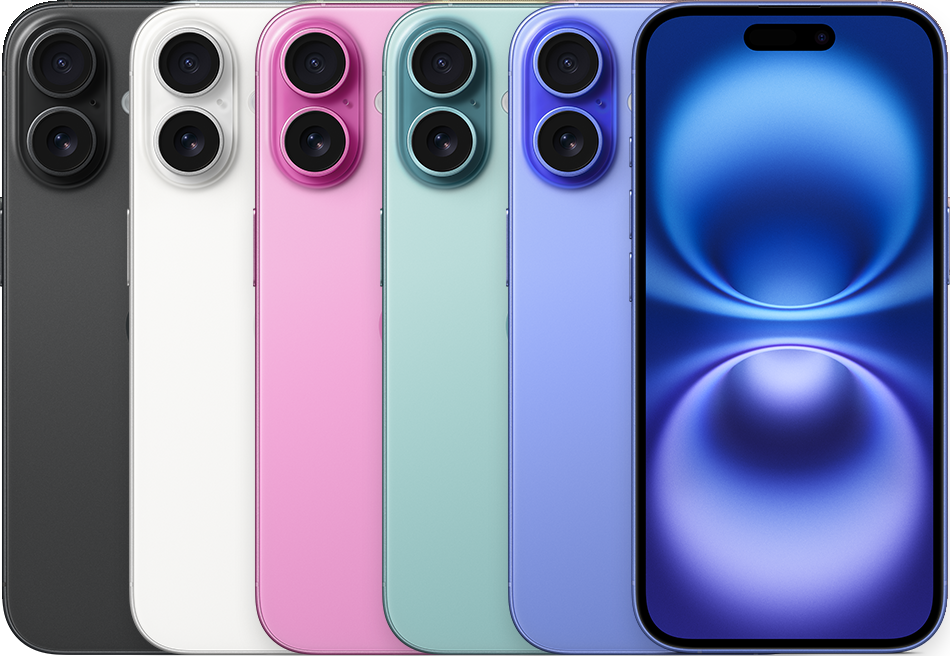
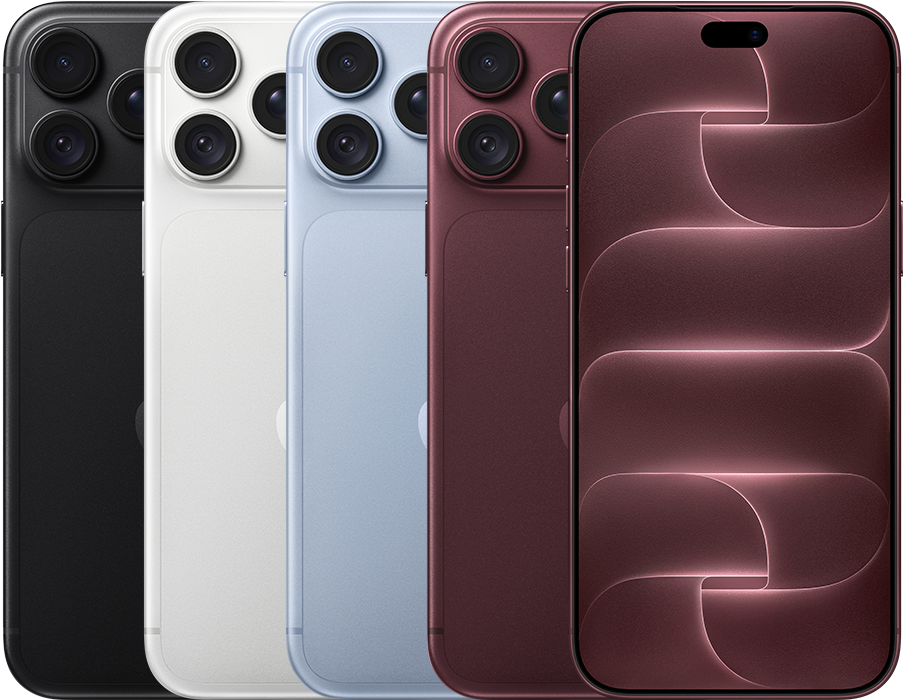
| point of comparison | Standard Edition | Pro | Pro Max |
|---|---|---|---|
| Dimensions and weight | Usually easier to hold | Smaller selection of high-end features | Usually the largest and heavier |
| Display | Check refresh rate and always-on by generation | Often have high-end display capabilities | Larger display area |
| Camera | Suitable for a wide range of daily shooting | More lenses or professional formats | Whether there is exclusive ability is confirmed by generation |
| Processor | Contemporary chip with plenty of everyday performance | For high load and professional functions | Sustained load is still affected by size and heat dissipation |
| Battery and capacity | Check the official ratings for the same conditions | Capacity and storage by model | Larger bodies often have higher ratings |
| price positioning | mainstream | Advanced | High-end large size |
- Standard version:Ideal for people who don’t need the specific camera or video features of the Pro.
- Pro:Ideal for those who will use its contemporary camera, display or performance capabilities.
- Pro Max:Suitable for those who prefer larger sizes and are sure to take advantage of the specific advantages of this generation.
You can’t make a blanket statement that the standard version will never have ProMotion or an always-on display, nor can you assume that the Pro and Pro Max cameras will be exactly the same for each generation. This should be checked using the official comparison page for the same generation.
04 · Other families
Plus, mini, SE, e, Air and Duo

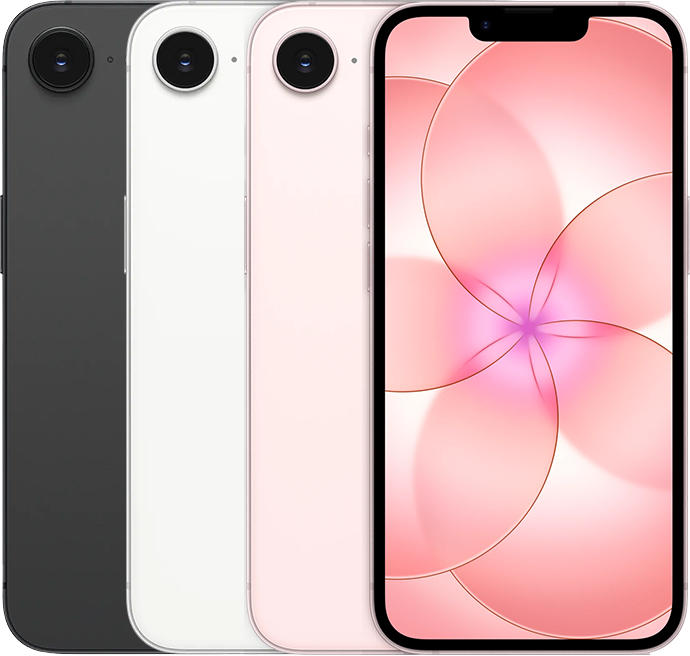
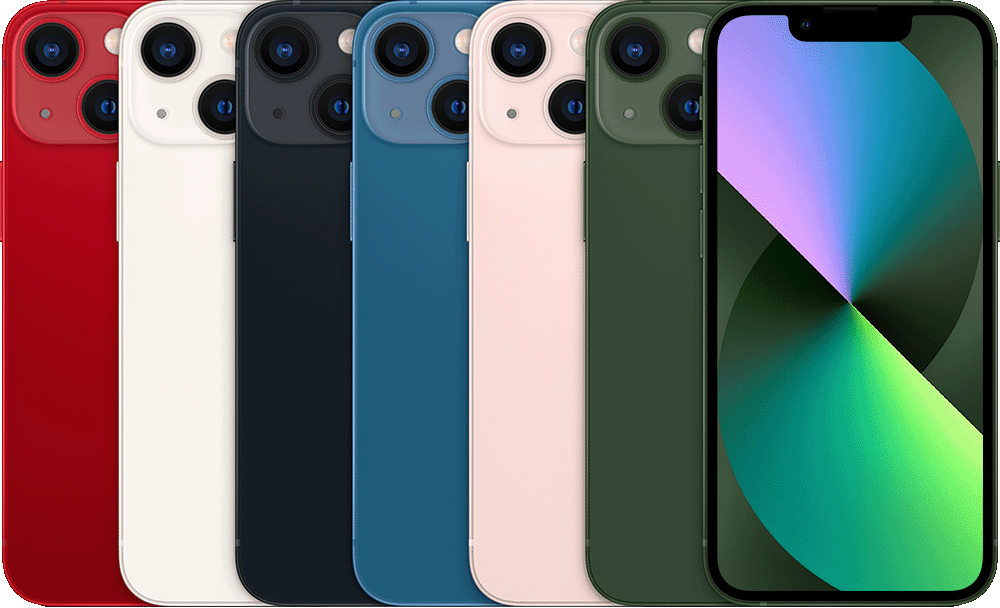
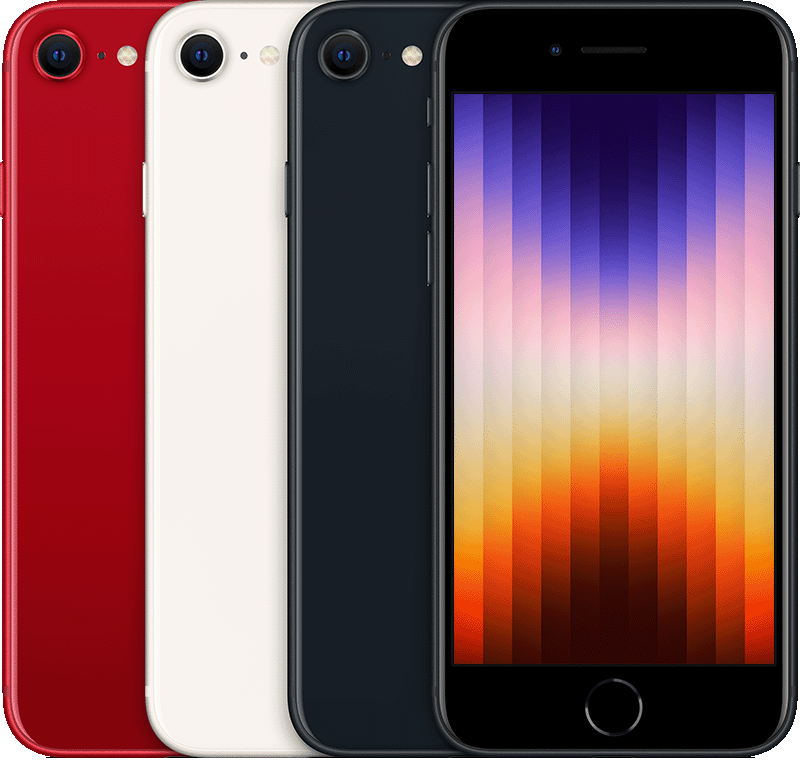
| family | Typical attractions | Main trade-offs | current or historical status |
|---|---|---|---|
| Plus | A greater Standard Edition experience | Larger in size but not equal to Pro cameras | Only exists in certain generations |
| mini | Compact and one-handed use | Battery status and screen size | Mainly found in surplus goods and second-hand goods |
| SE | Easier access to products of different generations | Designs and hardware must be compared by generation | Historical multi-generational family |
| e | Official independently named categories | It cannot be assumed that all functions of the standard version are inherited. | Currently has iPhone 17e |
| Air | Thin, light and portable | Camera flexibility, battery life and accessories | Current official family |
| Duo | Folding large screen and multiple postures | Weight, Repair, Application and Price | Official new family; local status needs to be confirmed |
SE and e are not the same product line and should not be used interchangeably just because both may emphasize affordability. Thin and light, and not automatic, means it has the same battery, camera or data port capabilities as the similarly priced standard version.
05 · Generational changes
Old vs. new: Which changes really matter?
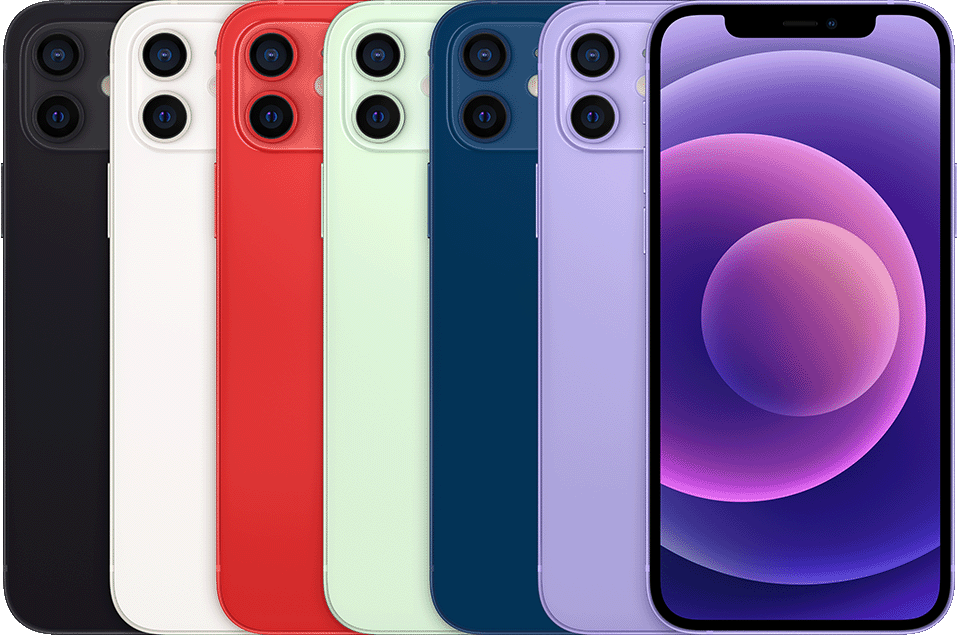
| Functional changes | Verified example | practical significance |
|---|---|---|
| 5G | iPhone 12 series now available | Network and operator compatibility changes |
| MagSafe | iPhone 12 series introduced | Magnetic charging and accessories ecology |
| High refresh display | Appears first on specific Pro models | Smoother scrolling and animation |
| USB-C | iPhone 15 series will replace Lightning | The wires are unified, but the data speed still depends on the model. |
| Camera flexibility | Lenses and cropping schemes change from generation to generation | The shooting focal length is different from the professional format |
| Apple Intelligence | Only available on supported hardware | Being able to run the same iOS does not mean that the functions are the same |
Comparison of the old Pro and the new standard version
- List the lenses, displays, and ports you really need.
- Check battery condition and maintenance records.
- Check current iOS compatibility and feature eligibility.
- Compare warranties, accessories and complete purchase costs.
Updates do not necessarily happen at the same time for all models of the same generation. The new model isn’t an automatic winner, and the old Pro isn’t the fixed ”bang for the buck answer.”
06 · Daily experience
Display, Camera & Performance
| Function | Impact on daily use | Need to check |
|---|---|---|
| screen size | Reading, video and one-handed operation | Body size, weight and bezels |
| Refresh rate/ProMotion | Scrolling and animation smoothness | Exact model and mode restrictions |
| brightness | Outdoor readability | Peak Conditions vs. Sustained Brightness |
| Main camera and ultrawide | Daily, architectural and multiplayer scenes | Sensors, image stabilization and video |
| Telephoto, macro and zoom | Long shot and close-up flexibility | Independent lens, crop or digital zoom |
| chip | Games, Editors, and Long-Term Features | Sustained performance and targeted applications |
| professional format | Post-production space | Storage, Wire and Workflow |
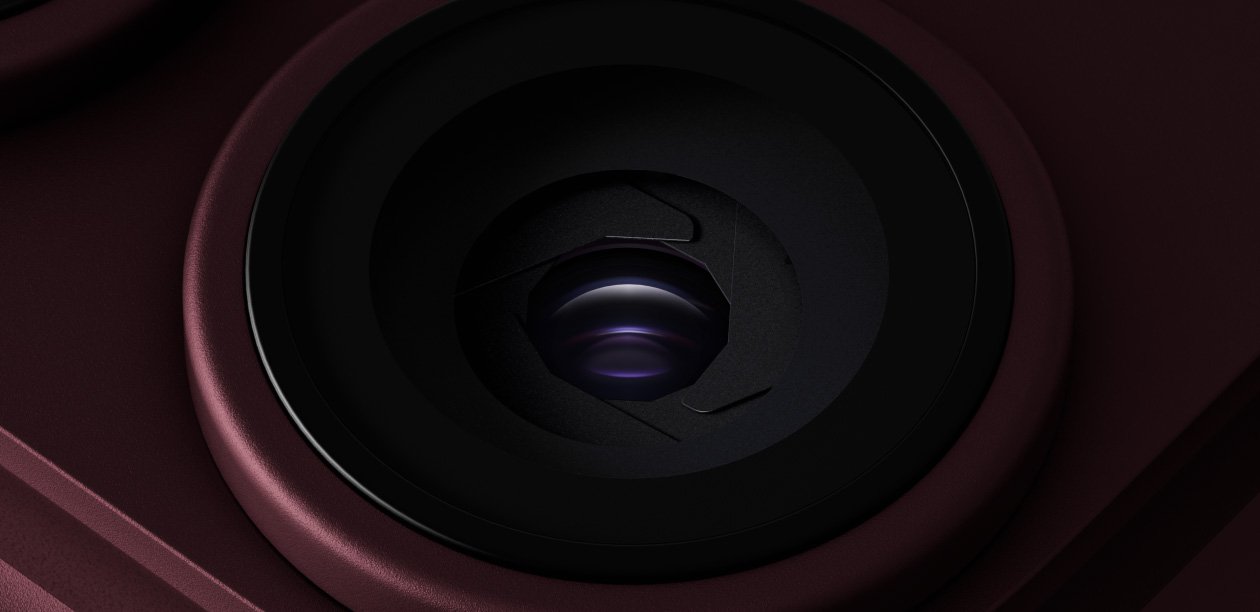
Higher pixels don’t automatically produce better photos; the 2× option in the interface doesn’t necessarily mean a separate telephoto lens. ”Optical quality” cannot be rewritten as a specialized optical lens. Pro is not necessarily required for messaging, web pages, and general photography.
High-profile video can quickly consume storage and impose additional requirements on external storage, cabling, or setup. You should confirm whether you will actually use these abilities before purchasing.
07 · Carrying costs
Batteries, charging and storage

| decide | Need to compare | Common misunderstandings |
|---|---|---|
| Battery | Same conditions playback rating, mixed use test, used battery condition | Only look at body size or individual ratings |
| Wired charging | Lightning / USB-C, power, cables and adapters | USB-C all have the same data speeds |
| wireless charging | MagSafe, Qi, Qi2 and specific accessories | Magnetic appearance equals full protocol support |
| local storage | Photos, games, downloaded media and high-profile videos | iCloud will increase physical capacity |
Apple’s video playback ratings are suitable for comparison under the same official methodology, but are not equivalent to mixed use battery life for everyone. The battery health, temperature, and repair condition of a used phone may be more important than the rating at the time of release.
There is no fixed lower limit for storage requirements that works for everyone. The nominal capacity also deducts system and application usage, and the margin should be reserved based on offline media and shooting habits.
08 · Software and Region
iOS, Apple Intelligence and regional differences
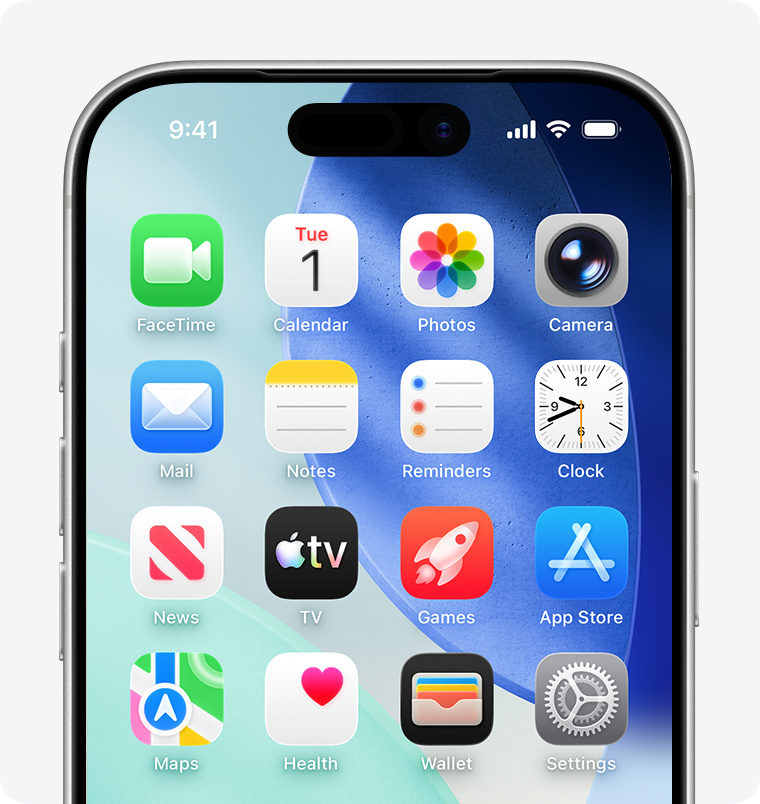

- Can the device install current iOS?
- Does the hardware support the specific functionality required?
- Is this feature available in user languages and regions?
| Ability | What determines | where to check |
|---|---|---|
| iOS | Hardware compatibility list | Apple iOS support page |
| Apple Intelligence | Model, system, language and region | Apple Intelligence requirements page |
| Physical SIM/eSIM | A Model and sales country | Technical specifications and identification model page |
| Carrier services | Bands, certifications and packages | Apple and local carriers |
| Satellite function | Model, country, service and network conditions | Apple feature availability page |
Imported devices with the same marketing name may also have different SIM hardware or regional service. Being able to run the same iOS does not imply having the same AI, satellites, cameras or connectivity, nor does it commit you to a fixed number of years of future upgrades.
09·Purchase inspection machine
How to identify and inspect your iPhone before buying
- Open ”Settings - General - About This Mac”.
- Check the model name and capacity.
- Follow Apple’s instructions to find the hardware model starting with A.
- Check carrier lock status.
- Make sure the activation lock has been removed before receiving a second-hand phone.
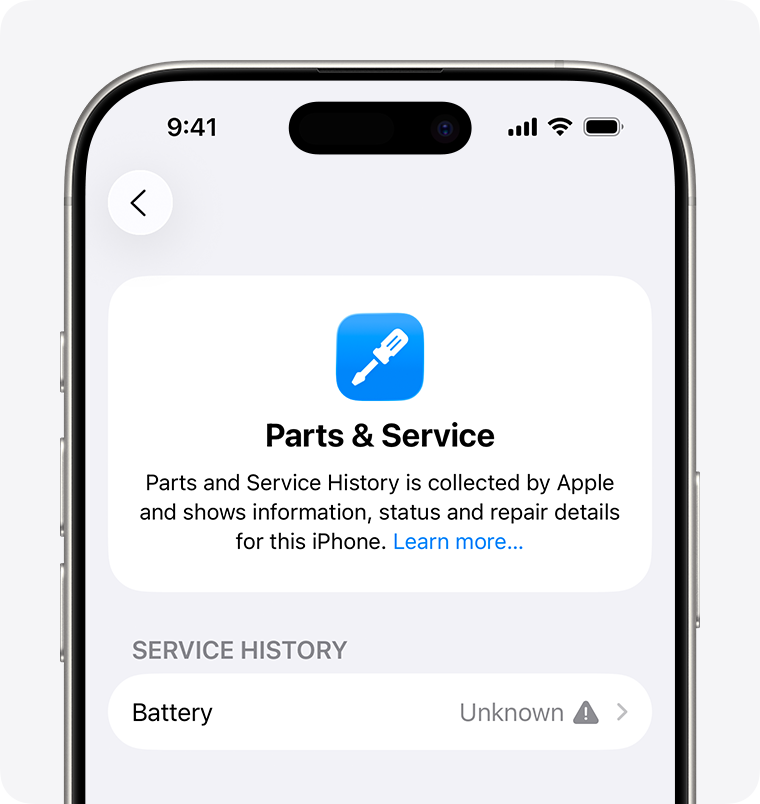
- Check available battery information.
- View parts and repair history on supported models and systems.
- Test the camera, speakers, buttons, charging and connections.
- Confirm warranty and return conditions.
| Condition | What should be understood |
|---|---|
| Brand new | Still need to confirm sales channels, packaging, warranty and regional models |
| second hand | Equipment is resold as is, condition may vary by individual |
| Seller renovates | Repair items, parts, batteries and warranty are determined by seller criteria |
| Apple Certified Refurbished | Sold under Apple’s official program only in markets where the service is available |
”Refurbished” is not a uniform quality level and does not default to battery replacement or the same warranty. The actual device should be inspected rather than just accepting the product title.
Apple identifies iPhone model · A guide to buying a used iPhone
10 · Select method
Which iPhone should you choose?
| priority needs | Comparable models or families | final confirmation |
|---|---|---|
| daily use | Current standard version, e or keep old generation | Size, camera, storage and support |
| lower cost | 17e, iPhone 16, trusted old models | Batteries, warranty and total cost |
| compact size | mini surplus or second-hand | Battery status compatible with remaining |
| bigger screen | Pro Max, Plus Heritage or Duo | Weight, camera, price and form |
| Photography and Video | Pro family of the same generation and required lens models | Focal length, format and storage |
| game | Current chip model that meets the target game | Sustained performance, weight and battery |
| Thin, light and portable | iPhone Air | Camera, battery life, connectivity and accessories |
| long term use | Newer and serviceable accurate model | Feature qualifications, capacity and warranty |
- Set a total budget that includes parts and possible repairs.
- Choose sizes and features you’ll actually use.
- Compare two to three specific models that are verifiable locally.
FAQ
iPhone model FAQs
Quickly understand generations, Pro family, storage, charging and software compatibility.
What is the difference between iPhone generations and iPhone models?
Generations are usually represented by numbers indicating the period of introduction; full models also include product family, size or positioning, such as Pro, Pro Max, Air, e. Different models within the same generation may use different camera, display, and storage configurations.
Is the iPhone Pro necessarily better than the standard version?
uncertain. “Pro” indicates high-end positioning in this generation, but being more expensive or having more features doesn’t mean it’s more suitable for everyone. Compare your actual needs for telephoto, video format, display, size, weight and budget.
Will Pro and Pro Max always use the same camera?
It cannot be assumed. Some generations have similar cameras, while other generations may have different focal lengths or functions. The Pro Max is generally larger, but camera conclusions have to go back to the official comparison page for that generation.
What is the difference between Plus and Pro Max?
Plus is usually a larger standard version of the experience in the generation that the family exists; Pro Max is the larger version of the higher-end Pro family. A bigger screen doesn’t mean the camera has the same pro features.
What’s the difference between SE and e models?
SE is a multi-generation historical product family, and different SEs cannot be regarded as the same mobile phone; e is another official naming category and should be understood according to its accurate specifications. Apple did not provide a fixed official full name for e that would need to be expanded on its own.
Is the old Pro better than the new standard version?
There is no fixed answer. The older Pro might retain telephoto or pro video features, and the new standard version might have an updated chip, connectivity, support period, or other features. Also calculate battery condition, repair history and total cost.
Which iPhones support Apple Intelligence?
Eligibility depends on specific hardware, system version, language, and region. The official support list will be updated and should be checked using the Apple Intelligence requirements page instead of just relying on the phone’s ability to install the current iOS.
Do all iPhones have USB-C, MagSafe and eSIM?
No. These features are gradually appearing across generations, models and sales regions. USB-C also doesn’t guarantee the same data transfer speeds; eSIM and physical SIM configurations may differ by country and hardware model.
How much iPhone storage do I need?
Depends on local photo, video, games, downloaded media and professional video formats. iCloud will not increase the physical capacity of the device, and the system and applications will also take up space, so you should reserve space according to your offline usage.
How do I confirm which iPhone I am purchasing?
Check the name, capacity and model number in ”Settings - General - About This Mac”, and follow Apple’s guidelines to display the hardware model starting with A. Used phones should also check for activation lock, carrier lock, battery, parts and maintenance records.
Summary
Choose an iPhone based on features, not just name
- The family name indicates the general positioning, and the exact generation determines the functional combination.
- Size, camera needs, battery status, and software compatibility should drive the decision.
- Local supply and actual equipment condition will affect value.
Narrowing the candidates down to two or three, and then checking them one by one using official Apple specs, device identification information, and your own daily priorities, is usually more reliable than going straight for the biggest number or highest suffix.
Reader questions
Need help comparing iPhone models?
Please indicate the candidate model, country, budget, preferred size and main use in Your Request, and we will help sort out the features, regional versions and device condition that need to be checked. Do not submit your Apple ID password, verification code, or payment information.
Related Reading
Related smartphone guides
Continue comparing operating systems, product families, SIM compatibility and mobile networks.

Android vs. iOS
Learn about software, apps, device selection, and ecosystem compatibility.

Detailed explanation of Samsung Galaxy series
Understand the Samsung product family and its main usage directions.
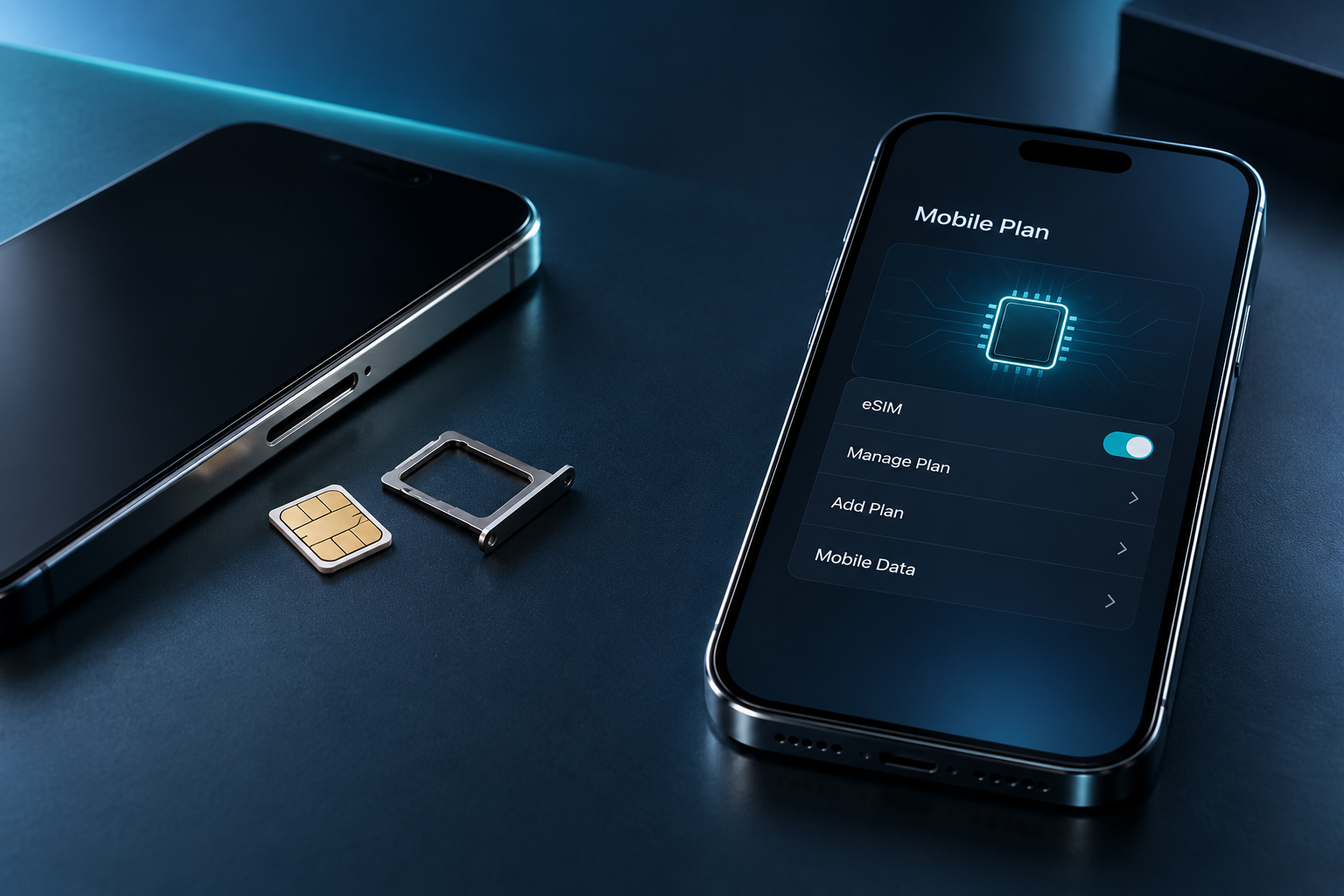
SIM card vs. eSIM
Compare activation, compatibility, travel and switching convenience.
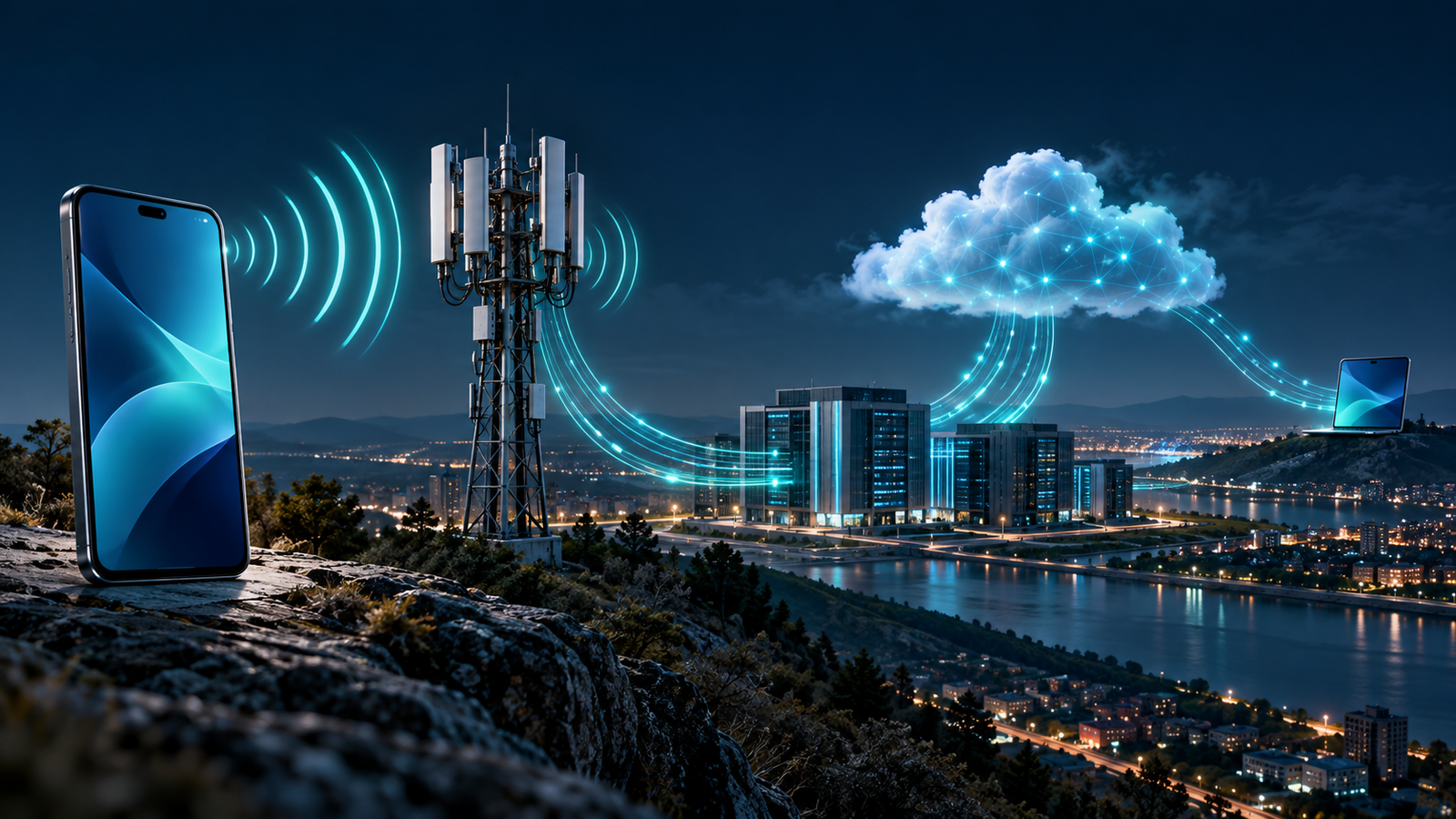
How do mobile phones work?
Learn how your phone carries calls, messages and mobile data.