
IP Telephony Guide
How VoIP Works: From Voice Encoding to Internet Calls
VoIP converts the sound picked up by the microphone into digital audio, encodes it into data suitable for transmission, and sends it to another device over the IP network. Call establishment and actual voice transmission are two different processes.
Available systems don’t just depend on ”Internet speed.” Terminal, PBX or cloud service, network quality, power, routing, security and public phone number connectivity all affect the results.
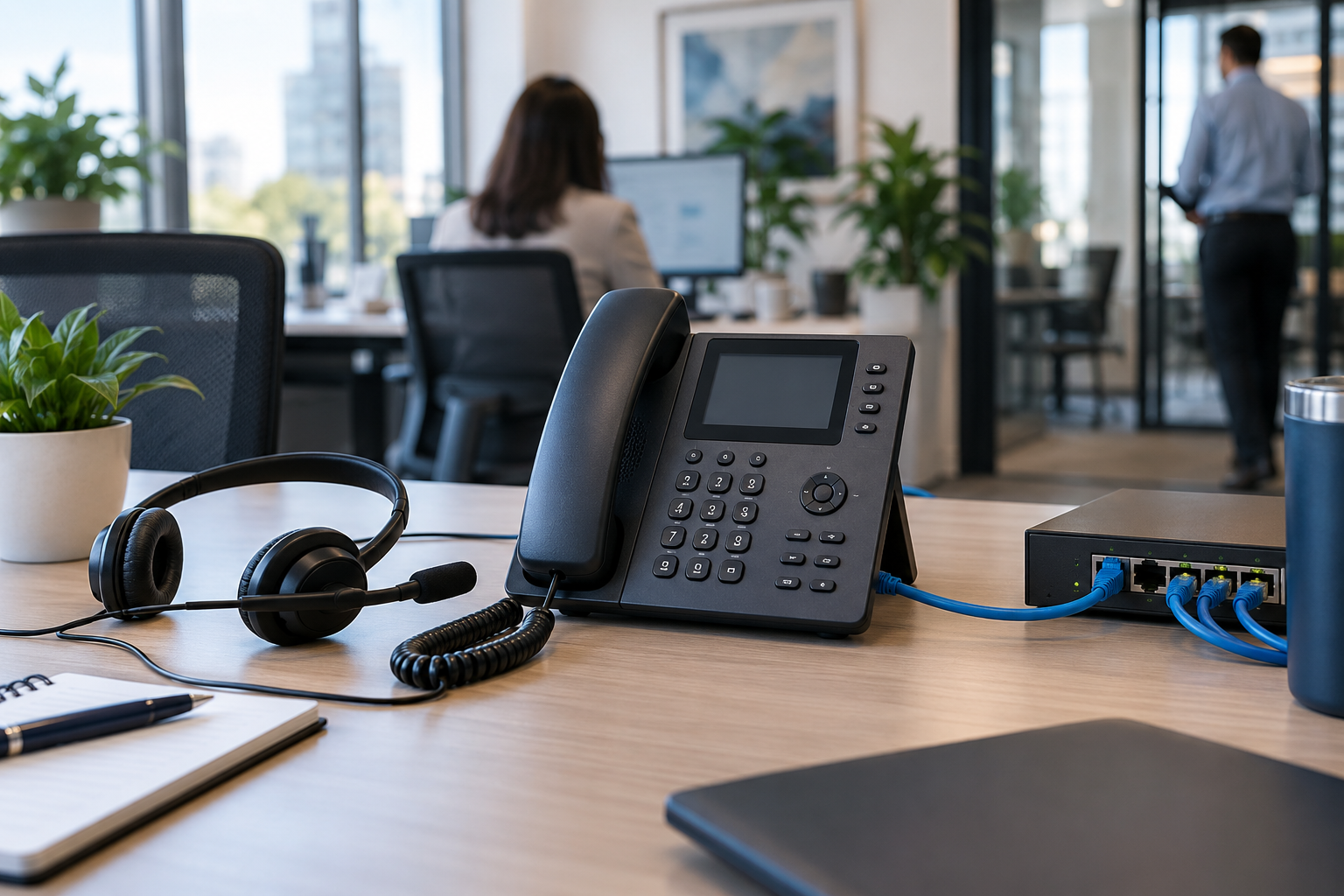
quick reference
Six straight answers
| What is VoIP? | Deliver voice over IP networks. |
|---|---|
| Do I need to use IP telephony? | No, computers, mobile apps and ATA are also available. |
| Need an internet connection? | Not necessarily for internal calls, usually required for external services. |
| Can I dial a regular number? | Public telephone network connection required. |
| Is it dependent on power supply? | Both terminals and network equipment require power supply. |
| Main quality factor? | Latency, jitter, packet loss and available bandwidth. |
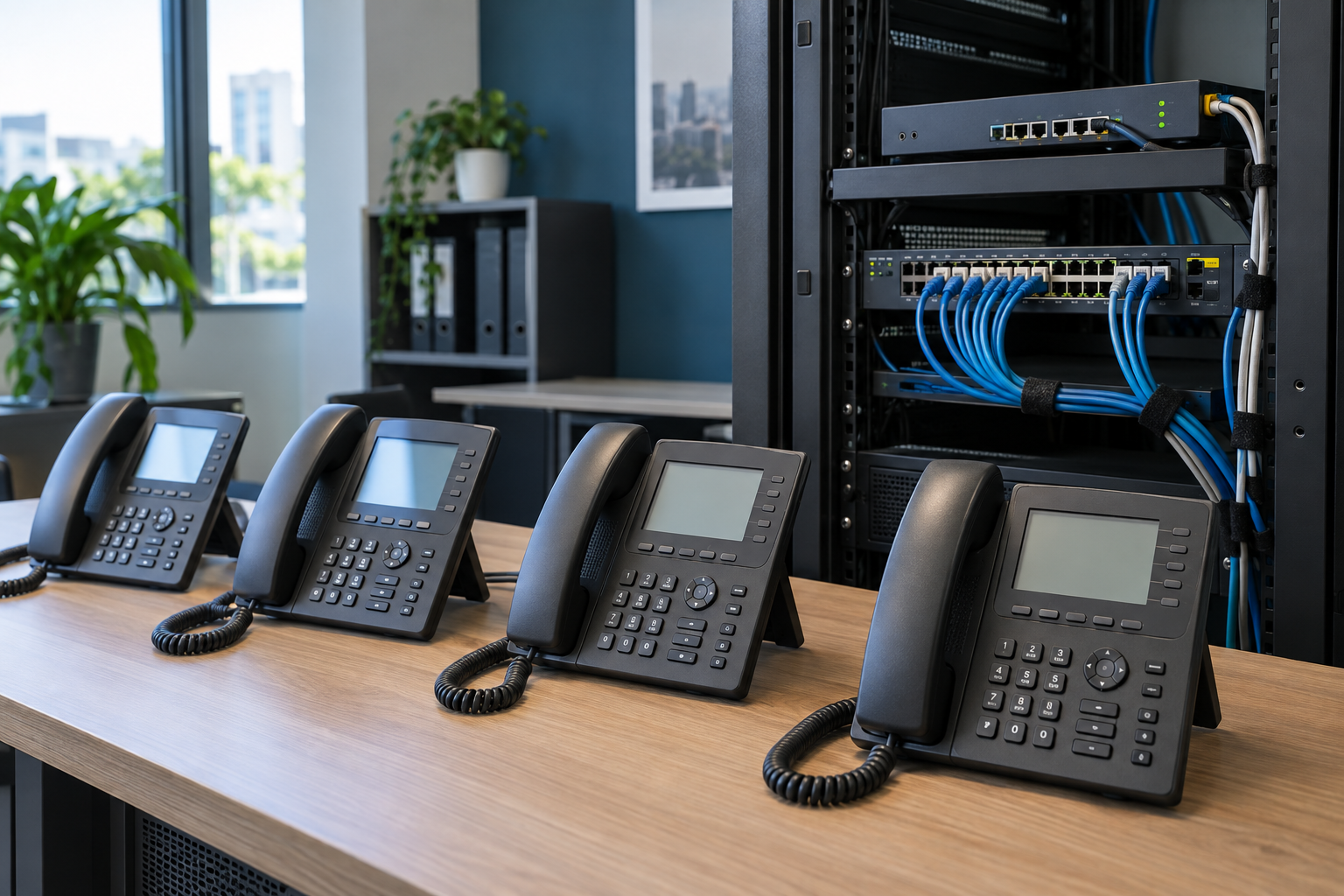
Overview
VoIP handles signaling and voice simultaneously
Signaling is responsible for finding the other party, ringing, negotiating parameters, and ending the session; media transmission is responsible for sending the voices of both parties to the other party. The two paths may pass through different servers.
| Task | function | Common actions |
|---|---|---|
| signaling | Create, manage and end calls | Dial, ring, answer, hang up |
| media | Deliver encoded real-time speech | The call sounds heard by both parties |
- The terminal can be an IP phone, computer, mobile application or ATA.
- Enterprise systems can use on-premises PBX, cloud telephony, or a hybrid deployment.
- Access to public phone numbers usually requires a carrier or SIP provider.
01 · Audio processing
How sounds turn into network packets

The microphone first captures air vibrations, and the terminal converts the analog signal into digital samples, which are then encoded by a codec. The system puts short bursts of audio into data packets and adds address, sequence and time information.
- A microphone collects sound.
- The terminal completes digitization and processing.
- Codecs compress or encode audio.
- Audio is divided into consecutive packets.
- The receiver sorts, buffers and decodes.
- Speakers or headphones restore sound.
A jitter buffer can absorb fluctuations in arrival times, but the larger the buffer, the higher the latency is likely to be. Late or lost packets cannot always wait for retransmission, as live calls value continuity over full recovery.
02·Call establishment
How to set up a VoIP call

After the user selects a contact, extension or phone number, the terminal hands the request to the application, PBX or service provider. The system checks the identity, permissions and routing before notifying the receiving end. After the other party answers, the two parties negotiate the media parameters and start transmitting audio.
| stage | main work |
|---|---|
| Request | Submit caller identity, destination, and session suggestions. |
| Ring | Find and alert one or more terminals. |
| Answer | Confirm session and media parameters. |
| call | Stream real-time audio in both directions. |
| end | Release the session and related resources. |
Enterprise systems may also add queues, recording, transfers, simultaneous ringing, and voicemail, making the actual process more complex than the basic model.
03 · Core terms
SIP, RTP, Codecs and SBC

| Terminology | Main function |
|---|---|
| SIP | Common session signaling protocols. |
| SDP | Describe media suggestions such as addresses, codecs, etc. |
| RTP | Common real-time media transmission methods. |
| RTCP | Report media quality and participant information. |
| Codec | Encoding and decoding speech. |
| SBC | Control and secure sessions at network boundaries. |
VoIP is not a single protocol. Two devices, even if both are labeled as supporting SIP, may differ in authentication, extensions, codecs, encryption, or failover. Deployment must be based on the service provider’s compatibility list and actual testing.
04 · Public telephone network
How to make VoIP calls to mobile phones and landlines
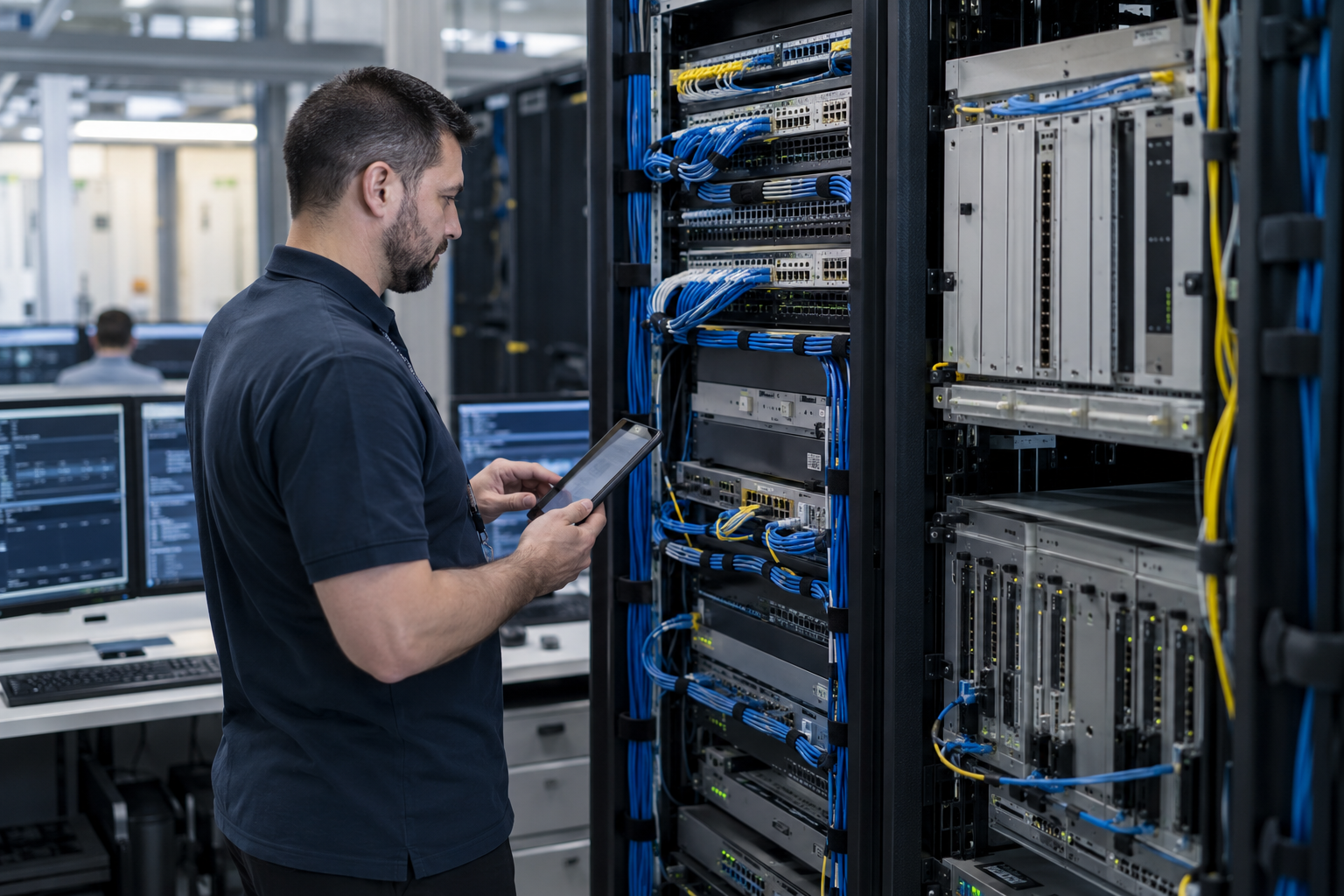
The same application or intra-enterprise call can stay in the IP environment. When calling a public mobile phone or landline number, the service provider usually needs to complete number resolution, routing and public telephone network interconnection.
- Numbers are not equal to terminals and incoming calls can be routed to multiple devices.
- Number portability, caller ID, international dialing and emergency calling rules vary by region.
- SIP Trunk is a way to connect compatible phone systems and service providers, and is not equivalent to a complete PBX.
05·Terminal equipment
IP phones, softphones, mobile apps and ATA

| terminal | Advantages | Key points to confirm |
|---|---|---|
| IP desk phone | Dedicated buttons and stable workbench experience | Service Compatibility, PoE, Firmware |
| computer softphone | Remote working and unified desktop | Headphones, permissions, network |
| mobile application | Mobile and easy to use | Background operation, data network, battery |
| ATA | Connects to some traditional analog phones | Port, dial-up, fax restrictions |
PoE can power compatible phones over a network cable, but the switch and phone must support the standard. End-of-life devices also need to confirm firmware, certificates, configuration servers and security support.
06 · System deployment
Cloud telephony, local IP PBX and hybrid deployment

| way | control position | Key points to check |
|---|---|---|
| cloud hosting | Service provider platform | License, Region, Equipment List |
| Local IP PBX | Enterprise site or own machine room | Maintenance, backup, SIP connections |
| Hybrid deployment | Shared responsibility between local and cloud | Boundary, Routing and Failure Responsibility |
The choice should take into account existing equipment, numbers, number of locations, IT capabilities, compliance, service areas and disaster recovery requirements. No one architecture is best for all businesses.
07 · Call quality
Latency, Jitter, Packet Loss and Wi-Fi

| factors | possible performance | check direction |
|---|---|---|
| delay | pause, talk | Measure actual media path |
| Jitter | Intermittent voice | Check Wi-Fi, queues and routing |
| Packet loss | Missing words, robotic voice | Check congestion, interference and links |
| Bandwidth | Peak decline | Check uploads and downloads simultaneously |
| audio equipment | echo, noise | Comparison using normal headphones |
QoS prioritizes voice on the network you control, but cannot guarantee every segment of the public internet. Testing should be conducted during real busy times and record the time, direction, terminal and network type.
08 · Continuity
Power outages, network outages and emergency calls
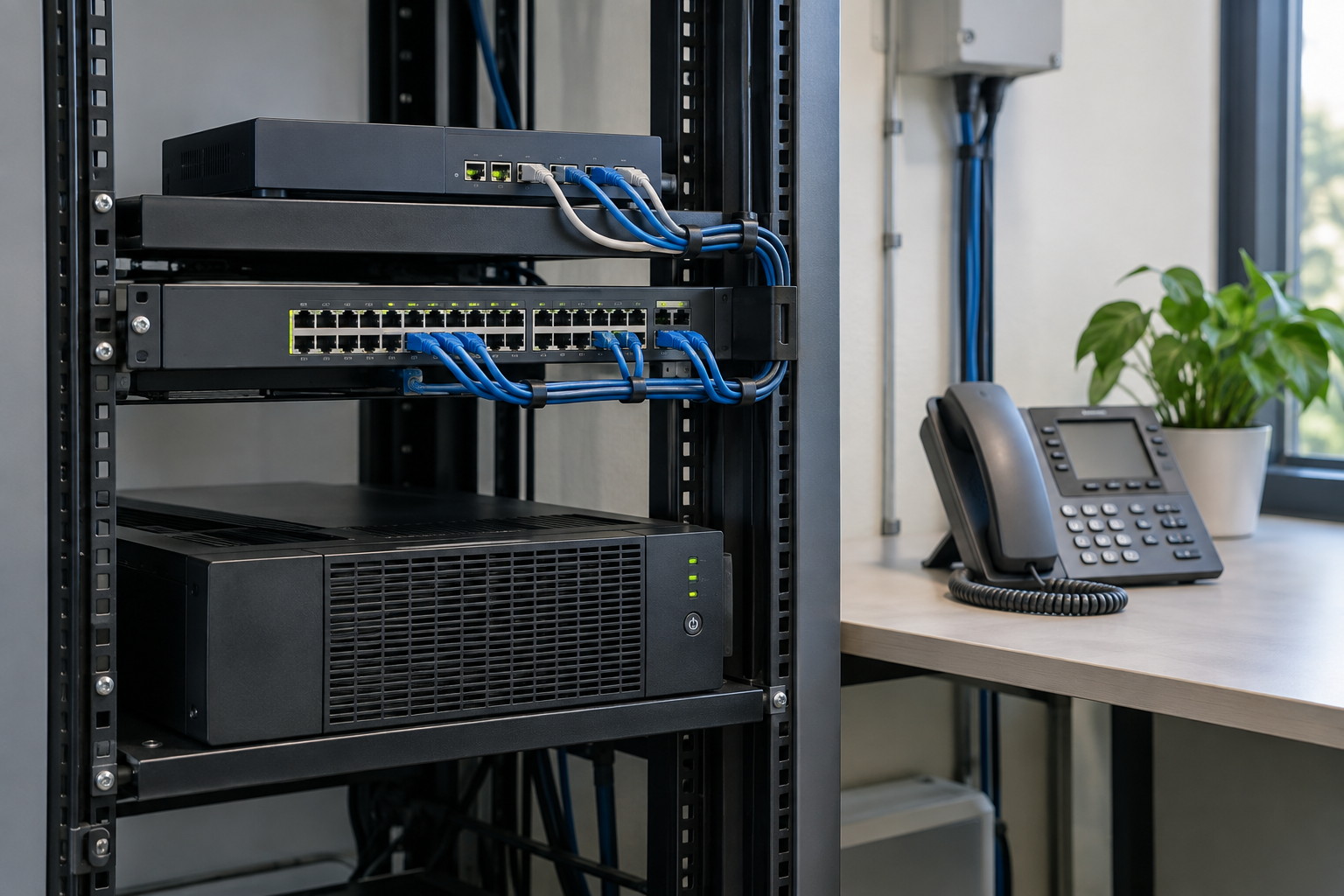
VoIP relies on phones or computers, switches, routers, optical modems or modems, access networks and service platforms. Equipping one of the devices with a UPS cannot automatically protect the rest.
- Determine which devices must be powered continuously.
- Prepare and test an independent backup network.
- Records call forwarding and contacts in case of failure.
- Check emergency call support and address update requirements.
Key locations require real drills, not just written plans. Mobile data may also share upstream infrastructure with fixed networks.
09·Safety
Accounts, Signaling, Media and Privacy

Common risks include stolen administrator credentials, unauthorized international dialing, exposed recordings, old firmware, and excessive privileges. An attacker doesn’t necessarily need to hack the audio to gain control of the account and call routing to cause damage.
| measures | Protected objects |
|---|---|
| Strong Passwords and MFA | User and administrative accounts |
| Update management | Phones, Apps, PBX and Gateways |
| TLS | Supported signaling connections |
| SRTP | Supported live media links |
| Permissions and restrictions | Routing, charges and management operations |
Encrypted connections are not necessarily end-to-end encrypted. Recordings, voicemails, transcriptions, and call logs also require individually defined access and retention rules.
10 · Procurement and Deployment
VoIP project checklist
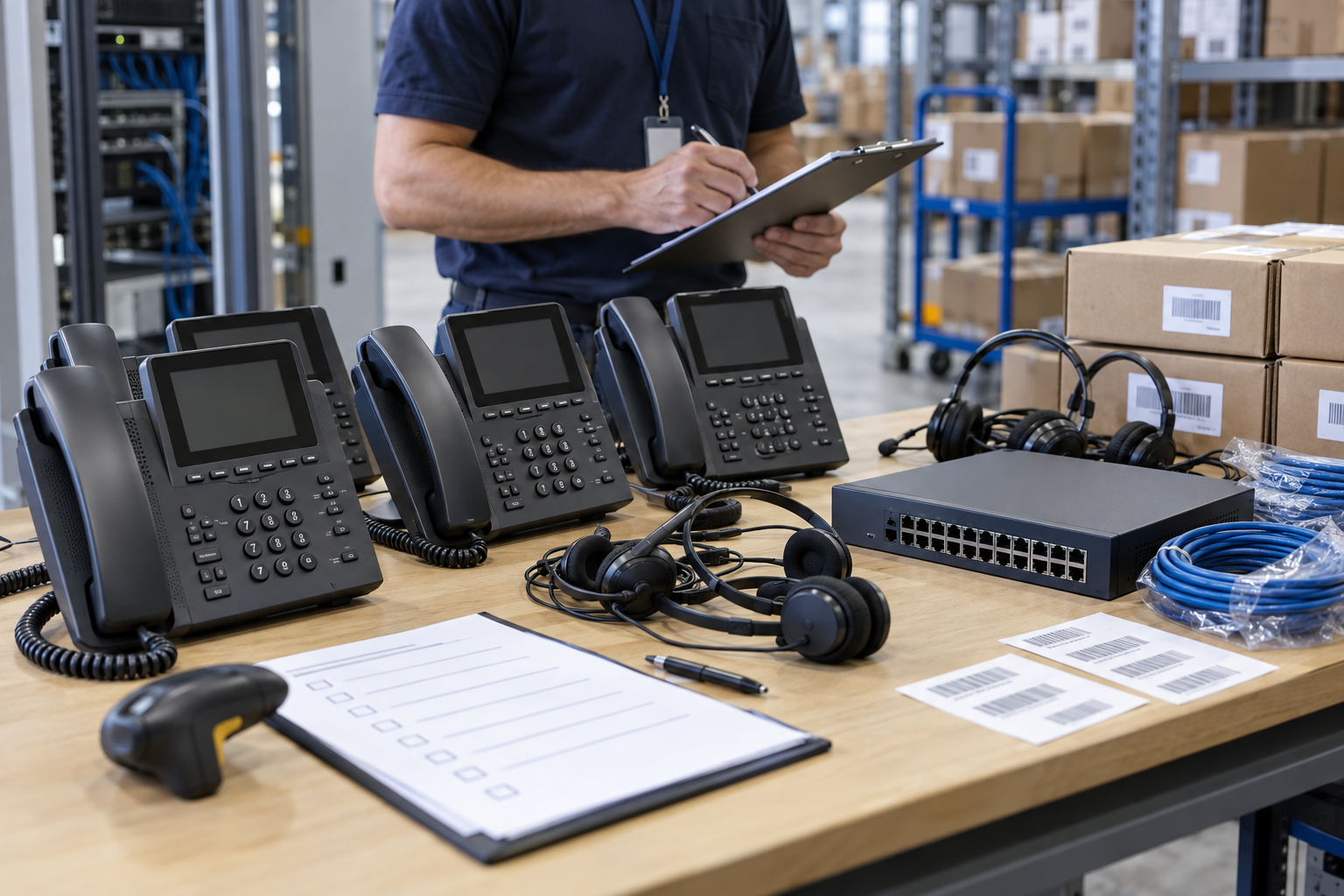
- Identify users, locations, numbers, and call flow.
- Check uploads, downloads, jitter and packet loss.
- Select Services, PBX and Authenticated Endpoints.
- Confirm PoE, VLAN, configuration and security.
- Test inbound, outbound, routing and queuing.
- Practice outages, power outages and service failures.
- Document assets, firmware, and recovery steps.
There may also be differences in hardware version, regional firmware, language, license, and preconfiguration for the same model. The complete part number should be verified and small batch testing done before formal bulk purchase.

FAQ
VoIP FAQ
Answers to common questions about Internet telephony, equipment, cost, quality and security.
What does VoIP mean?
VoIP is the abbreviation of Voice over Internet Protocol, which refers to the transmission of voice over IP networks. It can run on a local area network, a dedicated line, the public Internet, or a combination of these networks.
Do VoIP calls require internet?
uncertain. Internal IP phones can work within the corporate LAN; connecting to cloud services, remote users, or public phone numbers often requires an external network and corresponding services.
Are VoIP and Wi-Fi Calling the same thing?
Not the same concept. Wi-Fi Calling is typically a mobile operator service; VoIP is broader and includes business phones, app calling, and SIP systems.
Can a regular phone be connected to VoIP?
Compatibility with ATA, voice gateway or PBX is possible, but functionality, dialing rules, caller ID and fax support need to be checked on a case-by-case basis.
Will VoIP be cheaper than traditional phone calls?
uncertain. The total cost also includes numbers, airtime charges, licenses, IP phones, headsets, network, installation, support and backup plans.
Why do VoIP calls stutter?
Common causes include Wi-Fi interference, upload congestion, packet loss, jitter, routing changes, terminal processing, or server-side abnormalities. Just looking at the download speed cannot locate the problem.
Will VoIP still work during a power outage?
Proceed only if power and connections are available to the phone, switch, router, optical modem or modem, and upstream services.
Is VoIP secure?
The level of security depends on the account, endpoint, network and service configuration. MFA, updates, permission controls, TLS, SRTP, call restrictions and monitoring can reduce risk.
Is SIP VoIP?
No. SIP is a common session signaling protocol; VoIP is a broader category of voice transmission technologies, with audio often carried by other mechanisms.
What do you need to confirm before purchasing an IP phone?
Confirm provider or PBX compatibility, firmware, power supply, button and line requirements, codecs, languages, network standards, regional certifications, and configuration methods.
Summary
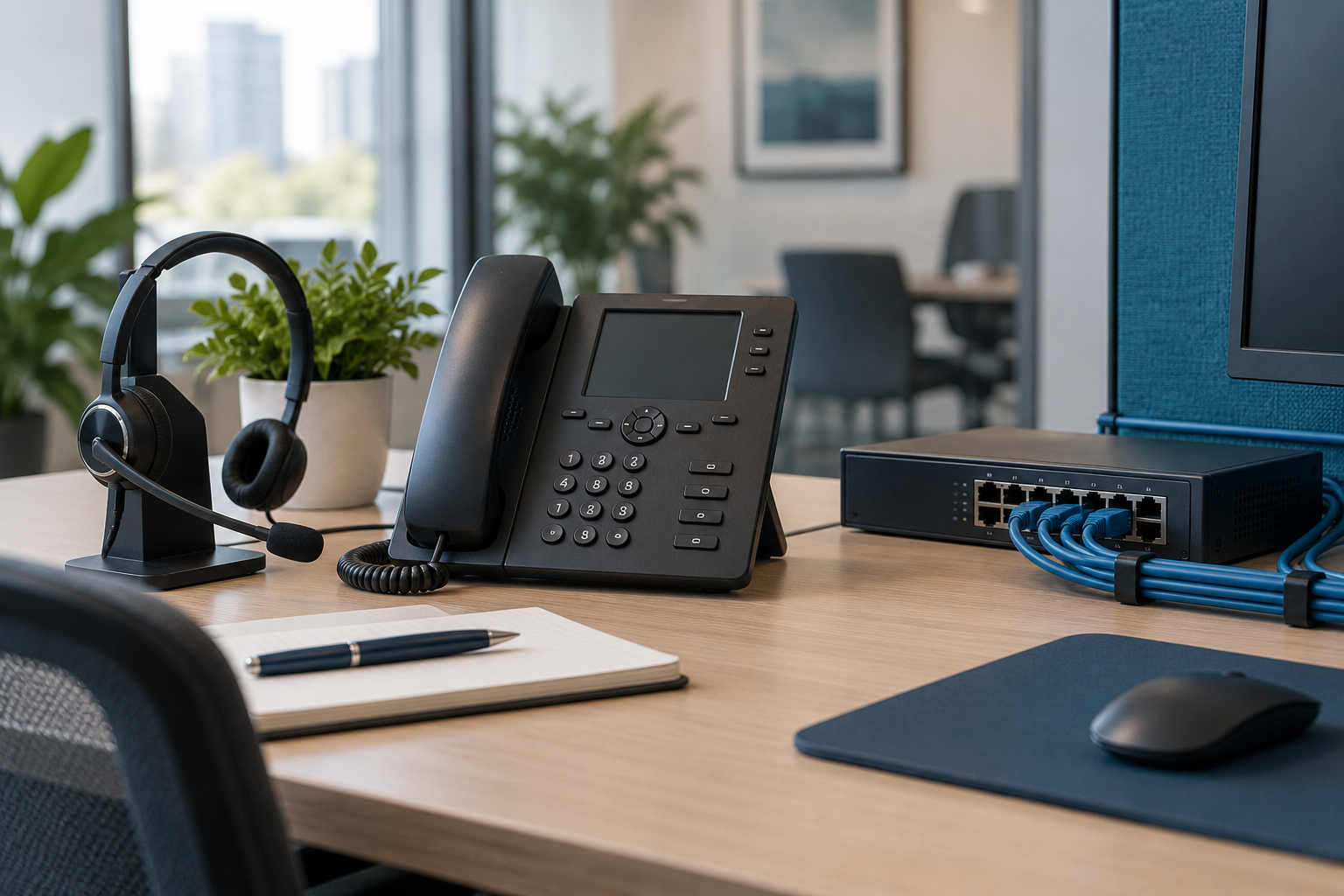
VoIP is a complete real-time communication link
- Speech is first digitized, encoded and divided into data packets.
- Signaling and media perform different tasks and may take different paths.
- Stable calls depend on terminals, networks, services, power supplies, and security configurations.
When evaluating projects, don’t just compare bandwidth or equipment prices. Compatibility, call routing, troubleshooting, emergency calls, maintenance responsibilities and long-term support are equally important.
Telecom Equipment Sourcing
Need to purchase IP phones, PBX or network equipment?
Please provide brand, complete model, quantity, configuration, equipment status, destination country and existing system. Can indicate whether discontinued stock or alternative models will be accepted.

Continue reading
Related Communications Guidelines
PBX vs. VoIP
Understand the differences between telephony management systems and voice over IP.

What is telecom equipment?
Learn about access, transmission, routing, and communications terminals.
How does a mobile phone work?
Learn about mobile devices and cellular networks.
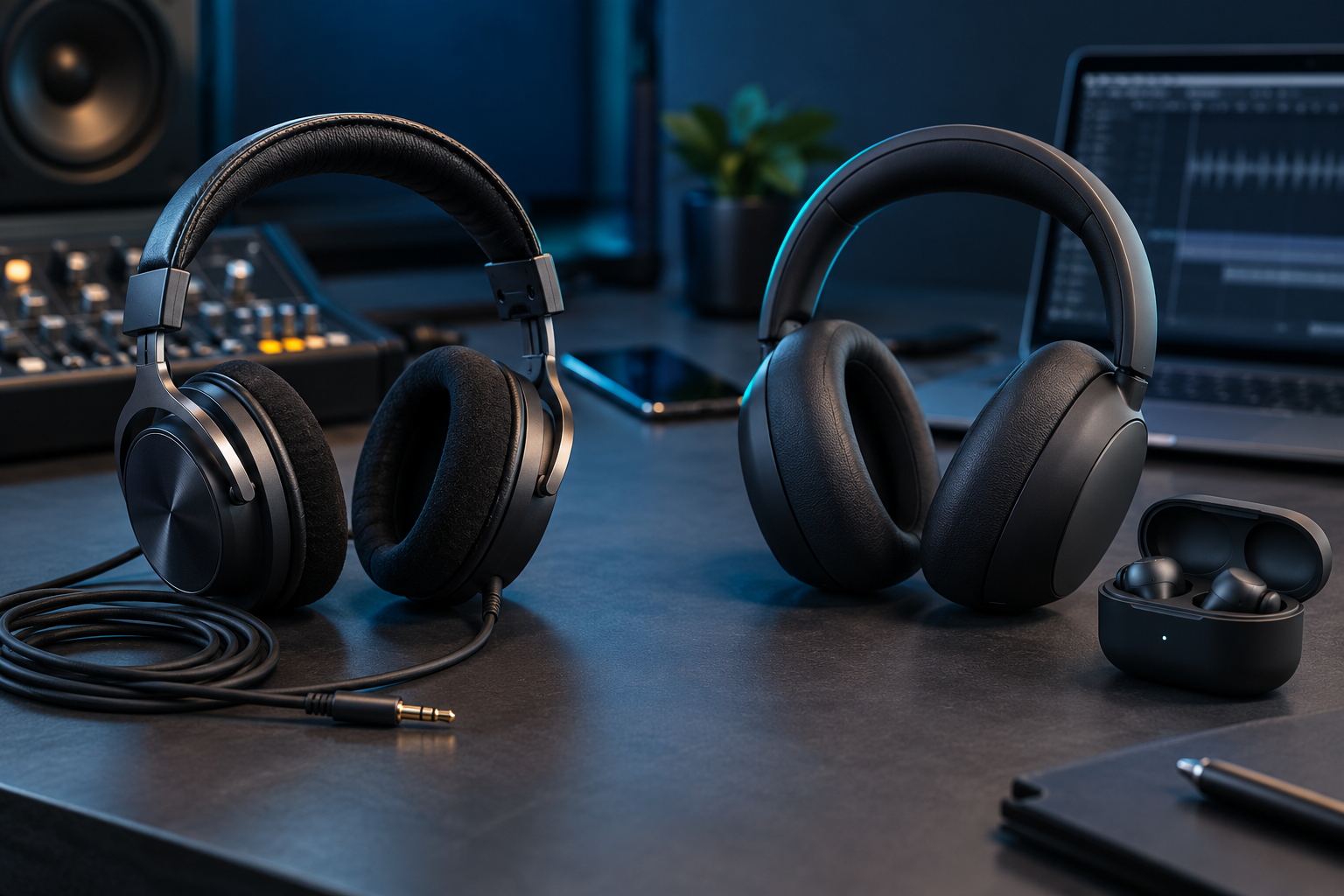
Wired vs. wireless headphones
Compare sound quality, latency, calls and compatibility.