
Headphone connection guide
Wired vs. Wireless Headphones: Sound, Latency and Use
Wired and wireless are not simple ”sound quality” rankings, but two connection paths. The real choice should take into account playback equipment, usage scenarios, headphone tuning, microphones, latency, power supply and maintenance costs.
This article breaks down concepts that are easily confused: interface does not equal sound quality, Bluetooth version does not equal codec, and support for lossless does not mean that any combination can be transmitted losslessly.
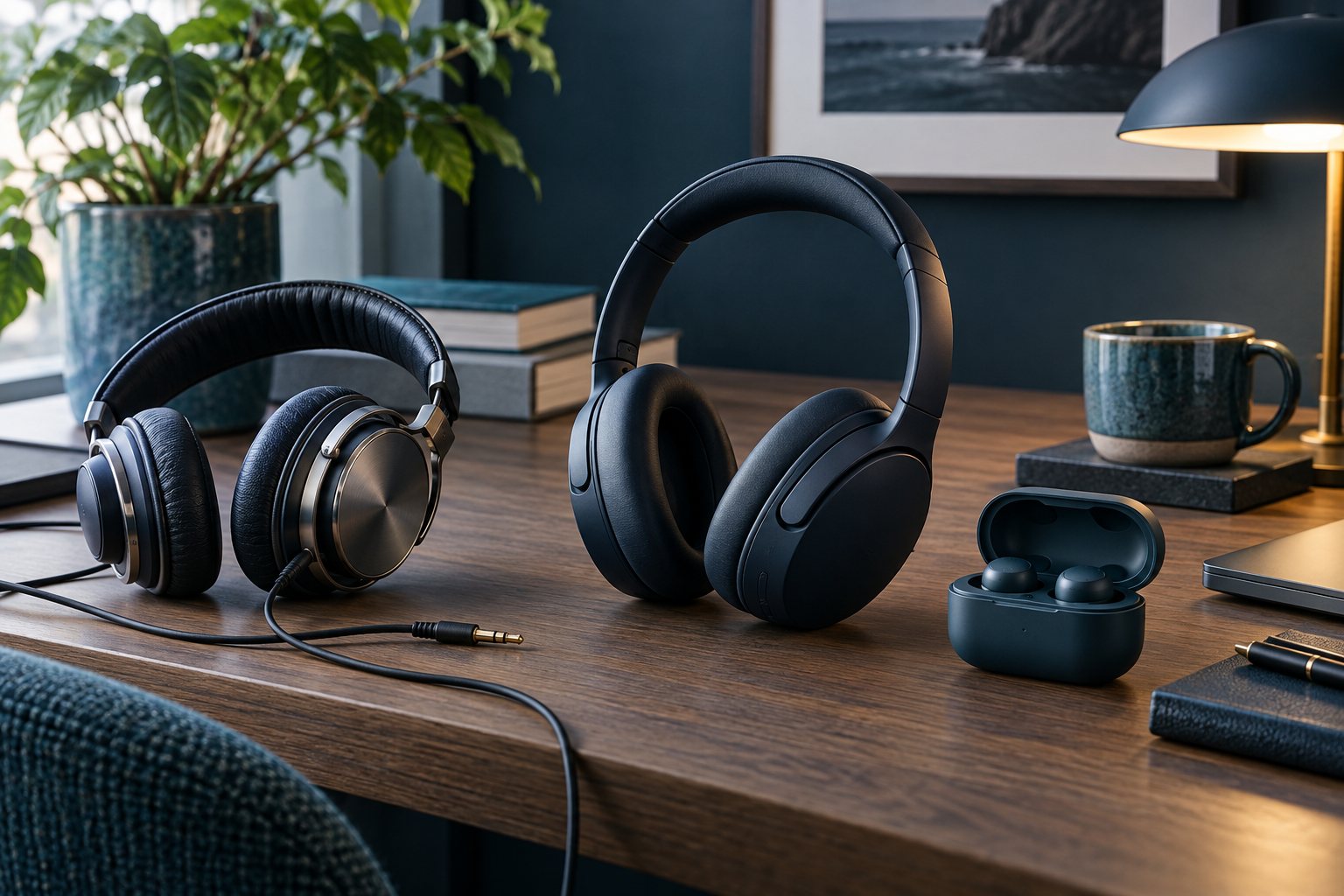
quick reference
Six quick answers
| demand | usually more suitable |
|---|---|
| Lowest and stable latency | Simulate wired or proven dedicated wireless links |
| Mobility and commuting | wireless headphones |
| Does not rely on headphone batteries | Passive wired headphones |
| Multiple device switching | Wireless headsets with Multipoint support |
| Recording and monitoring | A common choice is wired monitoring headphones |
| final sound quality | Specific models and complete links must be compared |

Overview
Compare needs first, don’t choose a camp first
Wired headphones transmit analog or digital audio through a physical connection; wireless headphones transmit data through Bluetooth or a dedicated radio frequency link, and decoding, processing, and amplification are completed inside the headphones. Excellent sound is possible with both.
| Dimensions | Wired | wireless |
|---|---|---|
| connect | 3.5 mm、USB-C、Lightning、USB | Bluetooth or dedicated receiver |
| Power supply | Passive analog models require no batteries | Usually requires charging |
| Mobility | Limited by cable length and interface | More freedom of movement |
| variable | Output, impedance, adapter | Codecs, RF, buffering, firmware |
01 · Connection path
How wired vs. wireless headphones work
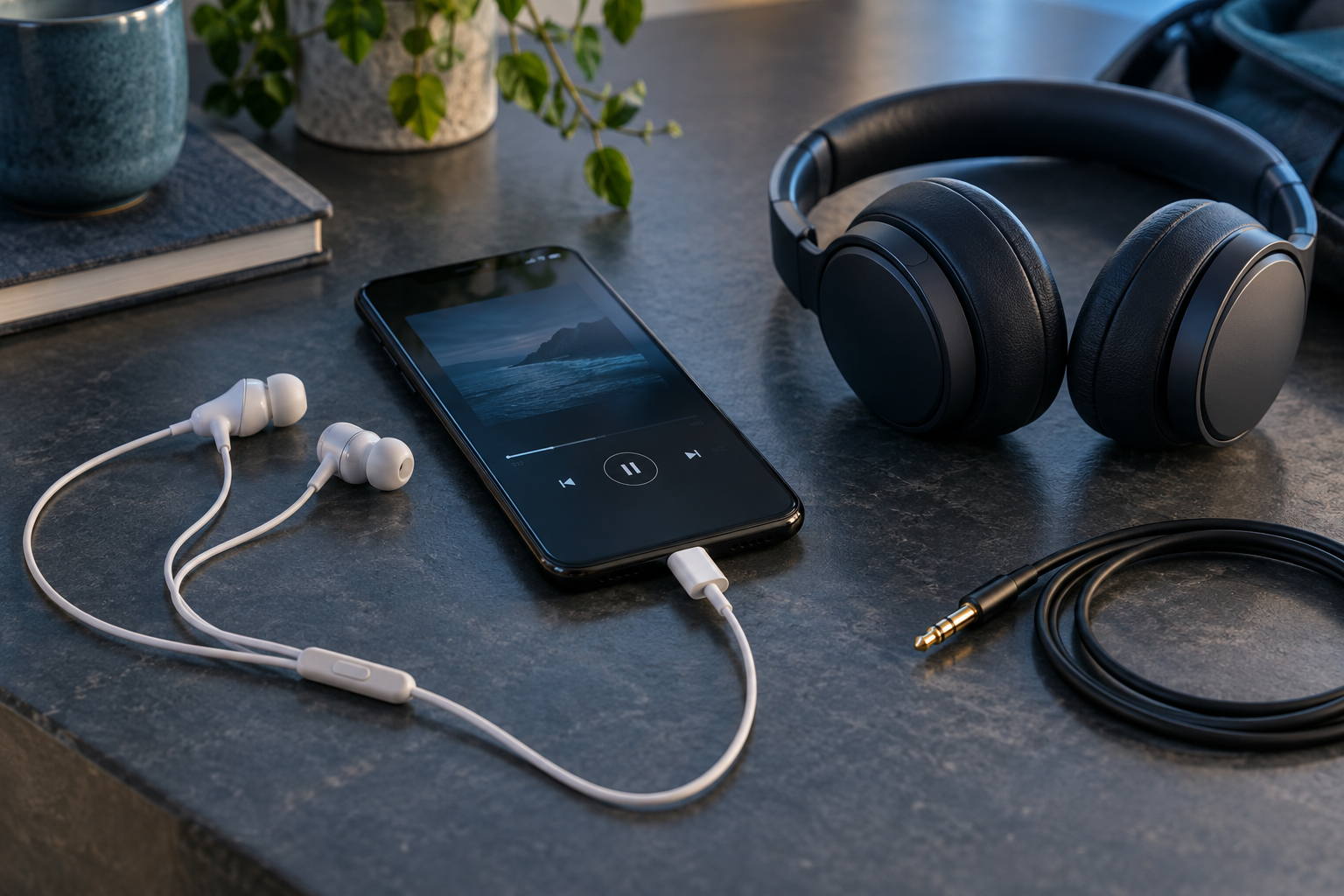
Analog wired headphones first convert digital audio into analog signals by a mobile phone, computer, player or external DAC/headphone amplifier, and then drive the headphone driver unit through the cable. The 3.5 mm plug only describes the connector, not the output power, noise floor, tuning, or microphone standards.
USB-C, Lightning, and USB headphones receive digital audio, and digital-to-analog conversion and amplification are usually located within the headphones, cable control, or adapter. The same interface may also use different protocols, so ”can be plugged in” does not mean ”can play, can make calls, and all line controls are available.”
Bluetooth headsets typically encode audio from the phone, transmit it over a wireless link, and decode it on the headset side and play it back through internal DSP, amplifiers, and drive units. Gaming or office headphones with a USB receiver are also wireless, but don’t necessarily use regular Bluetooth audio.
- First confirm the physical interface and protocol.
- Reconfirm the playback, microphone, in-line control and spatial audio functions.
- Finally, look at the tuning, wearing and actual testing of specific headphones.
02 · Sound quality
Sound quality is not determined by cables alone
Frequency response and tuning determine sound balance; driver units and acoustic structure affect distortion, dynamics, and spatial performance; the sealing of in-ear headphones, the clamping force of headphones, and the state of ear pads will change low frequencies and consistency. The connection method is only one part of the complete system.
| factors | may affect | Check method |
|---|---|---|
| Tuning and Frequency Response | Vocal, low and high frequency balance | See reliable measurements and listen to them in action |
| wear seal | Low-frequency volume sense and left-right consistency | Try a good fit or adjust the position |
| Sound source and processing | Dynamics, EQ and Loudness | Turn off unknown enhanced contrast |
| Output | Volume, noise floor and drive capability | Check device and headphone requirements |
A wired connection avoids the wireless coding found in regular Bluetooth links, but doesn’t automatically correct for poor tuning, broken ear pads, or ill-fitting outputs. Wireless headphones can use the DSP designed by the manufacturer for the driver unit, but some processing cannot be turned off, and the sound may also change with the firmware.
03 · Wireless audio
Bluetooth Codecs, LE Audio and Lossless
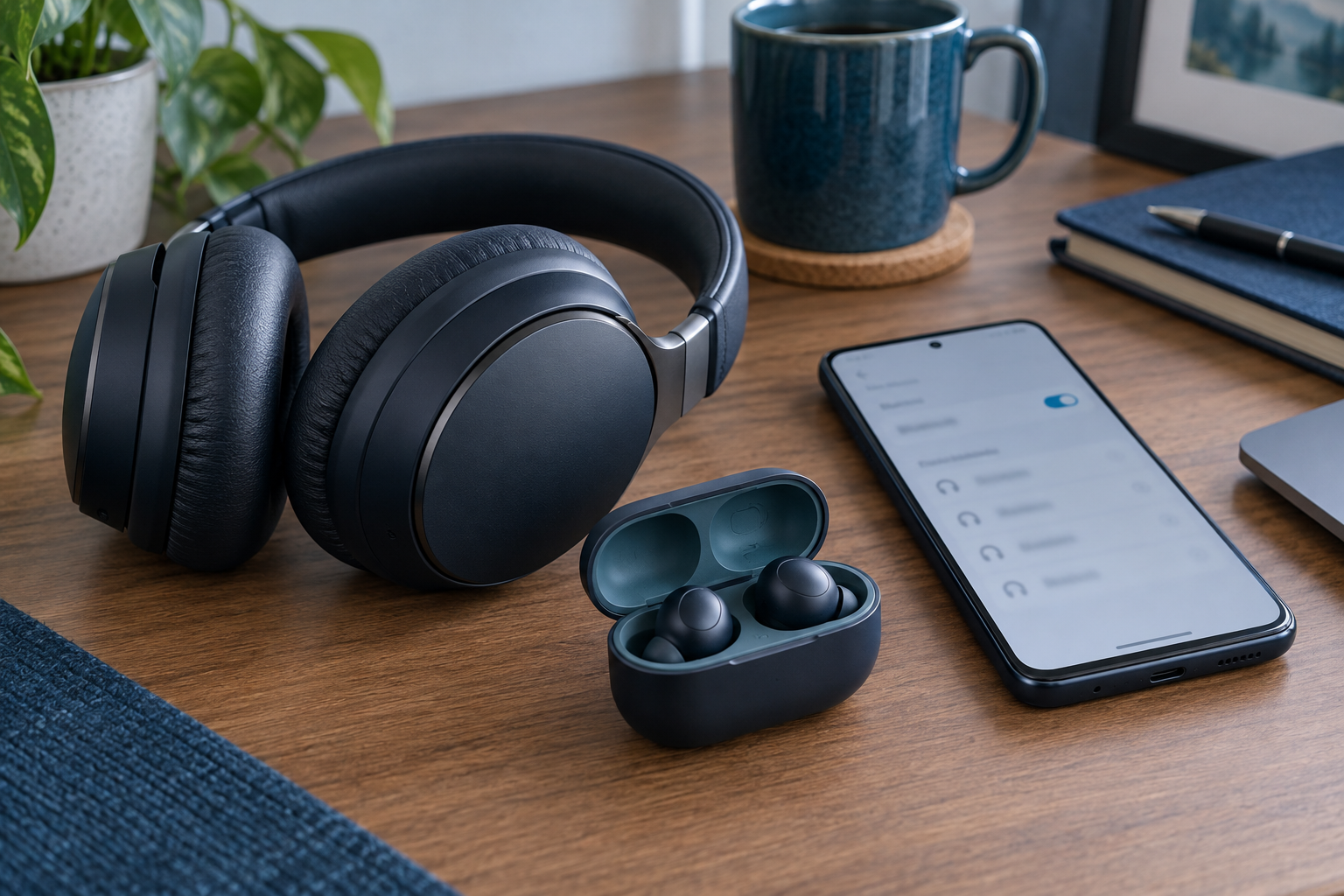
Codecs determine how audio is compressed, transmitted, and restored. Both the sender and the headset must support a mode for the system to use it; otherwise it will usually fall back to options shared by both parties. The same name does not guarantee the same bitrate or latency configuration for each device.
| Terminology | Description | Do not misunderstand |
|---|---|---|
| SBC | Basic common codecs for Classic Audio | All SBC implementations sound identical |
| AAC | Common lossy codecs | Performs consistently on all systems |
| aptX / LDAC | Options that require support from both parties | As long as the headset is marked, it must be enabled |
| LC3 | Force base codec for LE Audio | All Bluetooth 5.2 devices support LE Audio |
Bluetooth SIG’s LE Audio FAQNote that LE Audio uses low-power Bluetooth radio and LC3, and requires the audio source and receiver to use the same audio method; having Bluetooth 5.2 core capabilities does not mean that the product must implement complete LE Audio.
“Lossless” must be understood in terms of specific ecologies, patterns and conditions. Apple’sLossless Audio InstructionsClearly stating that its regular Bluetooth connection is not lossless, and listing the conditions for devices that can use a wired connection. Qualcomm’s aptX Lossless is a specific Snapdragon Sound end-to-end solution, and the trademark should not be extended to a guarantee for all Bluetooth combinations.
04 · Delay
Latency differences between music, videos and games

Fixed delays are usually not noticeable when the music is played alone. When watching video, the player may actively delay the picture to compensate for the audio; real-time gaming, electronic instrument monitoring, and live production cannot always use the same pre-compensation.
Analog wired links are usually the most straightforward. USB audio adds digital processing and buffering, but is generally still more predictable. A normal Bluetooth link also includes encoding, transmission, receive buffering and decoding, so the total latency depends on the phone, operating system, headset, codec and application.
| scene | Delay sensitivity | Suggestions |
|---|---|---|
| pure music | low | Prioritize sound and wear |
| streaming video | in | Testing the target app’s lip sync |
| casual games | medium to high | Test game mode or receiver |
| Competitive gaming/monitoring | high | Prioritize wired or measured low-latency links |
Don’t just compare the single numbers advertised by codecs. What really matters is the end-to-end latency and its fluctuations, and the results can change with turning on microphones, spatial audio, or different system modes.
05 · Call
Microphone and conference quality are another link

Just because the music sounds good doesn’t mean the microphone is clear. Call quality is also affected by microphone distance, wind noise, beamforming, noise reduction algorithms, system call configuration and conferencing software processing. True wireless headphones place the microphone next to the ear, and the algorithm takes on more environmental separation work; the boom microphone is close to the mouth, which is usually easier to maintain a stable signal-to-noise ratio.
- Recorded separately in the office, on the street, and in windy environments.
- Confirm that the target application can select the correct input and output devices.
- Test whether the playback quality changes after turning on the microphone.
- Check that the mute button, sidetone, call control and platform authentication are actually available.
Bluetooth Classic devices may switch to a call-oriented configuration when the microphone is enabled, and playback bandwidth and stereo performance may change. LE Audio can provide a new audio architecture, but the actual results still need to be supported by the host, headphones, drivers and applications.
06 · Equipment adaptation
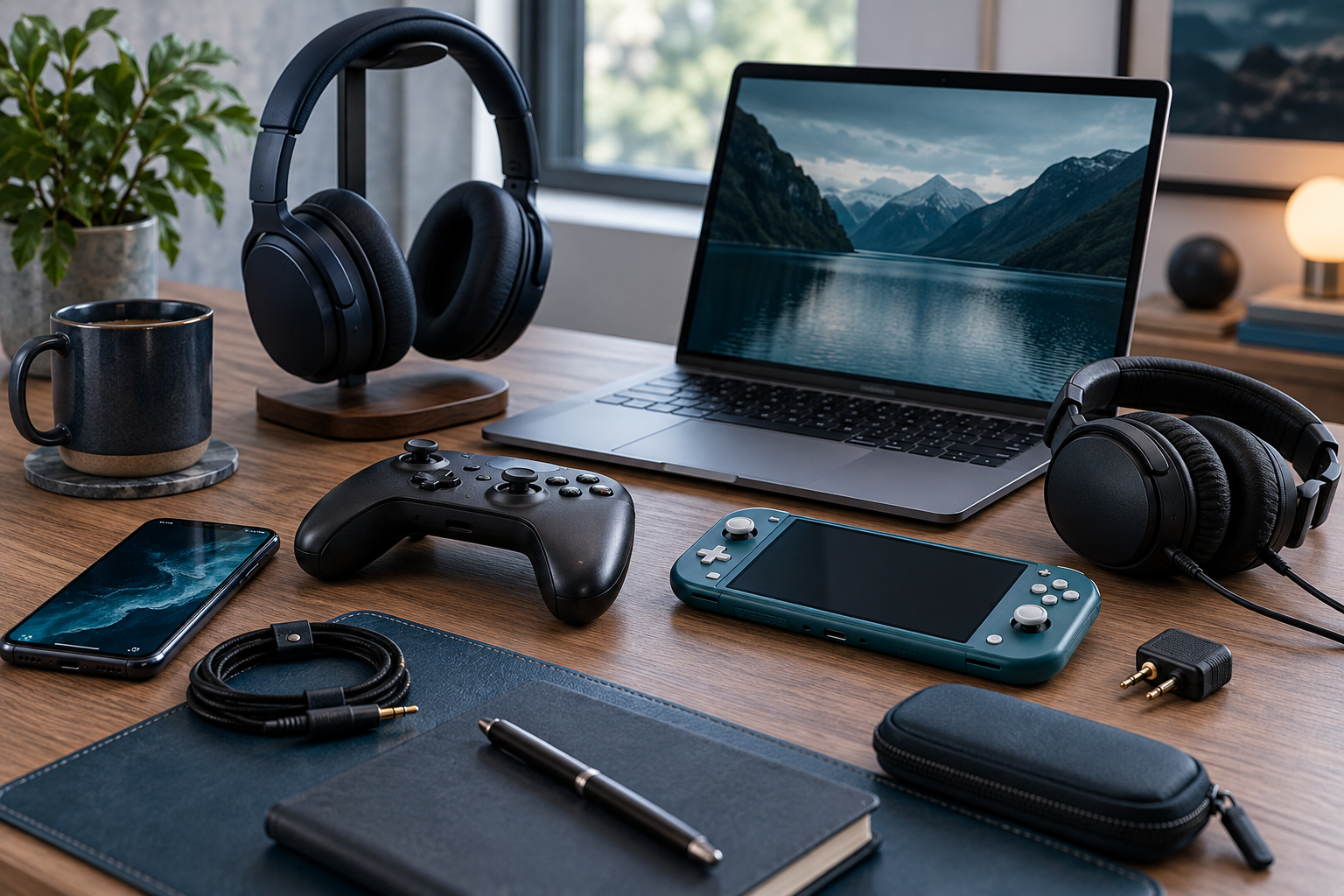
Mobile phones, computers, consoles and aircraft entertainment systems
| Equipment | Key points to check | Common misunderstandings |
|---|---|---|
| Mobile phone/tablet | Interfaces, adapters, system codecs | USB-C is bound to support all headphones |
| Windows/Mac | Audio device switching, microphone, driver | Successful pairing means that the conference configuration is correct |
| game console | Platform license, USB receiver, controller interface | Ordinary Bluetooth headsets can be used directly and completely |
| in-flight entertainment | Seat jack and Bluetooth support | It must be able to pair wirelessly on the machine |
| recording equipment | Impedance, sensitivity, interface and monitoring requirements | Consumer wireless headphones suitable for real-time recording |
MicrosoftWindows 11 LE Audio GuideThis also reflects this: in addition to operating system settings, it also needs to be compatible with computers and headphones. It should be verified as a complete device combination before purchasing, not as a read-only headphone package.
Multipoint allows some wireless headsets to stay connected to multiple devices at the same time, but switching logic, simultaneous audio, microphone priority, and supported numbers vary. It’s also not the unified experience that comes with the Bluetooth version.
07 · Power supply
Battery life, charging and wired backup

Wireless headphones need to power the wireless chip, DSP, amplifiers and active functions. The nominal battery life is usually affected by volume, codec, noise reduction, call ratio, temperature and battery aging; true wireless earphones also distinguish between a single earbud use time and the total time provided by the charging box.
”Wired-enabled” also has three different meanings: fully passive playback, plugged in but still powered on, or working only over USB digital audio. Some models turn off the microphone, equalization, spatial audio, or active noise cancellation in wired mode.
- Confirm whether the charging interface and the package contain cables.
- Ask if the battery, charging case and ear pads can be replaced.
- Check side-charging and fast-charging restrictions for longer trips.
- Factor the battery’s usability as it ages into the total cost.
08 · Daily experience
Active Noise Cancellation, Comfort and Convenience

Active noise cancellation reduces some ambient noise through the microphone and processor, and is generally more effective for sustained low-frequency sounds. Passive sound isolation relies on earmuffs, earplugs and seals. Neither is guaranteed to eliminate all voices, alarms, or sudden sounds, and should not be used without judgment when situational awareness is required.
Comfort is determined by a combination of weight, clamping force, earpad material, cavity size, earbud shape and heat buildup. Wireless doesn’t have the tug of a cable, but the battery and electronics add weight; wired is more likely to be lighter, but the cables can transmit friction noise or restrict movement.
| situation | Priority check |
|---|---|
| commuting | Noise reduction, transparency mode, portability and safety tips |
| sports | Stability, protection level, control and cleaning |
| long working hours | Clamps, earpads, microphones, sidetones and multi-device |
| travel | Battery life, charging box, foldable, wired backup |
09 · Long-term holding
Price, durability and repairability

The purchase price is just the beginning. Cables, earpads, earbuds, batteries, charging cases, and specialized receivers that need to be replaced all affect the total cost. Common failure points for wired headphones are plugs, cables, and interfaces; wireless headphones also add batteries, charging contacts, firmware, and wireless modules.
The releasable design can reduce the risk of cable damage leading to the complete device being scrapped, but the connector specifications must be continuously available. Even if the battery of a wireless product is not suddenly damaged, its capacity will gradually decrease; when it cannot be replaced, the product life may be determined by the battery rather than the driving unit.
- Check warranty coverage and local service capabilities.
- Confirm spare parts for ear pads, earplugs, cables, receivers and charging cases.
- Firmware, pairing, and asset numbers are recorded for batch deployments.
- Compare the annual usage costs, not just the first purchase price.
10 · Select method
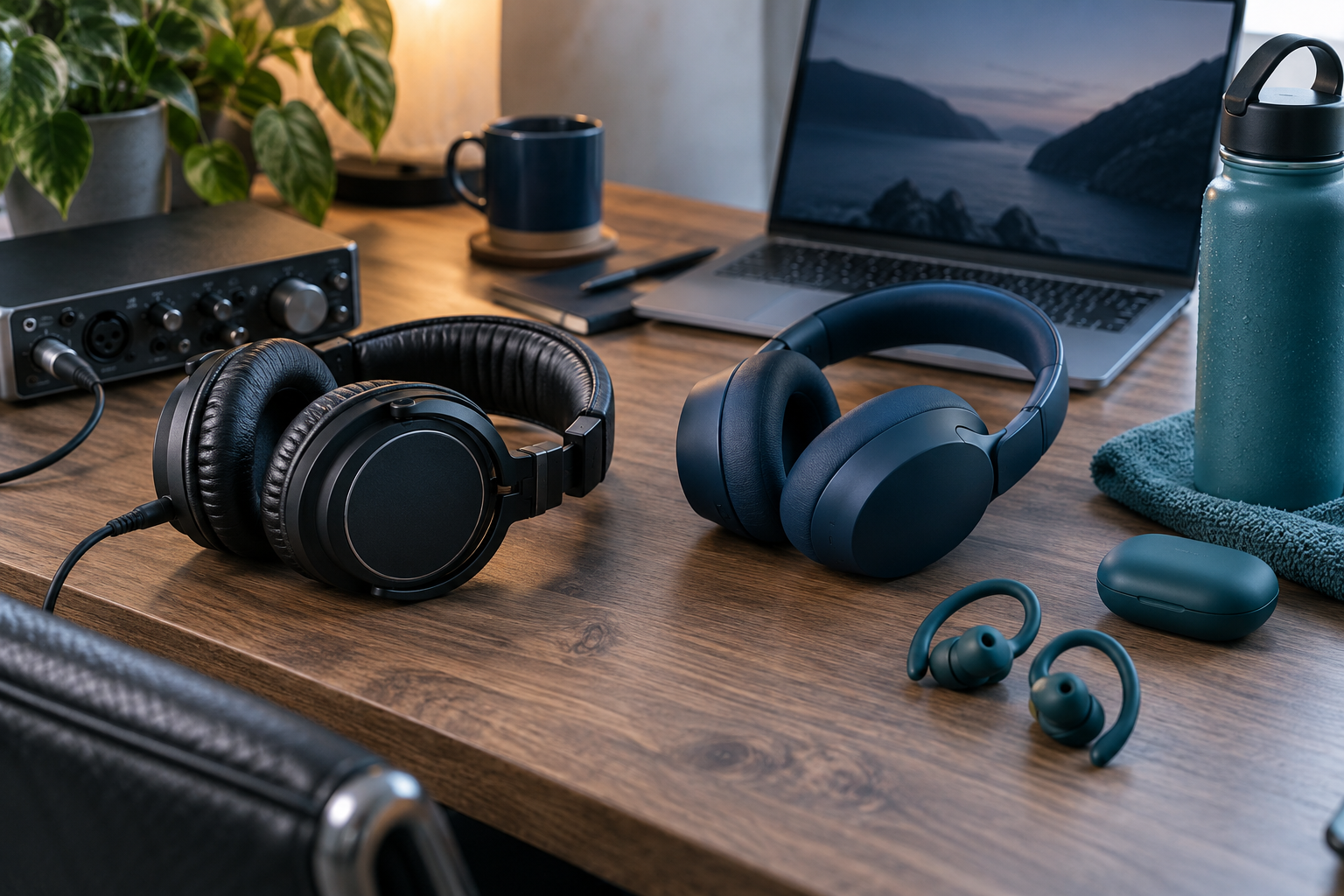
Choose headphones by scene
| Main purpose | priority direction | Must verify |
|---|---|---|
| Daily mobile music | According to interface and convenience preferences | Tuning, wearing, compatible with target mobile phones |
| business meeting | Stable microphone and control | Conference software, multiple devices, mute status |
| competitive games | Wired or dedicated low-latency wireless | End-to-end latency, host compatibility |
| commuting travel | Wireless and active noise cancellation are often more convenient | Battery life, transparency, loss and wired backup |
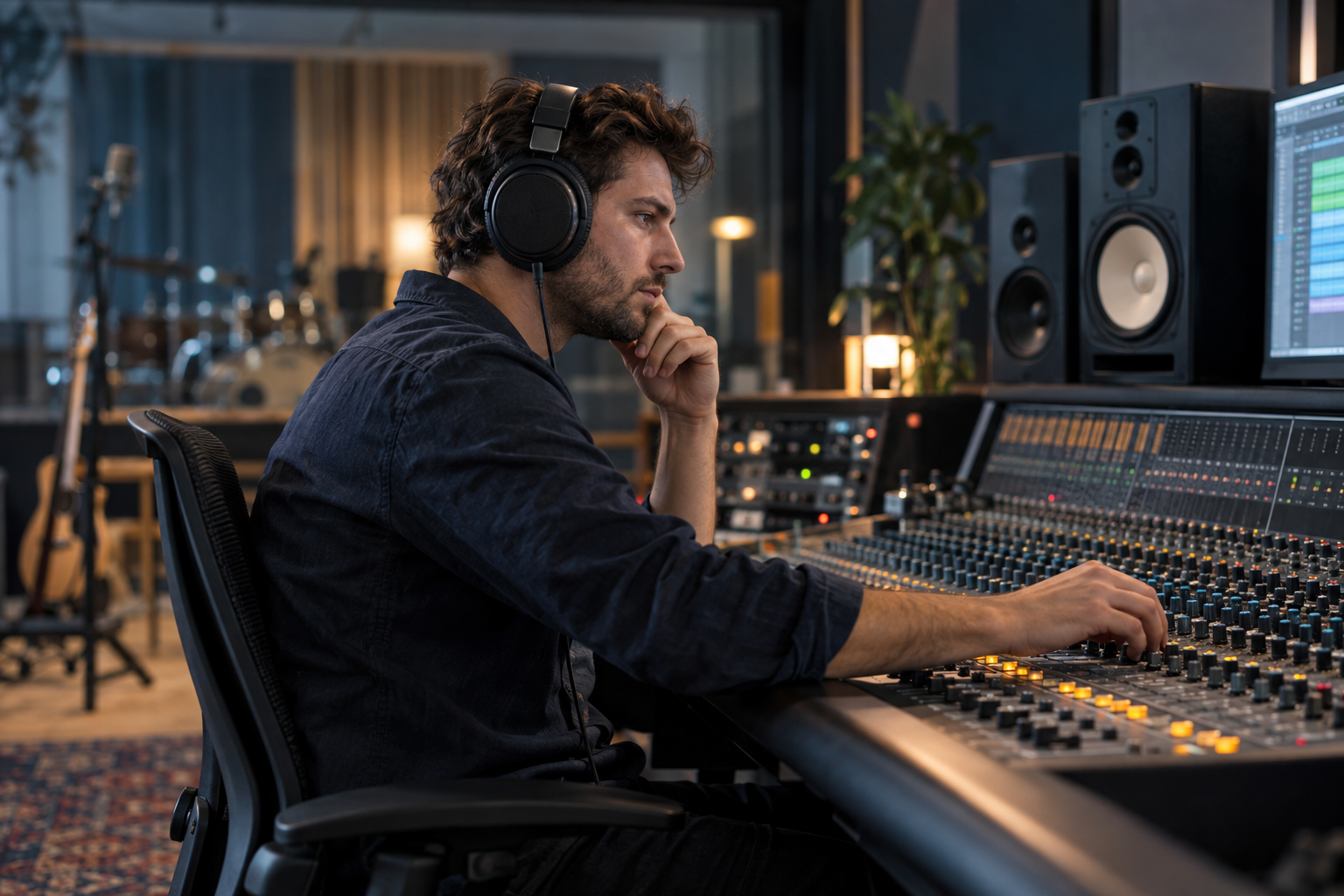
| Recording monitoring | Closed or open wired monitoring | Delay, frequency response, sound leakage and driver requirements |
Nine-item checklist before purchasing
- Determine the main equipment and systems used.
- Prioritize music, calls, games or monitoring.
- Check interfaces, protocols and commonly supported codecs.
- Test worn, sealed and real environment microphones.
- Measure latency and connection stability in target applications.
- Check battery life definitions and wired backup methods.
- Confirm accessories, spare parts, certifications and package contents.
- Compare warranty, repairs and long-term ownership costs.
- Do small batch verification before purchasing in bulk.

FAQ
Frequently Asked Questions about Wired vs. Wireless Headphones
Short answers to the most confusing questions before purchasing, using and purchasing in bulk.
Is the sound quality of wireless headphones necessarily worse than wired headphones?
uncertain. The final listening experience is determined by tuning, driver unit, wearing seal, digital signal processing, sound source and connection link. Wireless links may incorporate lossy encoding, but good wireless headphones may still suit you better than poorly tuned wired headphones.
Are wired headphones guaranteed to have no lag?
Not absolutely zero latency, but analog wired connections typically don’t have Bluetooth encoding, wireless transmit and receive buffering, so transmission latency is generally lower and more stable. USB headsets still involve digital processing and system buffering.
The newer the Bluetooth version, the better the sound quality?
uncertain. Bluetooth core releases alone cannot speak to actual codec, bitrate, LE Audio, Multipoint, or latency performance. It is necessary to check the functions supported by both the sending end and the headset end.
What are Bluetooth codecs?
It specifies how audio is encoded on the sender side, transmitted over the wireless link, and decoded on the headphone side. SBC, AAC, aptX, LDAC, and LC3 are common names, but which one is actually enabled depends on both parties’ devices and system settings.
Are wireless headsets suitable for competitive gaming?
Regular Bluetooth may cause noticeable lag. Support for a dedicated low-latency USB receiver or a proven low-latency mode is usually more appropriate; competitive scenarios should still look at actual measurements rather than just the ”Game Mode” name.
Will USB-C headphones work with all USB-C phones?
Not guaranteed. The same interface shape does not mean that it supports the same audio mode. Mobile phones, adapters and headphones may also involve digital audio, analog audio, power supply and microphone control compatibility.
Can the wireless headphones be plugged in and continued to be used after they are out of power?
Only models that explicitly support passive wired or corresponding USB audio modes will do. Some headphones still require battery-driven active processing after being plugged in, and some true wireless headphones do not have any wired playback methods.
Is active noise cancellation only available in wireless headphones?
No. Active noise cancellation requires a microphone, processor and power supply, and is not the same concept as whether the audio connection is wireless. Wireless models are more common, but wired active noise cancellation products also exist.
Should I choose wired or wireless when making calls?
Depends on microphone position, noise reduction algorithm, call configuration, software and environment. Wired boom microphones are generally more controllable; high-quality wireless office headsets are more convenient in terms of mobility and switching between multiple devices.
What is most likely to be missed when purchasing headphones in bulk?
Common omissions include target device compatibility, plug or USB mode, Bluetooth codecs, microphones and in-line controls, earcup consumables, charging methods, regional certifications, package contents and spare parts availability.

Summary
There is no single winner for everyone
- Wired generally offers a more direct, stable connection that doesn’t rely on headphone batteries.
- Wireless generally offers advantages in mobility, noise reduction, multiple devices, and everyday convenience.
- Sound quality, calls and latency must be compared between specific models and complete device combinations.
The safest way to make a decision is to first clarify the usage scenario and then conduct actual testing on the target mobile phone, computer or console. Do not substitute interface, Bluetooth version, or single codec name for full verification.
Headphone purchasing needs
Need to purchase in bulk or check compatibility?
Please specify wired or wireless type, target device, interface or codec, quantity, packaging and destination country. Do not submit account passwords or other sensitive information in forms.
Continue reading
Related mobile phone and communications guides

Android vs iOS comparison
Understand the two platforms from device selection, applications, updates and ecological compatibility.
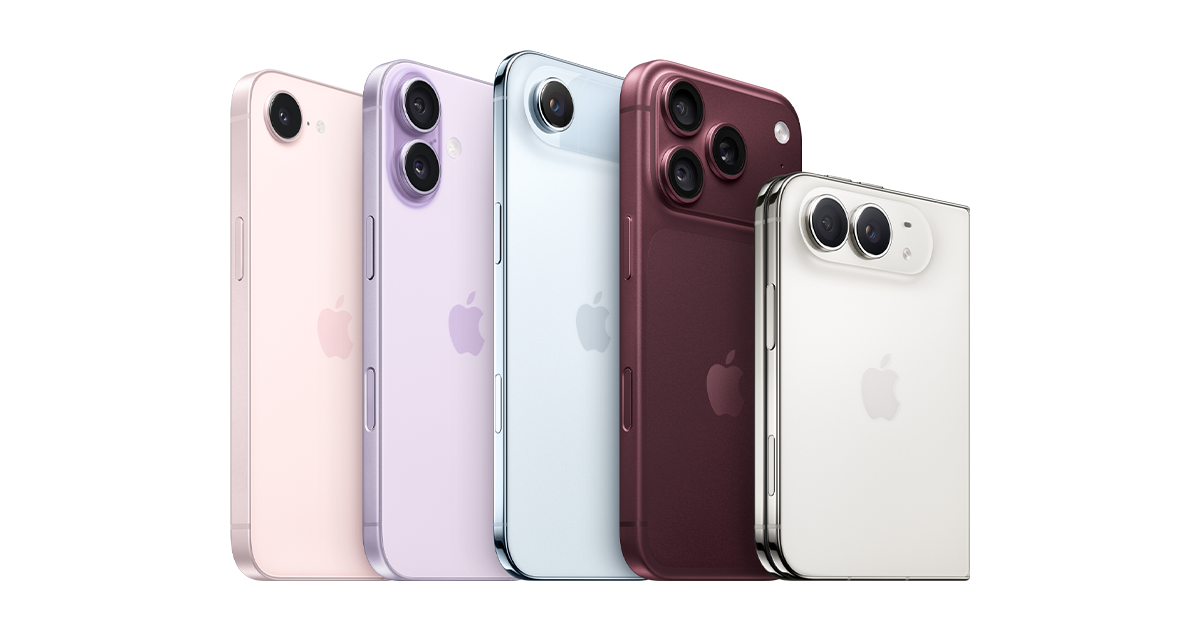
Detailed explanation of Apple iPhone models
Understand series naming, capacity, regional versions and purchasing verification points.
How does VoIP work?
Learn about voice coding, call setup, network quality, and end devices.
How does a mobile phone work?
Understand cellular wireless, telecommunications networks, SIM, and Internet data paths.