
Huawei AP Guide
Huawei AirEngine Access Points: Features and Selection
Huawei APs are wireless access points used to connect compatible mobile phones, computers, and other Wi-Fi terminals to business networks. Enterprise APs typically plug into wired switches and are managed standalone, on a wireless controller, or in the cloud when supported by the model.
Selection should not only compare Wi-Fi generations or nominal rates, but also check the usage environment, active terminals, applications, antennas, PoE, uplinks, management platforms, regional frequency bands, software and support conditions.

Quick Reference
Huawei AP Quick Reference
| question | short answer |
|---|---|
| What does AP stand for? | Wireless Access Point, wireless access point. |
| Is it equivalent to a router? | No; enterprise APs primarily provide wireless access. |
| What is AirEngine? | Huawei enterprise WLAN product brand. |
| All need a controller? | Not necessarily, depends on model, mode and software. |
| How to provide power? | PoE is commonly used, and some models also support other methods. |
| What determines performance? | Environment, client, radio, uplink, configuration and load. |

Overview
Start with your wireless network needs
Choosing an AP is more than just buying the latest Wi-Fi standard. Offices, hotels, warehouses and outdoor areas require different antenna orientations, mounting methods, power, backhaul and management capabilities.
| demand | Why is it important | should be collected |
|---|---|---|
| where to use | Determine the environment and antenna method | Floor plan, materials, floor height, indoor and outdoor conditions |
| how many active terminals | Affect capacity rather than just coverage | Peak concurrency, terminal types and growth |
| which applications | Determine latency, throughput and roaming requirements | Voice, video, office, code scanning or production services |
| existing infrastructure | Constrained power and backhaul | Cabling, PoE, switch ports and uplinks |
| How to manage | Influence controller, cloud platform and operation and maintenance | Modes, Platforms, Licensing, Support and Lifecycle |
01 · Basic roles
What exactly does Huawei AP do?
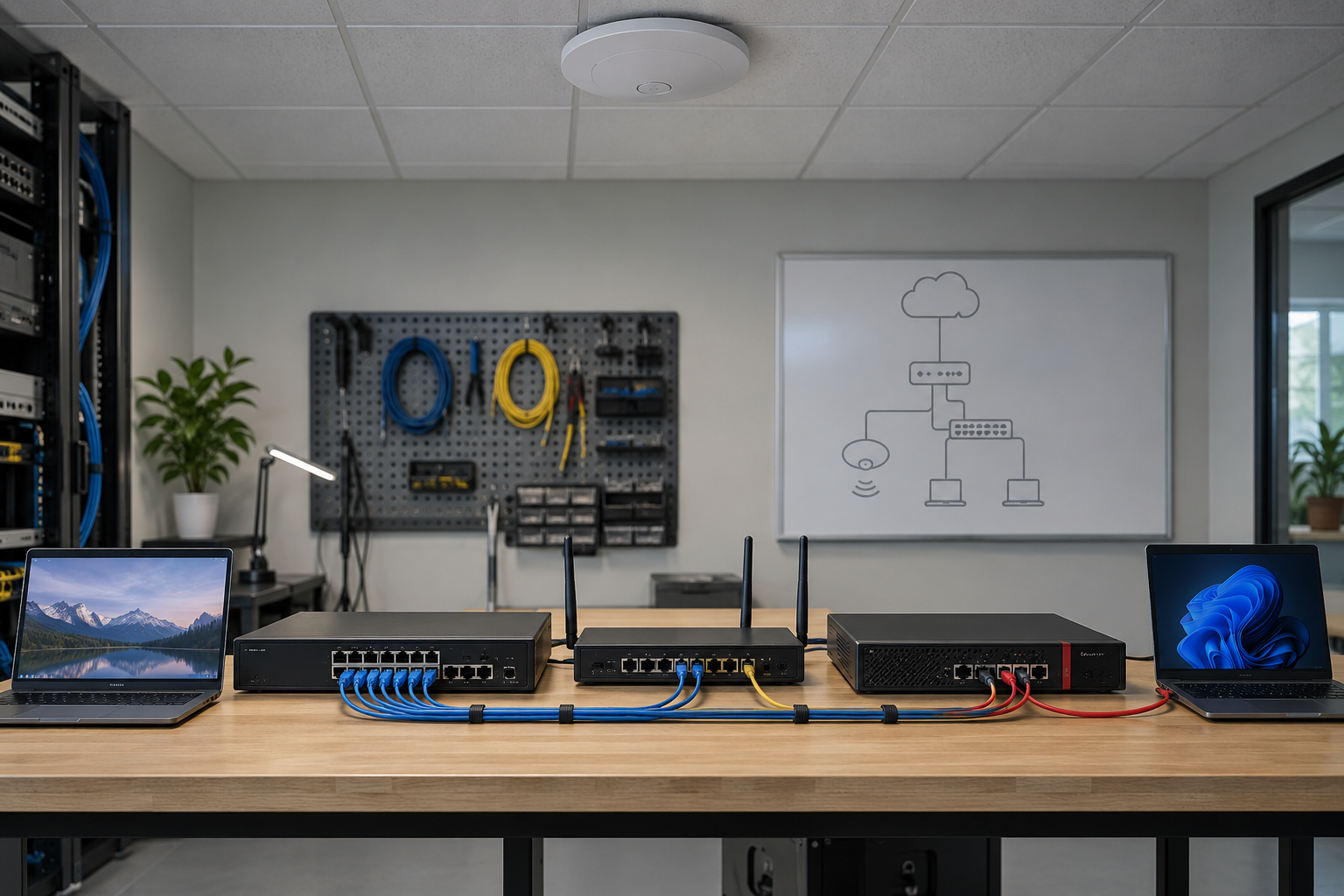
The AP forwards supported client traffic between the radio network and the wired network and performs wireless access, authentication, and radio-related functions. A common path is: Terminal → AP → Switch → Gateway → Local resource or Internet service, but it can be different for different products and forwarding architectures.
| Equipment | Main functions | Relationship with AP |
|---|---|---|
| Wireless AP | Provide Wi-Fi access | Connect wireless terminal and uplink network |
| Ethernet switch | Connect and forward LAN data | Often provides PoE and wired connections to APs |
| router | Connect to different networks and choose a path | Provides gateway or WAN routing, not to be confused with AP |
| firewall | Execute security policy and traffic inspection | Control wireless user access to other areas |
| wireless controller | Centrally manage supported Fit APs | Deliver configuration and coordinate some wireless functions |
The AP itself does not create an Internet subscription. Even though some all-in-ones include routing and security features, an enterprise AP cannot automatically be considered a full home router.
02 · Product Type
Huawei AP Types and AirEngine Product Family
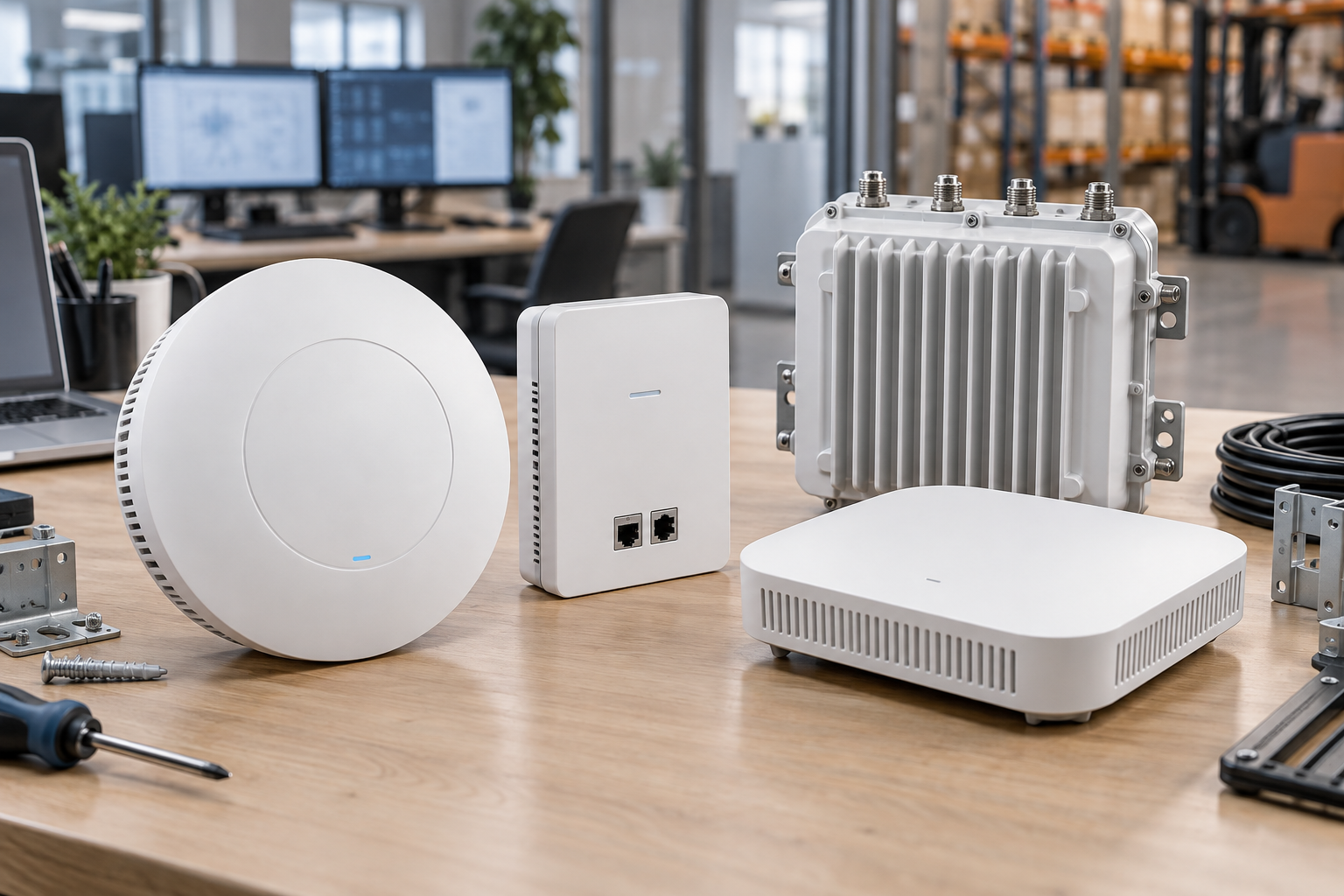
AirEngine is Huawei’s enterprise WLAN brand, and its scope also includes wireless controllers, distributed central units, and remote units. Similar names do not mean that the interface, power supply, working mode or management platform are the same.
| Category | Typical environment | Key points and examples of selection |
|---|---|---|
| Indoor ceiling AP | offices, schools, retail | Antenna, density, uplink; AirEngine 5761-21 is Wi-Fi 6 indoor type |
| Panel AP | Hotel, dormitory, private room | Installation box, downlink port, power supply; 5773-21HW is Wi-Fi 7 optical panel type |
| Outdoor AP | Park, square, warehouse periphery | Protection, surge, antenna and backhaul; 5761R-11/11E is Wi-Fi 6 outdoor |
| High capacity indoor AP | Conference, education, and high-concurrency areas | RF, spatial stream, client and uplink; 6761-22T is Wi-Fi 6E three-radio type |
| Wi-Fi 7 Indoor AP | Small and medium-sized enterprises or modern parks | Client, frequency band, power and management; 5776-26 also needs to check Leader AP support |
| Distributed AP/RU | Scenarios requiring central unit and remote radio frequency coverage | Central unit, RU, optical and electrical links and compatibility matrix |
These models are for illustrative purposes only and do not represent inventory or general recommendations. Accurate capabilities should be checked back to the product page, hardware description, version mapping and target country profile.
03 · Wireless Standards
How to compare Wi-Fi 6, Wi-Fi 6E, and Wi-Fi 7
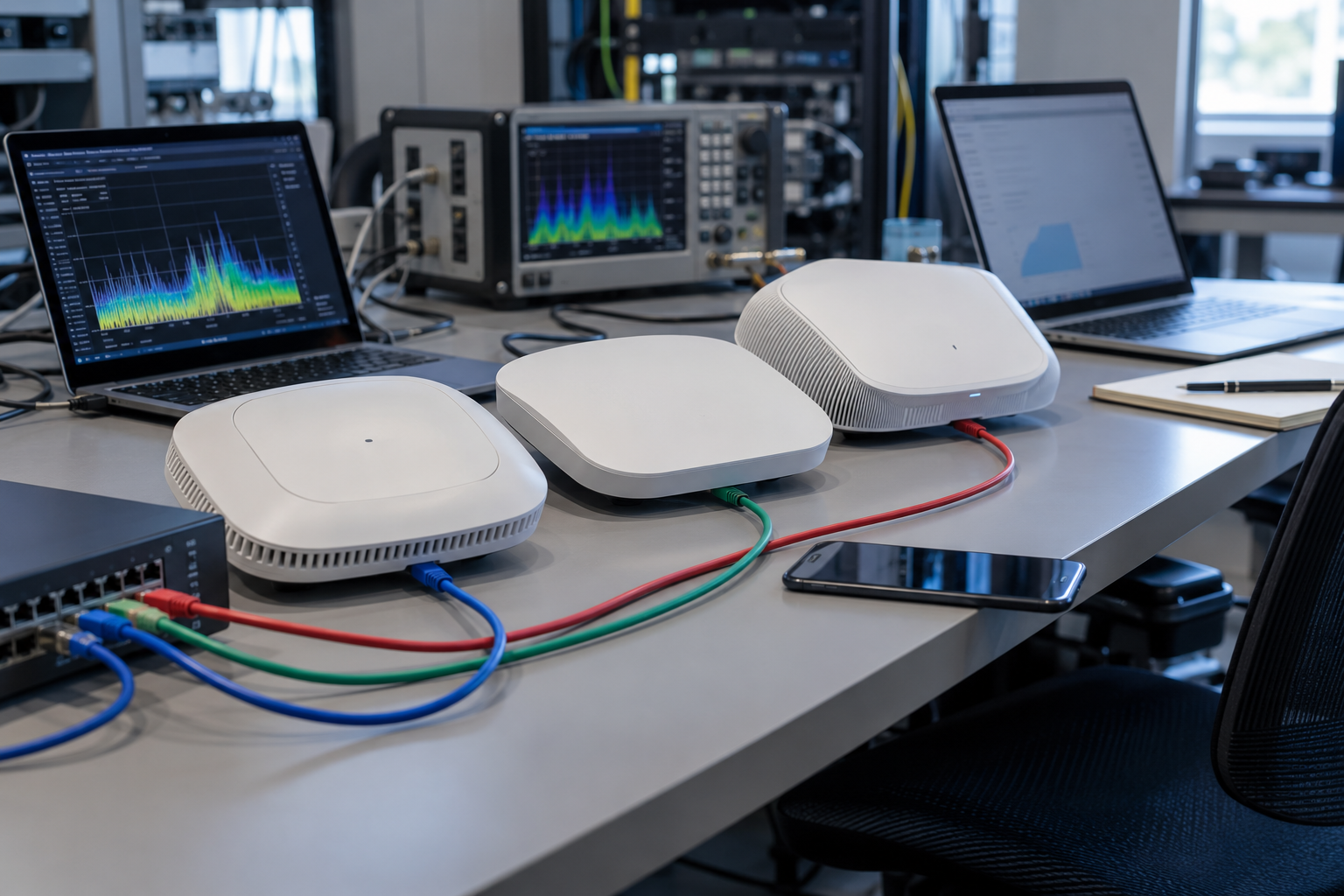
| intergenerational | standard or distinction | Potential earnings | necessary conditions |
|---|---|---|---|
| Wi-Fi 6 | 802.11ax | OFDMA, MU-MIMO, etc. improve multi-user efficiency | AP, client and configuration support |
| Wi-Fi 6E | Extend Wi-Fi 6 to 6 GHz | Increase available spectrum and reduce some congestion | Zone allowed, 6 GHz APs and clients |
| Wi-Fi 7 | 802.11be | Available MLO, wider channels and higher modulation | Functionality depends on radio frequency, software, client and regulations |
Wi-Fi 7 doesn’t automatically mean tri-band, 6 GHz, or 320 MHz. Dual-band Wi-Fi 7 APs such as Huawei 5773-21 illustrate that generations and frequency bands cannot be equated; 320 MHz also requires appropriate 6 GHz support and regional spectrum.
- Older clients can connect on bands and security settings that are supported by both parties, but they won’t get new features they don’t support.
- The benefits of OFDMA and multi-user MIMO are related to client mix, load and scheduling.
- MLO only works when the AP, terminal, frequency band, and software all support it.
- When your existing Wi-Fi 6 networks meet your needs, you don’t have to replace them all just because Wi-Fi 7 comes out.
04 · Coverage and Capacity
Coverage, capacity and real speed are not the same indicators

Coverage describes where the signal can reach; active user capacity describes the actual services that can be served; PHY link rate is the wireless connection negotiated value; application throughput also deducts protocol overhead; Internet speed is limited by external lines and servers.
| factors | Impact on experience | needs assessment |
|---|---|---|
| Walls and materials | Attenuation and Reflection | Concrete, glass, metal and shelves |
| Installation and Antenna | Change coverage direction | Height, orientation, occlusion and antenna diagrams |
| Channel and interference | Add contention and retransmissions | Neighboring networks, non-Wi-Fi interference, bandwidth and power |
| client capabilities | Limiting frequency bands, spatial streams and modulation | Terminal generation, number of antennas and drivers |
| active terminal | Shared air interface time | Concurrency rather than just number of associations |
| Wired connection | Limit aggregate traffic | GE, multi-gigabit, switching capacity and WAN |
| Application | Determine latency and throughput sensitivity | Voice, video, sync and production services |
The nominal device rate often combines multiple RF or spatial streams and is usually lower for a single client. Blindly adding APs may also increase co-channel competition; high-demand deployments should be planned according to needs and on-site surveys should be conducted, and general coverage radius or number of users per AP cannot be given.
05 · Management structure
How to choose between standalone, controller and cloud management

| way | Typical uses | Must confirm |
|---|---|---|
| Fat independent AP | small independent coverage | Model, firmware, features and roaming restrictions |
| Leader AP + Fit AP | Supported centralized management of small and medium-sized | Leader capabilities, manageable quantity, version and license |
| AC + Fit AP | Centralized control of medium and large parks | Controller model, AP mapping, capacity and software |
| Cloud Management AP | Multi-branch or centralized operation and maintenance | Platform, account, regional services, licensing and offline behavior |
Huawei’s official documentation lists Fat, Fit and Cloud as different working modes, but not every model or version can be switched freely. Platforms such as iMaster NCE-Campus must also be confirmed according to the compatibility list.
Management plane and client data forwarding are two issues: Cloud management does not mean that all user data passes through the cloud; Fit AP may also use local forwarding or controller tunneling by design. Continued service after controller or cloud loss depends on architecture, certification, and enabled features.
06 · Power supply and return
PoE, power requirements and Ethernet connectivity
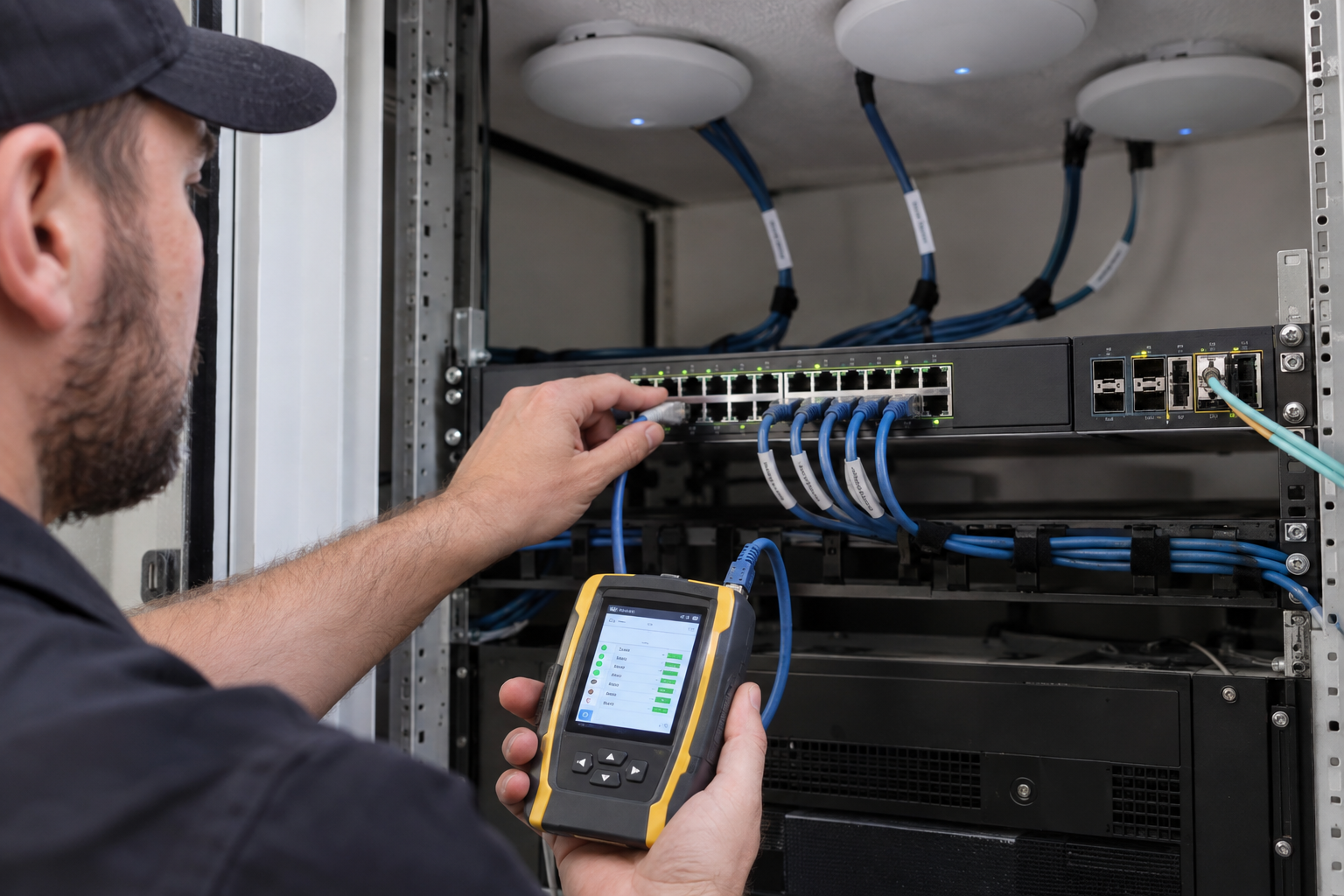
| infrastructure | Why is it important | Need to verify |
|---|---|---|
| PoE standard | Decide to negotiate power | Which level among af, at, and bt is supported by the exact model? |
| Full functional power | Low power may limit RF or interface | Normal and degraded modes explained |
| Switch power | Just because a single port is enough does not mean that a complete device is enough. | Per-port caps, total budget, and redundancy margin |
| Cable | Affects power supply, link and stability | Category, Length, Termination, Test & Environment |
| Uplink rate | May limit wireless aggregate traffic | GE, multi-gigabit or optical port and switch matching |
| Additional interface | The panel AP may have a downlink port | Port usage, speed and PoE output conditions |
The ability of an AP to start up does not equal the power required to achieve full functionality. Some models may have reduced radio frequencies, spatial streams, ports, or functions at lower PoE levels; they cannot be forced to switch to high-power mode when the power supply capacity is insufficient.
PoE input is when the AP receives power, and PoE output is when a specific device supplies power to downstream devices. The two cannot be confused. Connector appearance also does not prove power level; you must check the hardware description and budget for design loads, redundancy status, and reasonable margins.
07 · Installation environment
Indoor, panel and outdoor deployment

| environment | AP Features | Installation check |
|---|---|---|
| Offices and Classrooms | Ceiling, omnidirectional or smart antenna | Floor height, walls, user distribution and wiring |
| Hotels & Accommodation | Panel AP and room wired extension | Backbox, ports, PoE output, and furniture blocking |
| conference room | High concurrency and application sensitivity | Neighbor interference, roaming and uplink |
| warehouse | High-rise shelves and mobile terminals | Metal reflection, installation height, temperature and dust |
| outdoor area | Environmentally appropriate housing and antenna | Protection class, surge, grounding, connectors and mountings |
The IP rating does not mean that it can be used under any outdoor conditions; temperature, water inlet direction, salt spray, ultraviolet rays, lightning strikes, antennas and construction methods still need to be confirmed according to the installation guide. Indoor APs placed under the eaves do not automatically become outdoor rated.
This section is for planning purposes only. Grounding, surge protection and outdoor wiring should be performed by qualified personnel in accordance with local regulations and official installation requirements.
08 · Access security
Security, Guest Network and Roaming

| Ability | Purpose | Need to verify |
|---|---|---|
| WPA2/WPA3 | Securing wireless access | APs, clients, software, and transition strategies |
| Enterprise certification | Associate user or device identity | RADIUS, certificates, directories and troubleshooting |
| Guest access | Providing restricted network services | Portal, authentication, time limits and privacy requirements |
| VLANs and Isolation | Separate employees, visitors and equipment | Switching, routing, firewalling and client isolation |
| management protection | Limit device management plane | Accounts, sources, encryption protocols and auditing |
| Roaming assistance | Help terminal discovery and switching | 802.11k/v/r, client and controller support |
| Monitor and update | Find anomalies and fix defects | Logs, alarms, software and maintenance processes |
Creating an SSID alone does not complete network isolation. VLANs, routing, firewalls, and identity policies must also be configured at the same time. Roaming is also involved in terminal decisions, and 802.11k/v/r can only help when both parties support it and is designed correctly, but cannot promise zero interruption or absolutely no delay in calls.
09 · Interoperability and troubleshooting
Mesh, compatibility and basic troubleshooting
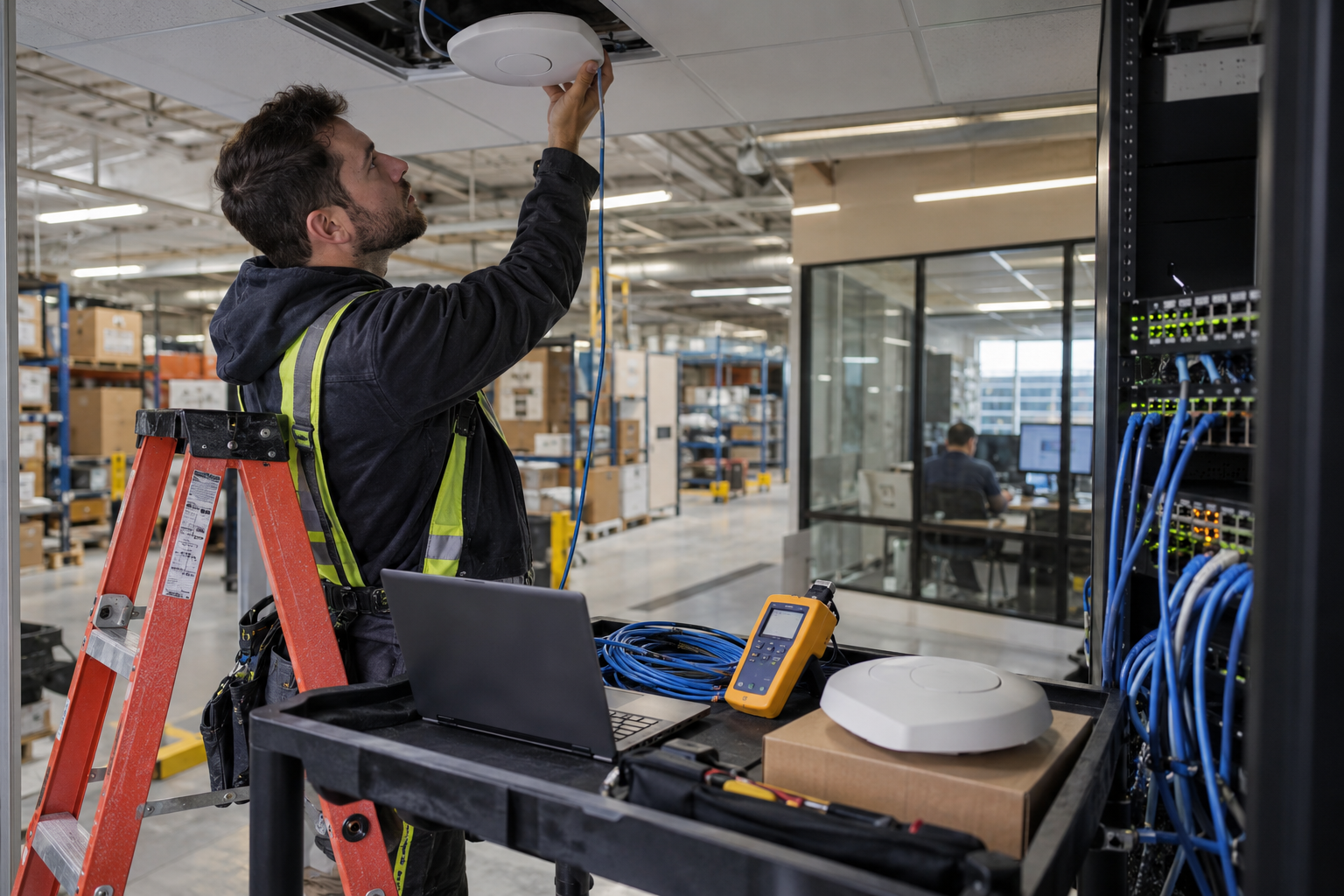
Wireless Mesh Backhaul is only available on supported model, radio, and software combinations and is not a universal repeater mode. Backhaul shares or consumes radio resources based on radio design, topology and load, and there is no fixed performance penalty that applies to each hop.
| phenomenon | Priority check |
|---|---|
| AP lights up but cannot access services | PoE class, link, address, VLAN, gateway, authentication and policy |
| Unable to join controller | Model/version mapping, discovery path, time, certificates, capacity and licensing |
| Low performance | Signal, Interference, Channel, Client, Retransmission, Uplink and WAN |
| Unstable roaming | Covers overlap, power, client behavior, secondary protocols and authentication |
| Wireless backhaul abnormality | Mesh support, upstream links, topology, signaling and RF occupancy |
| Third-party switch connection | Standard Ethernet, PoE, VLAN, MTU and link negotiation |
Standard Ethernet connections may work across vendors, but controller registration and proprietary management integration cannot be inferred from this. Basic checks should start from power supply, link, addressing, VLAN, compatibility matrix, radio frequency environment and logs to avoid blind reset in the production environment.
10 · Procurement and Substitution
Checklist for purchasing or replacing Huawei AP
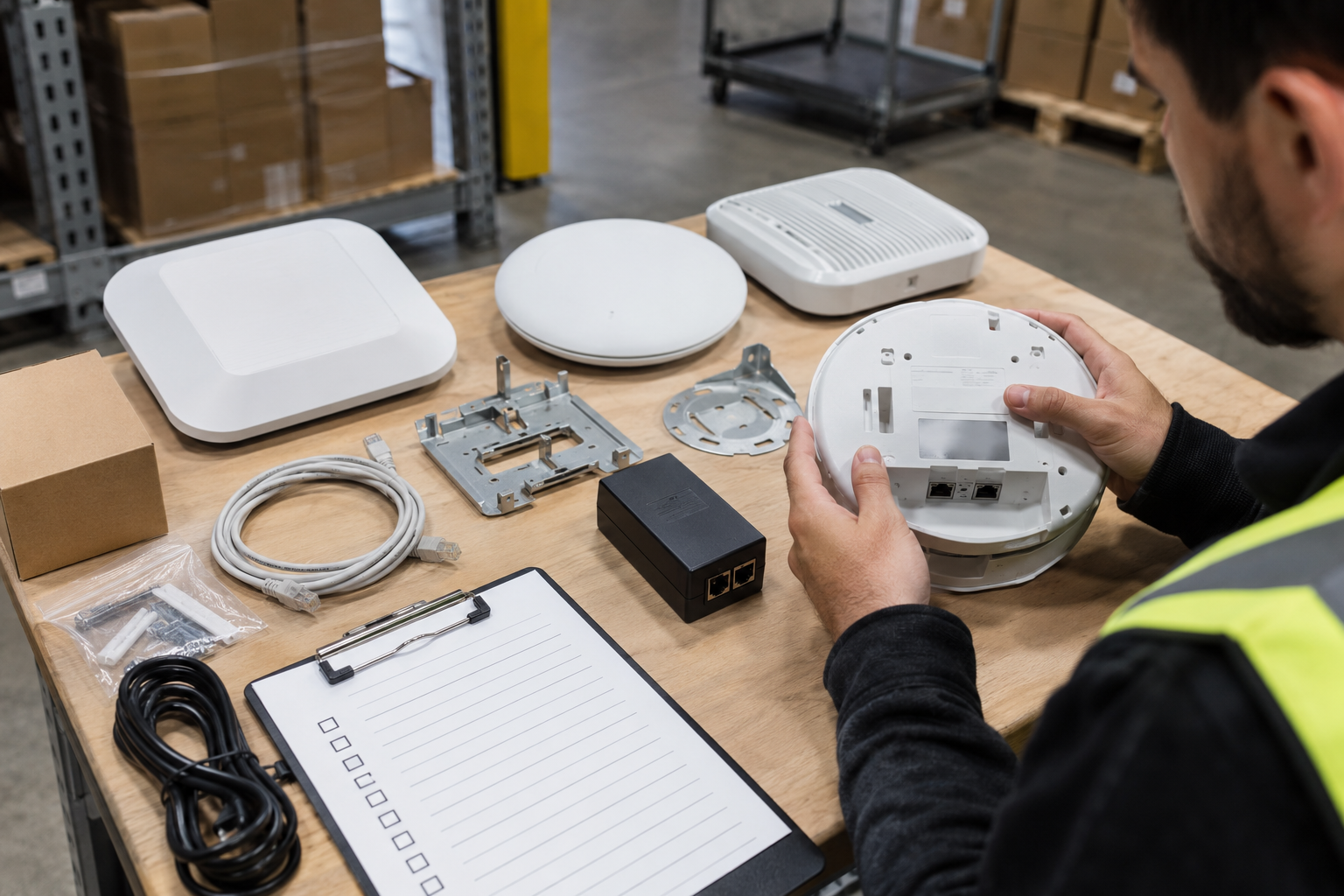
- Identify indoor, panel, outdoor or special deployment environments.
- Estimate peak active endpoint and application demand.
- Confirm full model number, suffix and regional version.
- Check that the working mode, controller and management platform are compatible.
- Confirm PoE, total power budget, and wired connections.
- Identify racks, antennas, connectors and other accessories.
- Review licensing, cloud services and ongoing operations requirements.
- Check lifecycle, software acquisition and support eligibility.
- Check the warranty, cosmetic condition, packaging and return terms.
| Cost item | need to include |
|---|---|
| APs and accessories | Equipment, racks, antennas, modules and spare parts |
| Power supply and switching | PoE switch or injector, uplinks and redundancy |
| Wiring and installation | Cabling, testing, construction and site surveys |
| Management and Licensing | Controller, Cloud Platform, Capacity and Subscriptions |
| Support and maintenance | Software, technical support, replacement and life cycle |
Used devices should also be checked for legitimate account or controller releases, software access and included accessories. Owning the hardware does not guarantee access to a cloud account, access to all firmware downloads, or inheritance of legacy services.
FAQ
Huawei AP FAQ
Answers are based on exact model, firmware, region, operating mode, and controller compatibility.
What does Huawei AP mean?
AP is a wireless access point, that is, a wireless access point. It allows compatible phones, computers, and other wireless endpoints to connect to a LAN, and enterprise APs are typically connected to a switch via Ethernet and managed using local, controller, or cloud management depending on the exact model and software.
Are Huawei APs the same as wireless routers?
Not exactly the same. Home wireless routers often combine AP, routing, NAT, firewall and Internet access functions into one device; the main task of enterprise APs is to provide wireless access, and routing and security boundaries are usually handled by other devices.
Can Huawei APs be used without a controller?
Some models and versions support Fat independent mode or Leader AP function, while others work with compatible ACs in Fit AP mode. Whether it can run independently, switch modes, and available functions must be confirmed by model, firmware, and official mapping table.
Do all AirEngine APs support cloud management?
This cannot be assumed. Cloud models, management platforms, regional services, software versions and licensing requirements are not exactly the same; remote management traffic entering the cloud platform does not mean that all client data must be forwarded through the cloud.
Does Wi-Fi 7 automatically mean 6 GHz support?
No. Wi-Fi 7 refers to 802.11be, but the specific AP may be 2.4 GHz + 5 GHz dual-band, or may include 6 GHz. 320 MHz channels also require device, client, regional spectrum and configuration support.
How many users can one AP support?
There is no single number that applies to all deployments. The maximum number of associated terminals is different from the recommended active user capacity; actual planning should be based on concurrent services, air interface occupation, client capabilities, signal quality, uplink and roaming requirements.
Can Huawei APs work with third-party PoE switches?
It may work when power supply standards, power levels, cables and ports are negotiated to be compatible, but it is still necessary to check the power required for full functionality based on the exact AP, and check the switch’s single port capability and complete device PoE budget.
Can Huawei APs use wireless mesh backhaul?
Only supported models, radio designs, software versions and networking methods can be used. Mesh is not a common relay mode for all APs, and backhaul will also occupy wireless resources based on topology and load.
Why is the actual speed lower than the nominal wireless rate?
Nominal values may incorporate multiple radio frequencies, spatial streams, or theoretical link rates. Single terminal capabilities, distance, interference, channels, protocol overhead, wired ports, Internet bandwidth, and application servers all limit true throughput.
What should I check before buying a second-hand Huawei AP?
Check the complete model, regional version, appearance and interface, accessories, racks, power supply requirements, operating modes, controller compatibility, software acquisition, cloud account release, life cycle, support eligibility, warranty and return conditions.
Summary
AP selection around network and users
- Match AP type to physical environment and application requirements.
- Completely check the power supply, uplink, client and management conditions.
- Compare the exact model and support schedule, not just the wireless speed.
Reliable Wi-Fi depends as much on APs as on site surveys, cabling, radio planning, switching networks, security policies, and ongoing operations. Ultimately, a complete solution that is deployable, manageable, and supportable should be verified.
Procurement consultation
Need help identifying your Huawei AP?
Please describe the usage environment, existing models or replacement needs, and indicate expected active users, management platform and available PoE devices in Your Request. Please do not submit passwords or full production configurations.
Related Reading
Related network guides
Continue to learn about the equipment that provides power, uplinks, security boundaries, and service carrying for enterprise wireless networks.
Detailed explanation of Huawei switches
Understand access switching, PoE budgets, uplink capacity, and compatibility requirements.
Detailed explanation of Huawei firewall
Learn how traffic policies, network segmentation, and security inspections support enterprise networks.

What is telecom equipment?
Explore the major devices used for network access, transmission, routing, and communications.
How does VoIP work?
Understand the importance of voice traffic as well as network quality and roaming behavior.